How to Install .NET 11 (Preview so far) in Ubuntu via PPA

This tutorial shows how to install the latest .NET 11.0.0 (preview so far) runtime and/or SDK in Ubuntu 22.04, Ubuntu 24.04, and Ubuntu 26.04 via DEB package.
Version 11 of Microsoft’s open-source .NET developer platform is currently in preview. The final release is expected in November 2026.
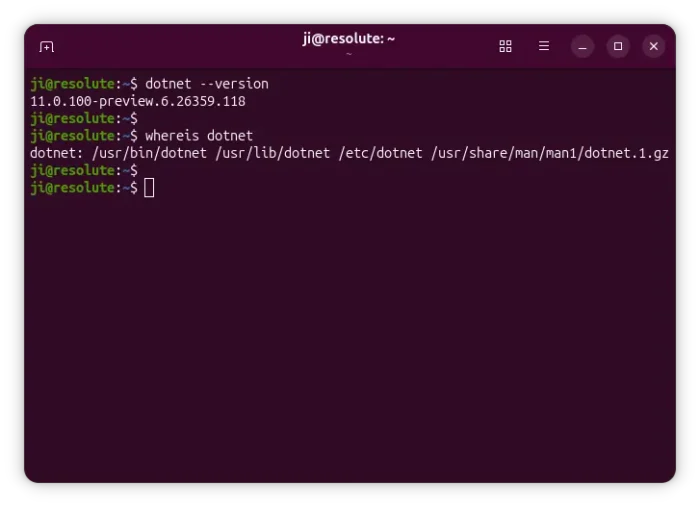
.NET 11 is primarily a performance and developer-experience release, with particularly significant work on async execution, JIT/AOT optimization, SIMD, networking, JSON, testing, and C# 15.
Microsoft provides a what’s new page for detailed changes about .NET 11, as well as the official packages for Linux, Windows, and macOS.
For Linux, it’s portable tarball that includes executable file and runtime libraries.
Without manually set up environment variables, Ubuntu user may also choose install the snap package in edge channel from App Center (or Ubuntu Software).
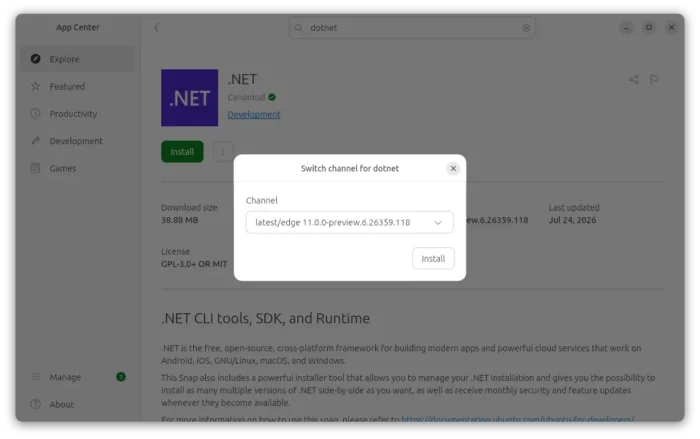
For those who prefer the native .deb package, here’s also an “official” PPA available for choice.
The PPA is maintained by the developer who is behind the official Ubuntu-provided .NET packages (both snap and deb). And, it so far support Ubuntu 22.04, Ubuntu 24.04, Ubuntu 26.04 and the upcoming Ubuntu 26.10.
Install .NET 11 Preview from PPA
NOTE: .NET 11 is so far available for testing purpose. It’s NOT ready for production use!
To add the PPA, press Ctrl+Alt+T on keyboard to launch a terminal window and run command:
sudo add-apt-repository ppa:dotnet/previews
Type user password (no asterisk feedback) when it asks and hit Enter to continue.
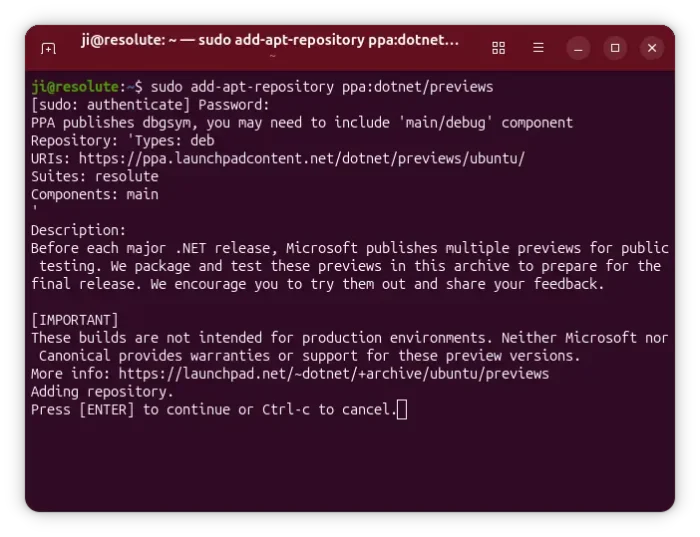
Next, refresh cache if you follow this tutorial on Linux Mint. While, Ubuntu now does it automatically after adding a PPA:
sudo apt update
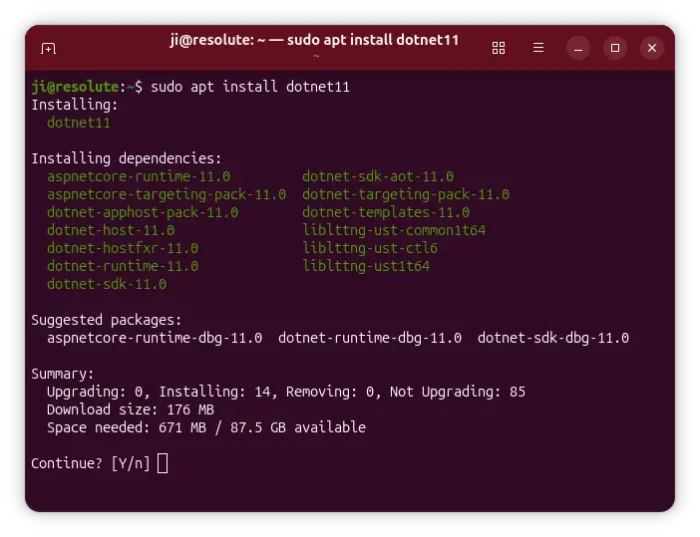
Finally, install .NET deb package by running command:
sudo apt install dotnet11
This command will install both the SDK and run-times, while you may replace dotnet11 with dotnet-sdk-11.0, aspnetcore-runtime-11.0, or dotnet-runtime-11.0 to install only the sdk or runtime as you prefer.
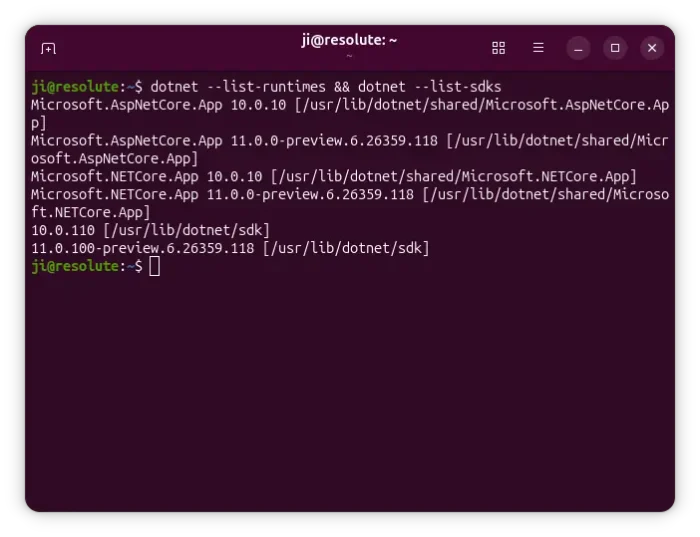
If you also have .NET 10 or older versions installed on your system, then you have multiple SDK or run-times. To check them, use command:
dotnet --list-runtimes && dotnet --list-sdks
Then you may choose a runtime via dotnet -r <RUNTIME_IDENTIFIER> or select SDK by using global.json file.
{
      "sdk": {
        "version": "10.0.10"
      }
    }
Uninstall:
To uninstall the .NET 11 deb package installed from PPA, open terminal (Ctrl+Alt+T) and run command:
sudo apt remove --autoremove dotnet11 aspnetcore-runtime-11.0 dotnet-runtime-11.0 dotnet-sdk-11.0
Then, remove the PPA repository either by “Software & Updates” utility under “Other Software” tab (for Ubuntu 24.04 and earlier), or by running command below in terminal:
sudo add-apt-repository --remove ppa:dotnet/previews
For Linux Mint, either use Software Sources to remove PPA, or run sudo apt update afterward to refresh cache.
Source: UbuntuHandbook