GNOME 51 Beta Released! Finally Added “New Document” Menu Option

GNOME 51, the Linux desktop to be default in next Ubuntu 26.10 and Fedora Workstation 45, is now available for Beta testing!
The new version of this popular Linux Desktop environment introduced many exciting new features, various fixes, and other improvements.
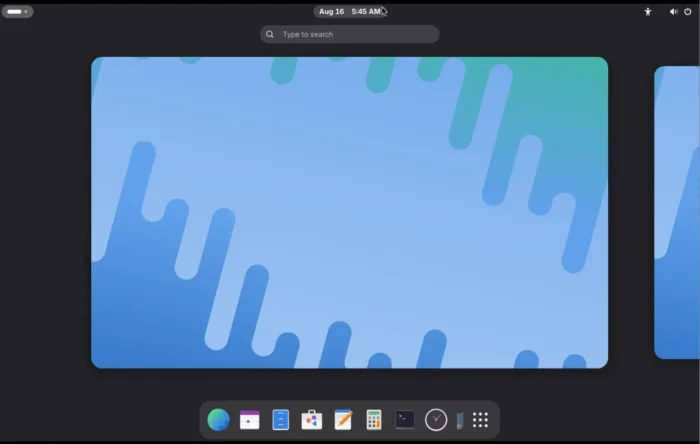
Gnome Shell / Mutter
First, the release added support for the ext-background-effect-v1 Wayland protocol in both Mutter compositor and GTK4, giving apps a standard way to apply background blur to specific regions of app windows.
For laptops, it added support changing the display while typing timeout, allowing to configure the timeout value for how long a touchpad stays disabled after typing by using GSettings schema key.
It now allows to use a mouse button to trigger scrolling, rather than requiring the physical scroll wheel. And, it supports configuring the focus ring (the visual outline/highlight showing which UI element currently has keyboard focuss) visibility timeout.
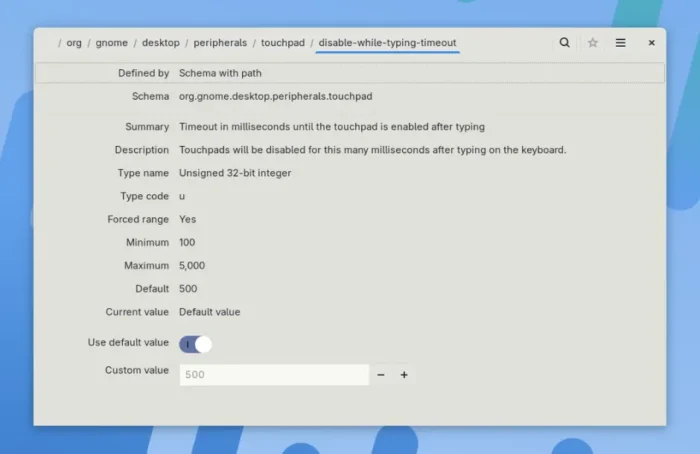
Configure Disable while typing timeout via Dconf Editor
This Beta also added initial support for reduced-motion setting, an accessibility feature that minimizes potentially distracting or uncomfortable visual movement and animations.
It as well introduced new fingerprint management interface, a setting to disable focus timeout, and icons in the default-apps drop down options.
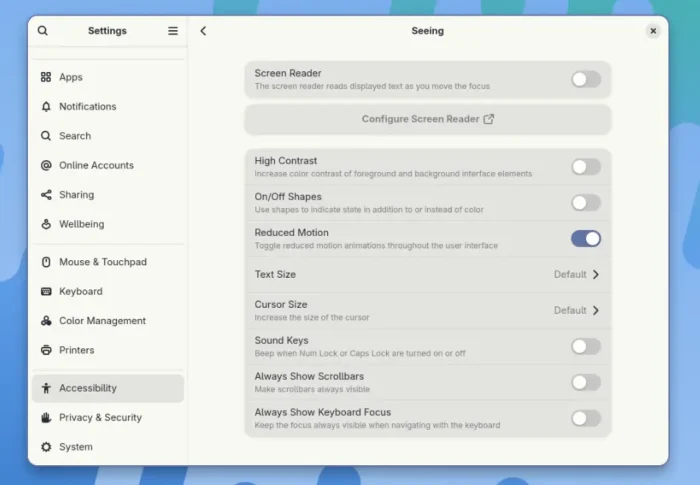
initial Reduced Motion support
Image library
Glycin, the image loading backend, now provides APIs to read and modify the DPI/pixel-density metadata of PNG, JPEG, and TIFF images, both internally and through libglycin.
It now recognizes and handles XMP metadata embedded in GIF, TIFF, and WebP images. And, the image-rs image-processing library now supports loading/decoding images in the Radiance HDR format.
It also supports conversion of pixel densities between different units, allows apps to opt out of its automatic ICC-profile-to-sRGB conversion, preserving the image’s original color space. And, it now provides option to disable sandboxing for testing.
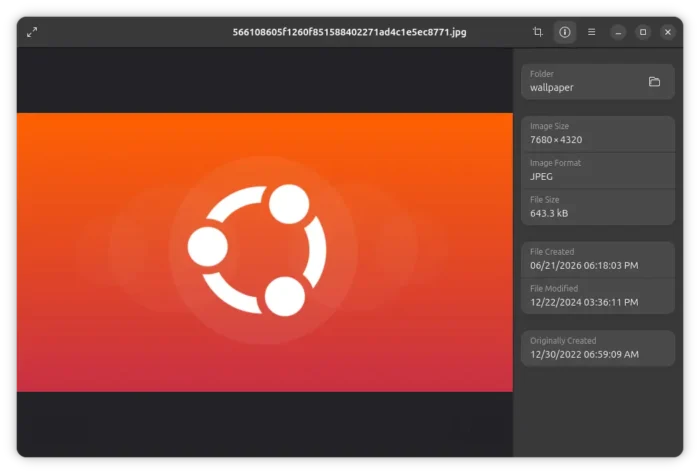
And, the default Loupe image viewer application can now show a human-readable description of an image/video’s color profile.
Files
GNOME Files, aka Nautilus, finally provides an out-of-the-box “New Document” context menu option, allowing user to right-click on blank area and choose to create an empty document.
While, experienced users can also create or save other type of files in user’s Templates folder, so it will allow to quickly create new documents in docx, python, and other formats that user prefer.
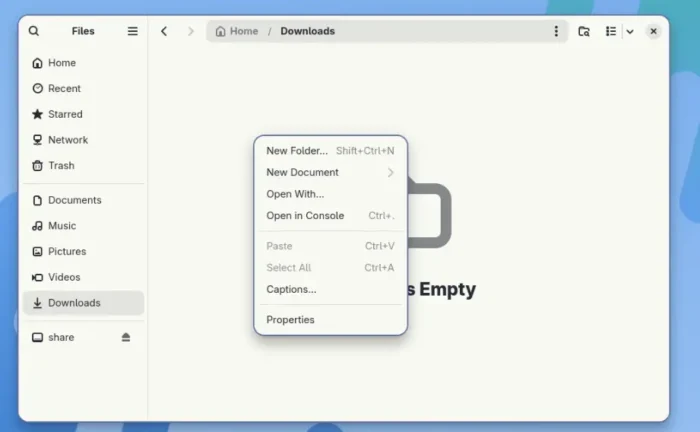
GNOME Files finally provides graphical option to create new documents
In addition, locations from other apps now open in Nautilus in new tabs by default. And, the sidebar width limit has been adjusted to be more adaptive.
Others
The Orca screen reader now supports user extensions/plugins. And, text displayed or spoken by an extension can now be translated into different languages.
It now lets users configure how the synthesized speech changes its vocal expression or emphasis. And, the sleep mode can now be enabled automatically for specific applications.
GNOME File Previewer, aka Sushi, has been ported to GTK4 + LibAdwaita with modern interface.
It now supports double-click maximizing in image preview, context menu in HTML preview, XHTML and more mime types support for LibreOffice viewer, as well as overhauled document plugin API.
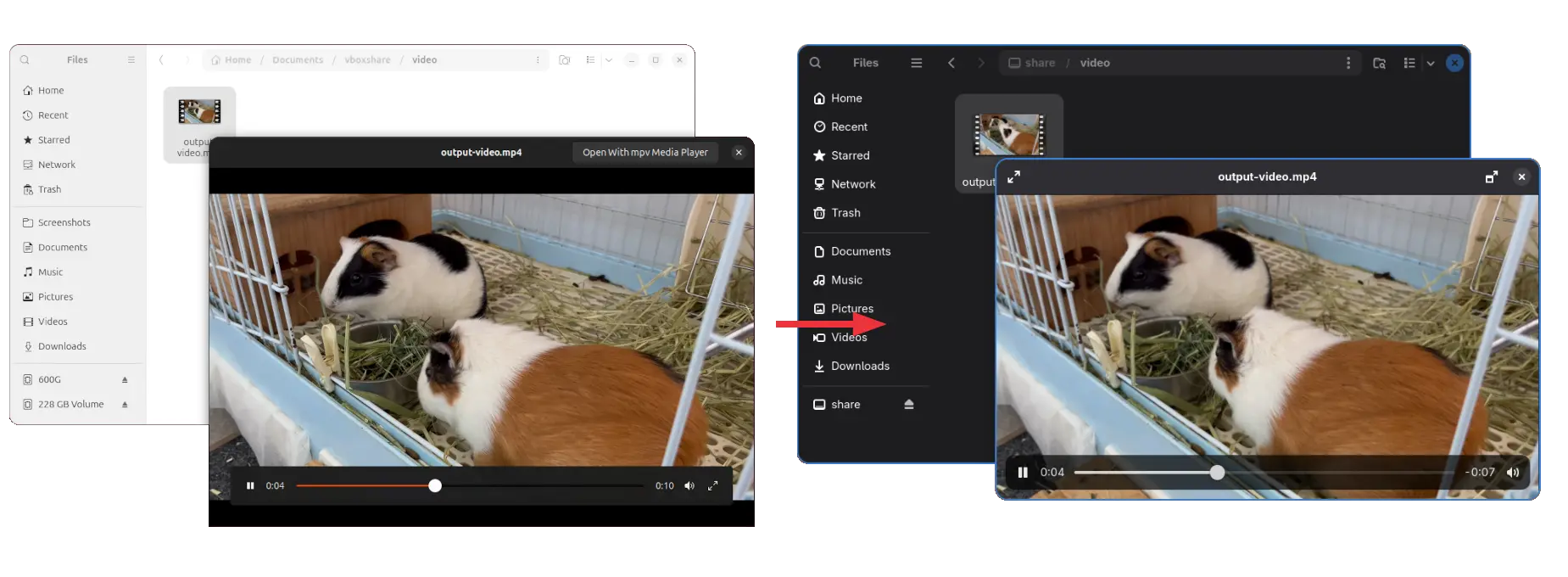
GNOME Sushi file previewer
Other changes include SVG-based cursor implementation that features better support for HiDPI displays and easier cursor theming, as well as:
- New D-Bus properties to tell session type and session lock or not.
- Add support for web login and unified auth mechanism.
- Gsettings option to control the screen-orientation lock.
- Initial support for systemd-homed accounts in the initial setup.
- Automatically unmount certain virtual filesystem locations when they are no longer needed.
Compare to v50, there’re as well some big ones in the last GNOME 51 Alpha:
- Removed the code for legacy NVIDIA drivers support.
- Option to turn off local greeter sessions.
- Option to disable a touchpad when a mouse is plugged in.
- Support changing touchpad scroll speed via dconf key.
- For more, see this page.
Get GNOME 51 Beta
The official announcement, which includes the changelog and live image for testing, is available in GNOME Discourse via the link below:
Without trying out the GNOME OS image, Arch Linux has included GNOME 51 Beta in its GNOME Unstable repository, Fedora also added it for the next 45 Workstation.
And, Ubuntu will soon build GNOME 51 Beta for the next Ubuntu 26.10 release.
Source: UbuntuHandbook