Liferea News Reader 2.0 Released with GTK4/LibAdwaita Port

Liferea, the reliable and lightweight Linux Feed Reader, released new major 2.0 version a day ago.
The new version of this more than 20 years old application is finally ported to GTK4 + LibAdwaita, with a modern user interface that’s well integrated with recent GNOME desktops.
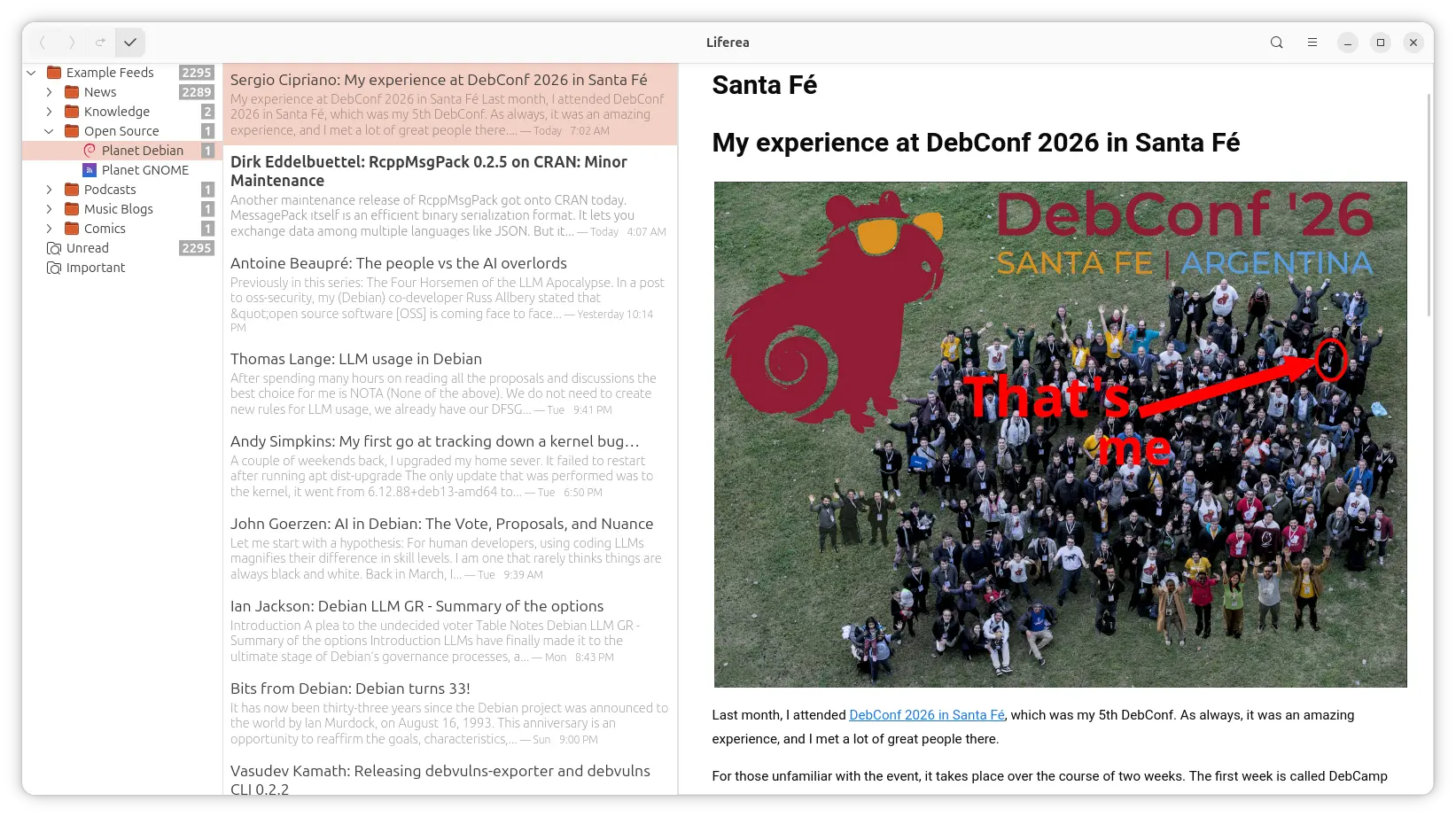
The app now features a CSD header-bar that includes only a few navigation buttons, while most others are merged into hamburger menu (≡).
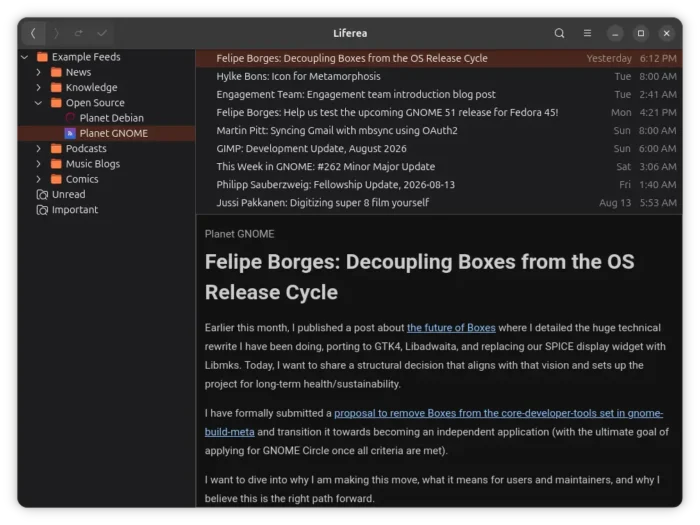
It still changes its UI automatically between 3-panel, 2-panel, and even single pane layout according to window size. And, it switches between light and dark mode automatically depends on system color scheme.
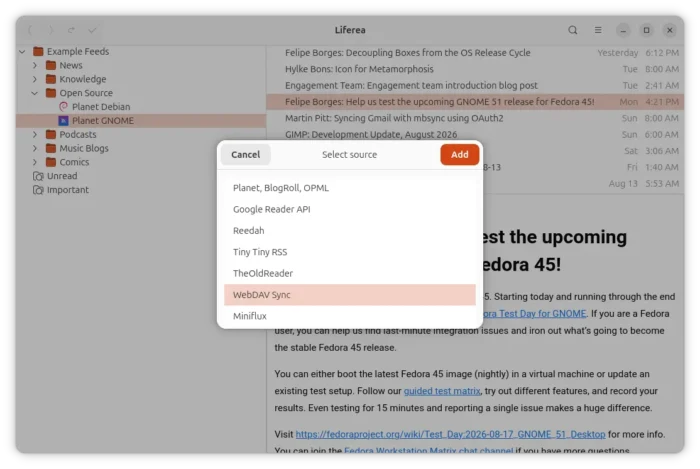
Besides adding source from Planet, BlogRoll, OPML, Google Reader API (e.g., TheOldReader, FeedHQ, and Miniflux), Reedah, Tiny Tiny RSS, the new version also added WebDAV source support to get RSS subscriptions from a remote WebDAV server.
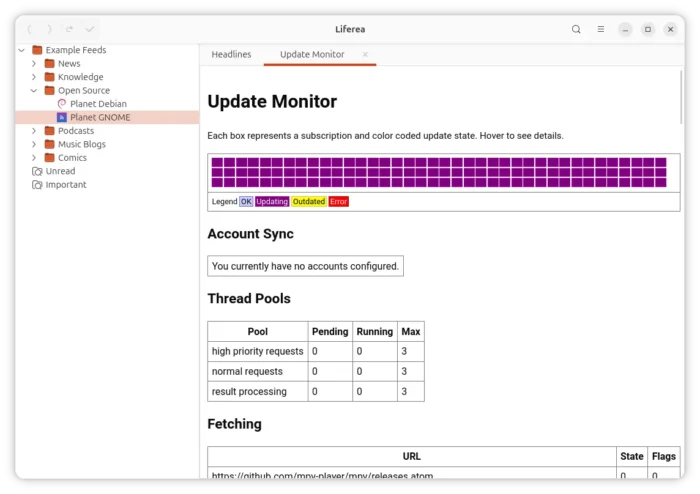
To improve performance, the unread count numbers are now lazy updated in every 500 ms. The update monitor has been overhauled that gives deeper insight into the background updating and node source synchronization.
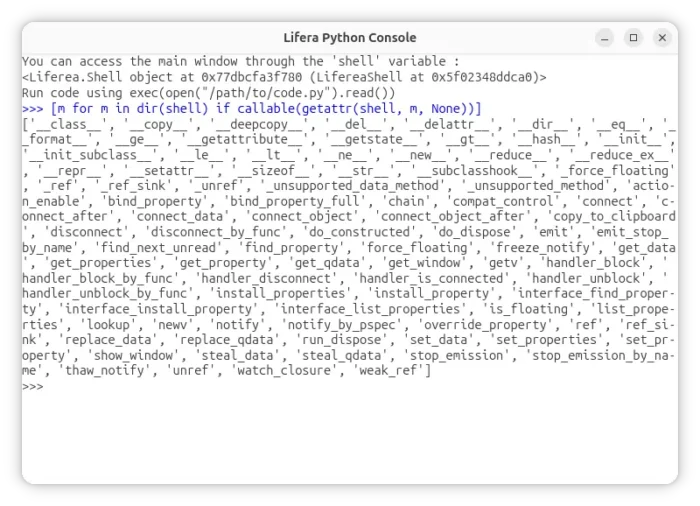
This version also introduced a new Python Console plugin for advanced users or developers to interact with the application window.
Other changes in Liferea 2.0 include:
- Reduced feed list mode is not supported anymore.
- Remove status bar in favor of raising toasts.
- Tray icon has lost the ability to indicate the unread counter.
- Ability to make search folders show the total count instead of the unread count.
Get Liferea 2.0
The official release note as well as the source tarball are available in Github source page via the link below:
Fedora Rawhide has already include the new Liferea release in its repository, while, other users may wait for either their distribution updates or the community maintained Flatpak package.
For Ubuntu 26.04 LTS, you may try building it from source via the steps below one by one:
- Install build depends:
sudo apt install build-essential meson gsettings-desktop-schemas-dev, libgtk-4-dev, libadwaita-1-dev, json-glib-tools, libjson-glib-dev, libxml2-dev, libxslt-dev, libwebkitgtk-6.0-dev, libpeas-2-dev, intltool, libgirepository1.0-dev
- Download the source tarball, extract, and open the source folder in terminal.
- Finally, run the commands below one by one to compile and install it.
meson setup build --prefix=/usr/local
meson compile -C build
sudo meson install -C build
Source: UbuntuHandbook