gThumb 4.0 RC Released with Improved Touchpad Support

gThumb, the GNOME image viewer and organizer, released the Released Candidate for the next 4.0 major version.
As you might know, gThumb 4.0 is the next major release that features GTK4 plus LibAdwaita port for a modern user interface looks native in recent GNOME desktop.
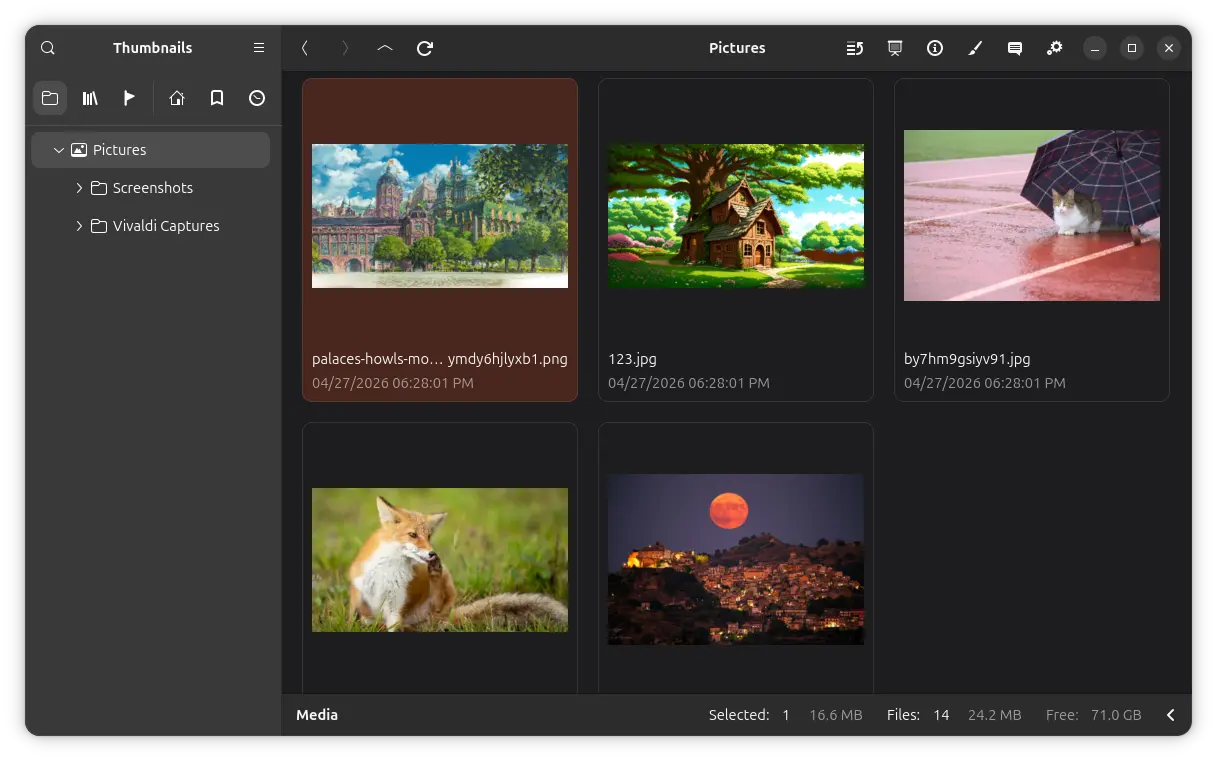
gThumb 4.0 RC
Since the last Alpha, it also supports playing WebP and PNG animations and saving image as JXL, allows to the quantity of the applied filter for many filters, and adds ability to add censor to pixelize or blur an image area.
With the new RC release, gThumb is now more touchpad friendly.
User can now use two-finger swiping left/right gestures to navigate to the previous or next image in both the viewer and slideshow (presentation) modes. While Left/Right keyboard keys can also do the some job navigating to previous/next file.
According to the NEWS file, this RC also added pinch gesture support to zoom images in viewer mode, though the feature seems already available in the current 3.x version.
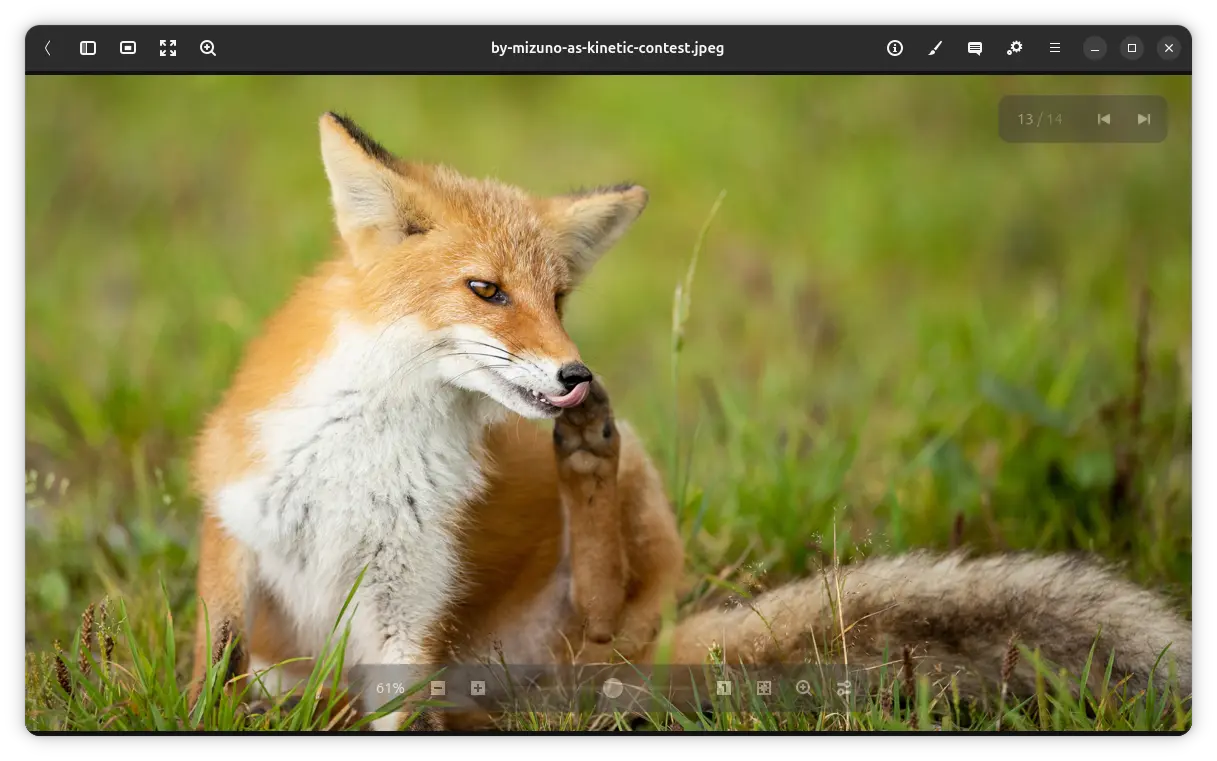
gThumb image viewer
In addition, the slideshow (presentation) mode now displays a simple fade-in animation when switching images. The editor now uses the first frame for the animated images.
For video files, the metadata section now shows more information, including the frame-rate, channels and sample rate.
And for mouses with side-buttons, you can now use the mouse buttons to navigate back and forward in the left folder tree, and go previous/next in the image viewer mode.
Other changes in gThumb 4.0 RC include:
- Create icon from the thumbnail when drag’n’dropping an image source.
- Swap video’s width and height metadata when the video is rotated.
- Fix memory leak in image viewer.
- Translation updates.
Get gThumb 4.0 RC
The source tarball as well as the changlog (NEWS) are available in Gitlab project page via the link below:
Besides building from the source, Fedora has made gThumb 4.0 (beta so far) into the next 45 and Rawhide repositories. And, Ubuntu 26.04 user may try it out through this unofficial PPA.
Source: UbuntuHandbook