GNOME Added Support Resizing / Moving Screenshot Selection via Keyboard

GNOME, the popular Linux Desktop, finally added keyboard navigation support for its built-in screenshot UI in the main branch.
Meaning if everything goes well, the next Ubuntu 26.10, Fedora 45 Workstation and other Linux with GNOME 51, will be able to use keyboard arrow keys to move or resize the screenshot selection area.
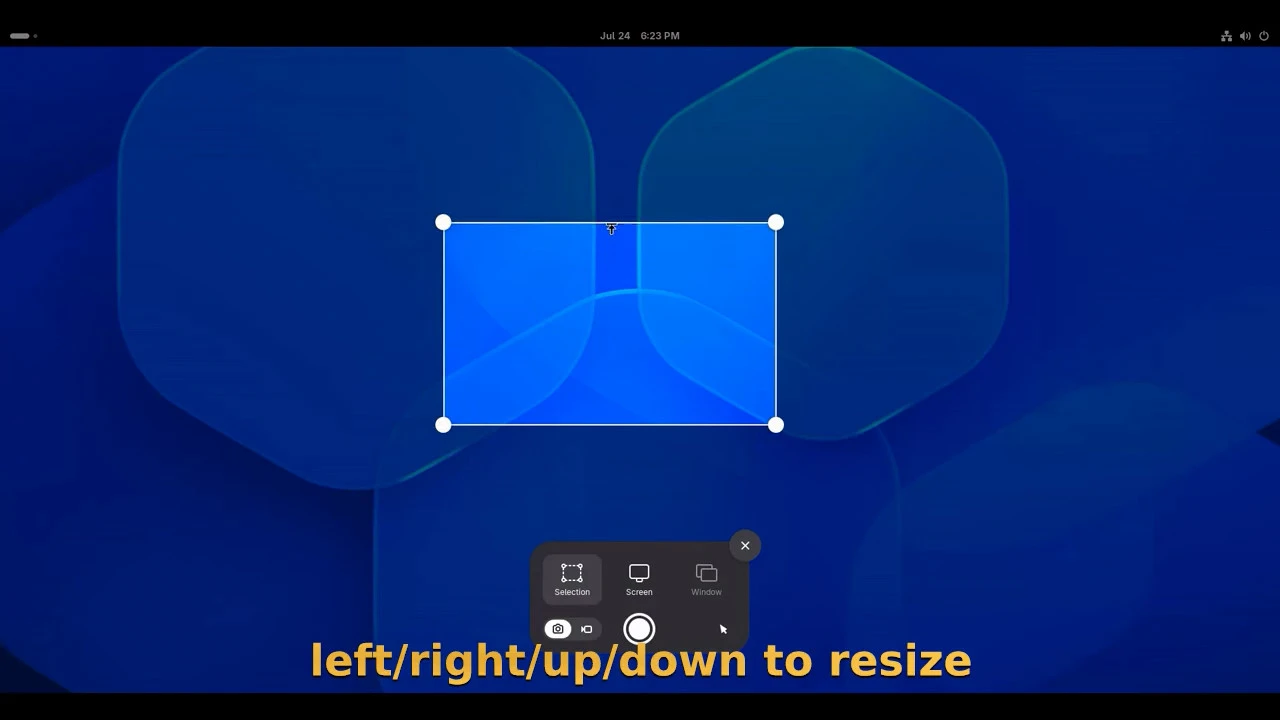
use arrow keys to move/resize the screenshot selection area
As you know, GNOME since version 42 has a built-in screenshot/screencast UI that can be triggered via either PrintScreen key or top-right quick settings menu.
The developer team continues improving the feature with enhanced performance and hardware acceleration support. A contributor started working on keyboard navigation support on the selection UI 7 months ago. Now, it’s finally merged into the main branch.
With the feature, user can use arrow keys (left, right, up, down) to resize the selection area, press and hold Ctrl, then use arrow keys to adjust the size in small increments, or use Shift + arrow key to extend the selection to one of the screen edges.
And, it supports using Alt + arrow to move the selection area, pressing R to reset the selection area to the initial size.
This is useful for laptop users who are working without a mouse. At least in my case, touchpad tap-and-drag does not function well, instead, I need to press and hold the physical touchpad button for being able to drag moving/resizing.
In addition, the contributor has started working to announce area selection changes via keyboard shortcuts to screen reader, so that Orca can read out the changes when the area is reset, resized or moved using keyboard shortcuts.
When will the keyboard navigation in screenshot UI be available?
The feature has been merged into main branch, but not marked for any stable release at the moment of writing.
If everything goes well, it’s expected to be available in next GNOME 51, that will be default in Ubuntu 26.10, Fedora 45, etc Linux Distributions. And, it’s now included in GNOME OS Nightly for testing purpose.
Source: UbuntuHandbook