Firefox 154.0 added Old Fashioned, Pride, Minimal App Icons Support

Firefox 154.0, the August release of this popular open-source web browser, is available to download.
The new version of this browser added new setting option to choose a different Firefox icon. It’s however only available for Windows .exe installation so far, while the support for Linux, macOS, and MSIX installations is coming soon.
It so far supports using the classic 2004 and 2017 Firefox icons, Pride (a Firefox icon using rainbow/Pride colors) and Minimal, the simplified version of the app icon.
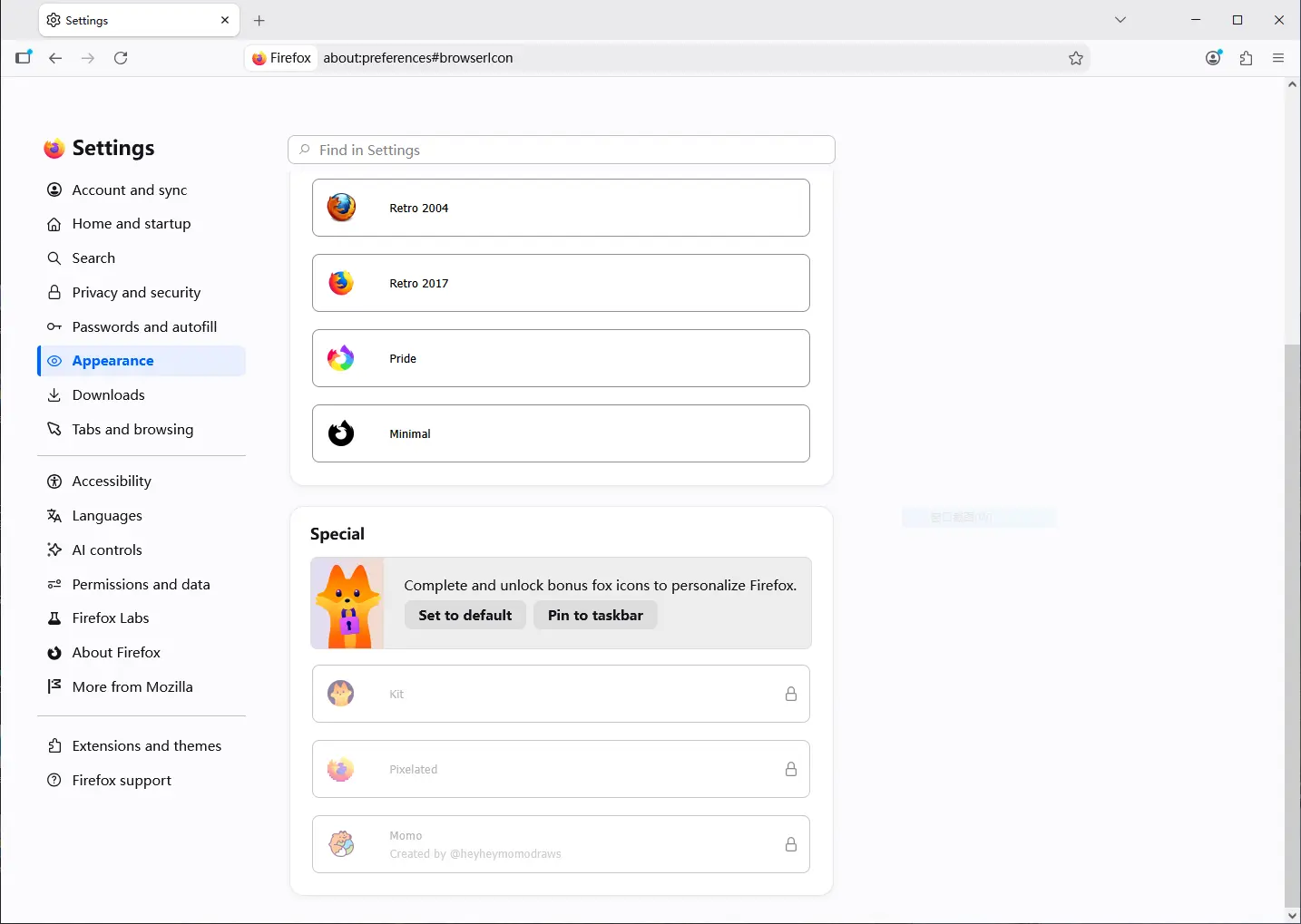
It as well supports 3 new special icons: Kit, Pixelated, and Momo, though user needs to set Firefox as default browser and pin to taskbar to unlock them.
In my case in Windows 10 LTSC, the new icons work in taskbar after unlocked special icons and app list in the start menu, sadly not for the desktop shortcut and search result in app launcher.
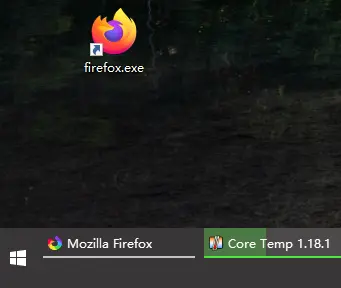
New icons does NOT apply for desktop shortcut
For AI, the new version now supports address bar quick action (type “Manage AI” in URL bar) to quickly open AI setting page.
The Smart Window can now suggest groups of related tabs and propose a name for each group. Though, this is a progressive rollout feature that’s not available for all users.
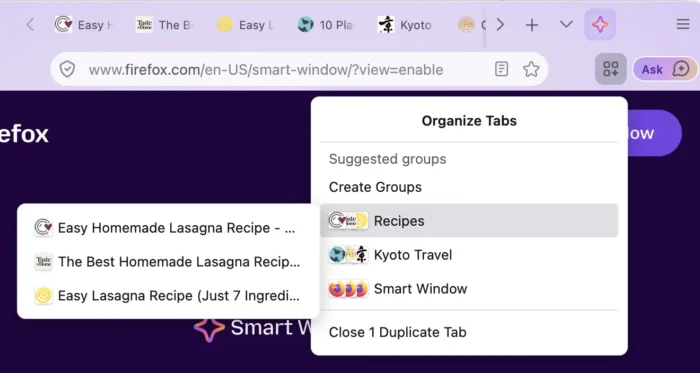
image from firefox.com
Firefox 154.0 also includes a few security changes. Websites that try to open a WebSocket to a device on the local network will now ask for permission first. And, you can now keep a site’s cookies / data when you close the browser, without giving that site an exception from the privacy/tracking protections.
The local profile backup feature is finally made available for macOS. Meaning the three desktop platforms (Linux, Windows, and macOS) are all supported. And, backups can be restored across the three platforms.
The full-page Translations now also translation the content loaded inside embedded frame, such as online payment forms, social media posts. And, it now runs language identification on all page loads, resulting in an improved experience for offering translations to users.
Other changes include:
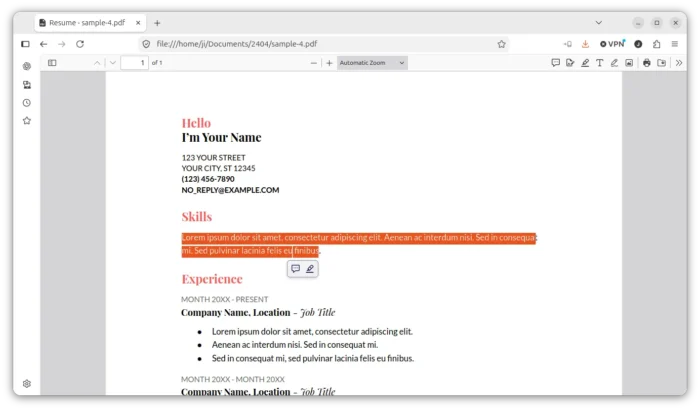
- Text selected in PDF highlighted the same way as text on a web page.
- Hard reload now also clears and updates the cached favicons.
- Video seeking now significantly faster on all operating systems.
- Move Firefox View out of toolbar for new profiles.
- Various security and other fixes.
There are as well some new features for developers. They include:
- Support
text-box-trim,text-box-edgeCSS properties, and the associatedtext-boxshorthand. - Support the
sibling-index()andsibling-count()CSS functions. - Add a time picker UI to
<input type=\"time\">and<input type=\"datetime-local\"> - Support the No-Vary-Search HTTP response header for the HTTP disk cache.
- Support new
Iterator.prototype.chunksandIterator.prototype.windowsmethods. - Add support
Iterator.prototype.includes(). - Add support
Iterator.prototype.joinmethod.
Get Firefox 154.0
The official release note as well as the download link will be soon available in Firefox website via the link below:
For those who can’t wait, select download the Firefox 154 package from this Mozilla web page.
Source: UbuntuHandbook