OpenShot 4.0 Released with Audio/Video Recording & Local AI Masks

OpenShot, the free open-source Qt video editor, released new major 4.0 version on Sunday.
The new version introduced new Color View, Audio and Video recording, new AI based masks, and many other features.
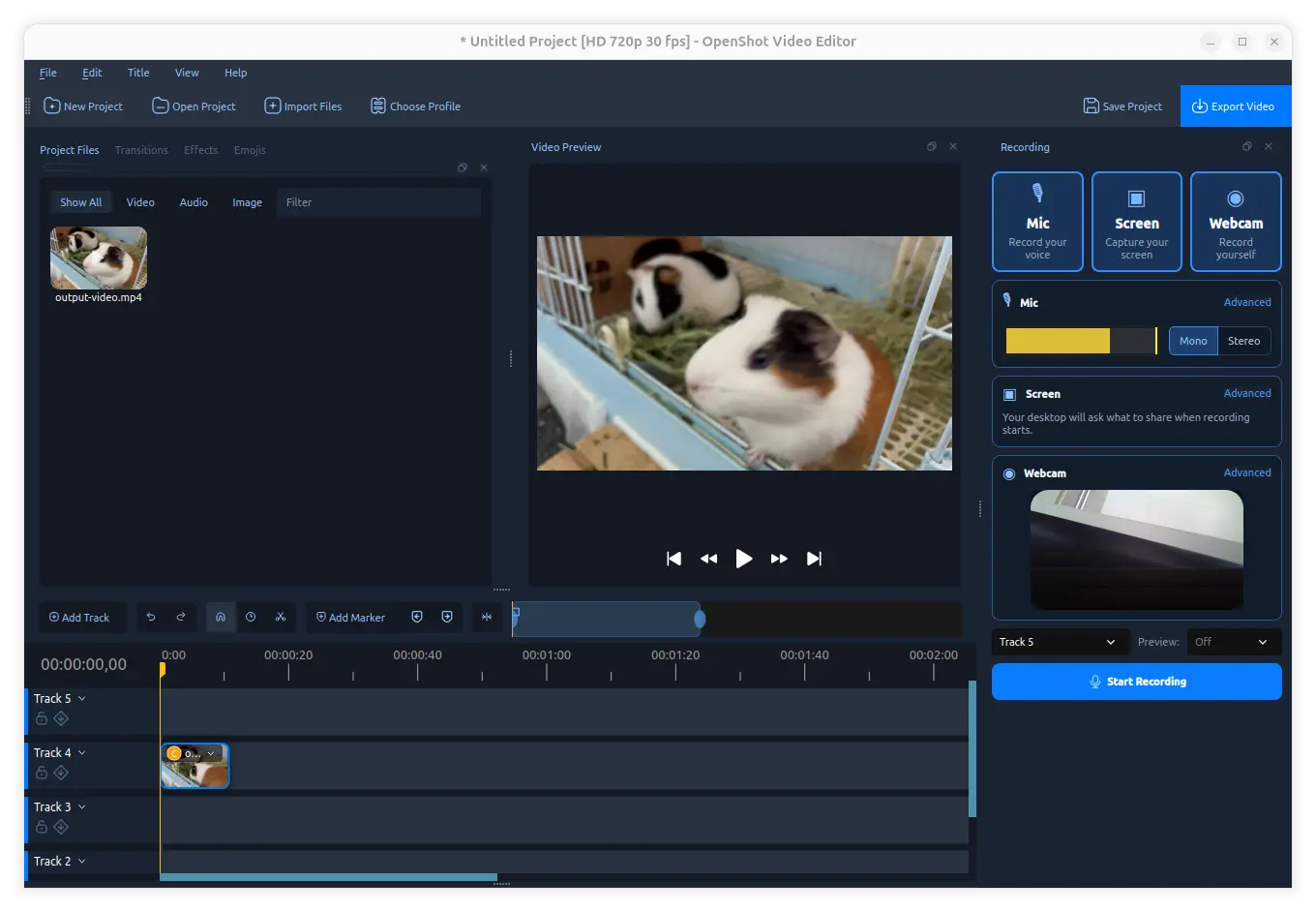
First, the released added ability to record audio and video from your microphone, desktop screen, and webcam.
By enabling Recording View under view menu or via Alt+Shift+3 keyboard shortcuts, you can then enable the mic, screen, and/or webcam recording easily via a few mouse clicks.
Each of them is recorded as its own media file and timeline clip. The sound from your microphone is recorded separately from system sound, and, webcam is recorded separately from desktop screen. And, you can trim, adjust volume, crop and move, and/or apply effects to the recorded clips without affecting others.
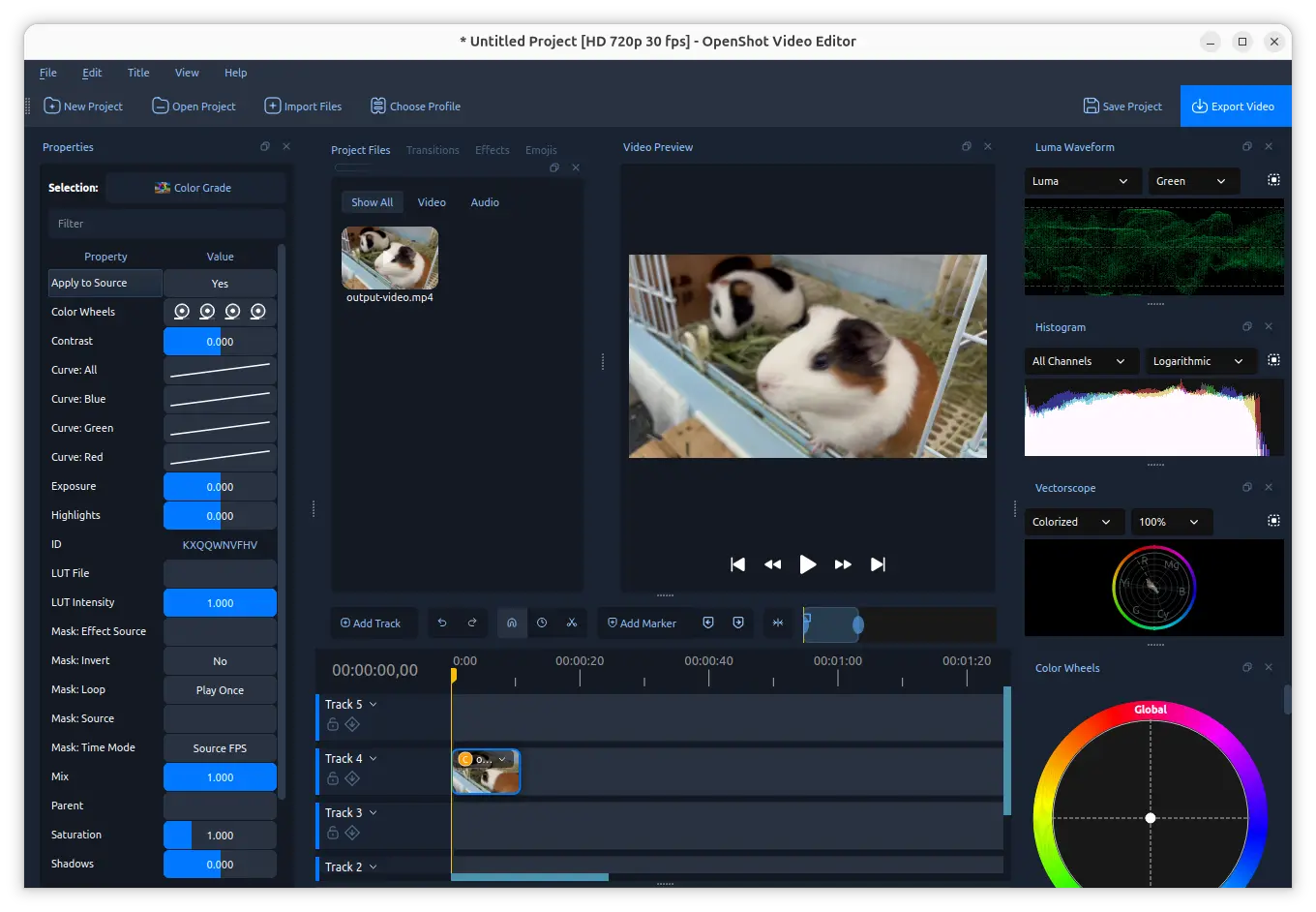
OpenShot 4.0 also introduced a Color View which can be triggered via either view menu or the context menu of your video clips (Look -> Adjust Colors).
This mode includes practical controls for exposure, contrast, temperature, tint, highlights, shadows, saturation, and vibrance, through both the Properties in left and graphs and wheels in right.
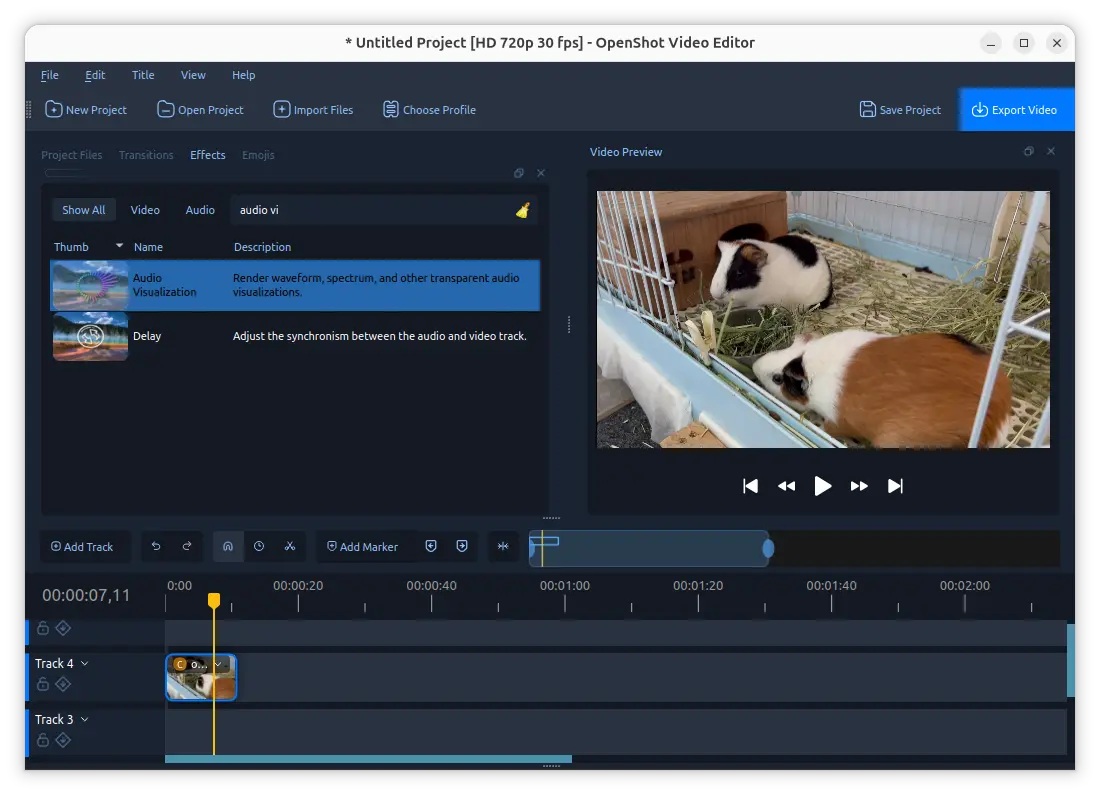
This version introduced 10 new effects. They include Audio Visualization effect that turns audio into animated waveforms, bars, and other visual styles.
They also include Beat Sync effects that turns the energy in an audio clip into a color layer that reacts to beats and loud sounds.
Other new effects include Film Grain adds file-inspired grain texture, Denoise Image that reduces visible grain and color speckles in video frames, Shadow adds a soft drop shadow based on visible pixels, and Glow which adds an outer or inner glow based on visible pixels.
There are as well Displacement Map effect that uses a grayscale image or video to warp the frame horizontally or vertically, Timer that displays count-up / count-down overlay, and Color Grade, an unified color grading effect with curves, wheels, and LUT support.
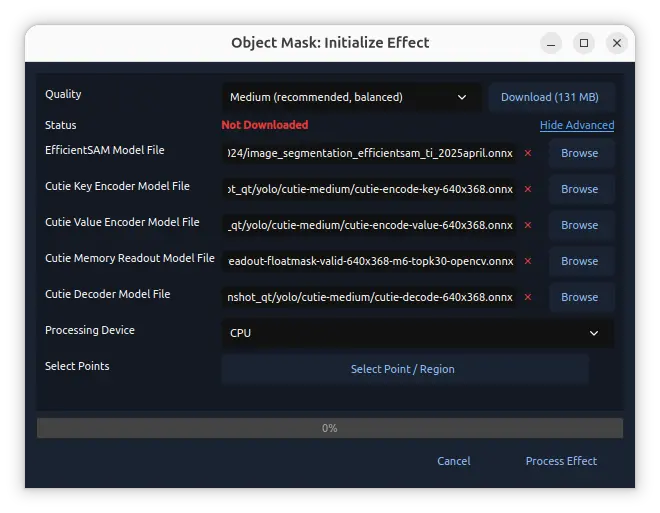
The release also introduced Object Mask effect that can create a re-usable animated mask around a selected subject.
It uses open-source AI models, includes YOLO, EfficientSAM, and Cutie models, locally on user’s computer to do the work. Though, you need to download them first on the first use.
In addition to the 10 new effects, Object Detection has been updated with downloadable YOLOv5 ONNX models, model validation, and segmentation masks.
Other changes include:
- Native Qt timeline instead of the previous web-based.
- Faster effects and timeline rendering.
- Reorganized the context menu for clips.
- Export presets for TikTok, Instagram, Facebook, Snapchat, and LinkedIn.
- Export animated titles as MP4.
- Blender 5.x compatibility.
There are as well a large amount of other changes and bug-fixes, see the official release note for details.
How to Install OpenShot 4.0
OpenShot provides official packages for Linux, Windows, ChromeOS and macOS, which are available to download in its website via the link below:
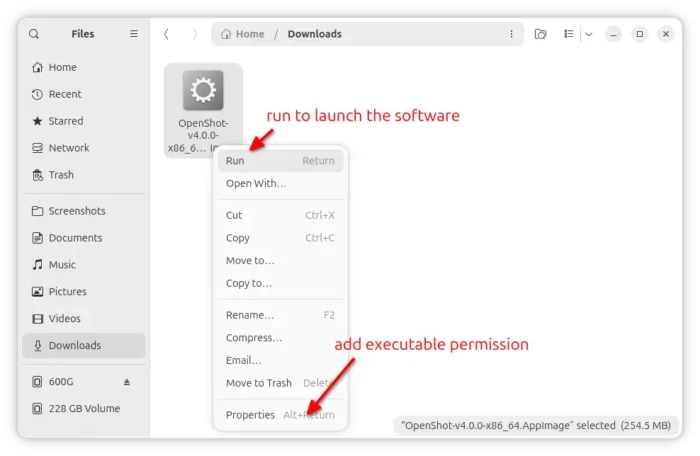
For Linux, select download the AppImage, then add executable permission for its properties dialog, finally run to launch the video editor. Though, Debian/Ubuntu needs to install libfuse2 first in terminal (Ctrl+Alt+T) to enable AppImage support:
sudo apt install libfuse2
For choice, there are community maintained Flatpak package with arm64 support though run in sandbox, and official Ubuntu PPA, however both are not updated at the moment of writing.
Source: UbuntuHandbook