Linux Users Get This For Free! Brave Origin Costs $59.99 For Everyone Else
Origin is Brave’s stripped-down browser, built for people who never touch most of what the company packages with Brave Browser. It drops the AI assistant, the rewards program, the crypto wallet, and the VPN, leaving the ad and tracker blocking in place.
Don’t let that fool you into thinking that this is some half-baked browser; you still get regular security upgrades, Chromium-specific patches, and general browser updates.
Though, for most users, Brave Origin costs $59.99 for a one-time license purchase for use across Windows, Android, macOS, and iOS. However, people running a Linux distro on their computer do not have to pay a dime or sign up for an account.
Announcing Origin earlier this month, Brave explained that they:
Built Brave Origin in response to requests from users who wanted to support Brave’s industry-leading work on Web privacy and open-source adblocking, without having to manage or remove features they weren’t interested in using.
I wanted to see for myself what Brave Origin was about while also comparing it to their flagship offering. So, would you like to come along as I explore it? 🤓
This is what’s on offer
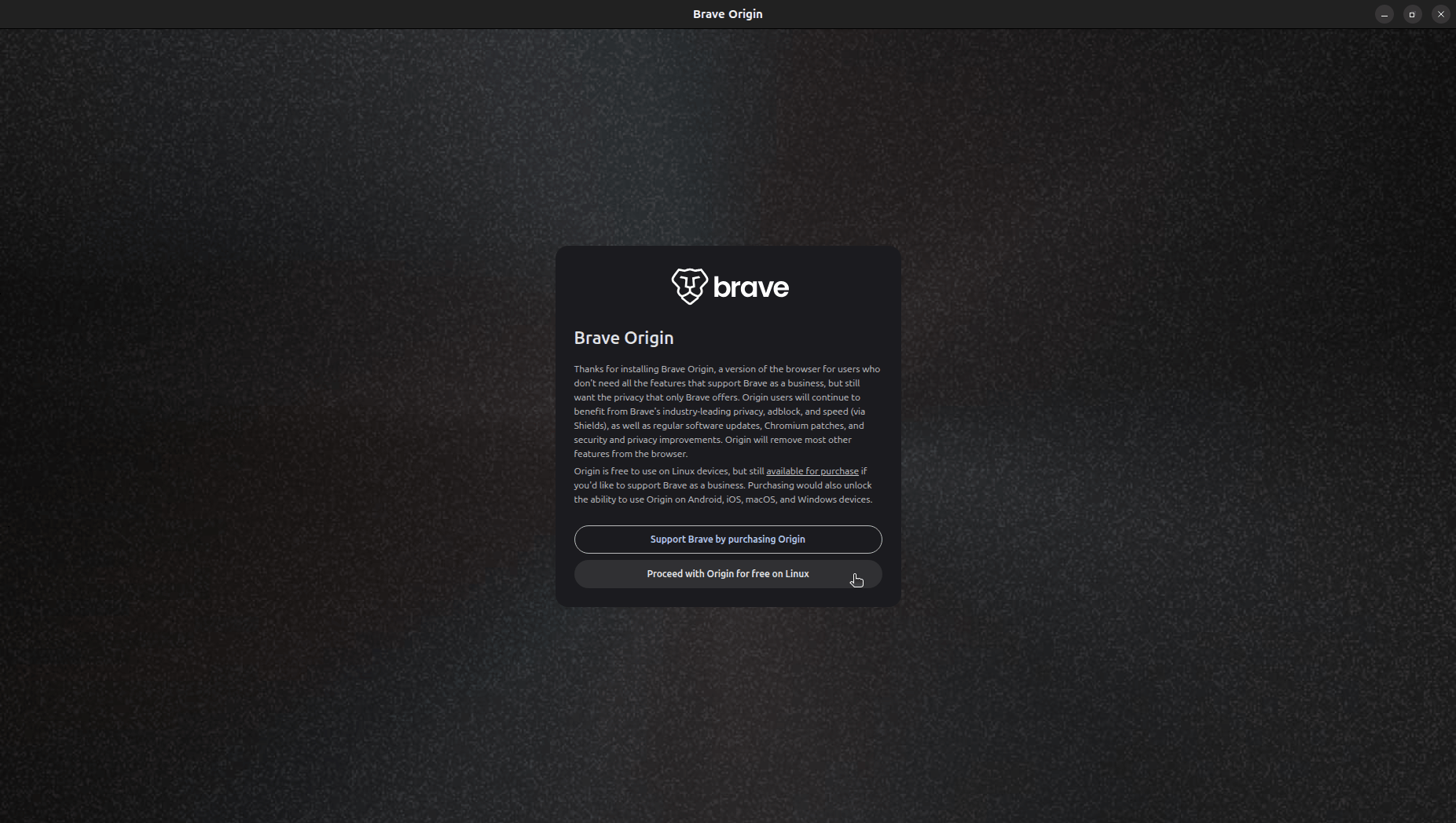
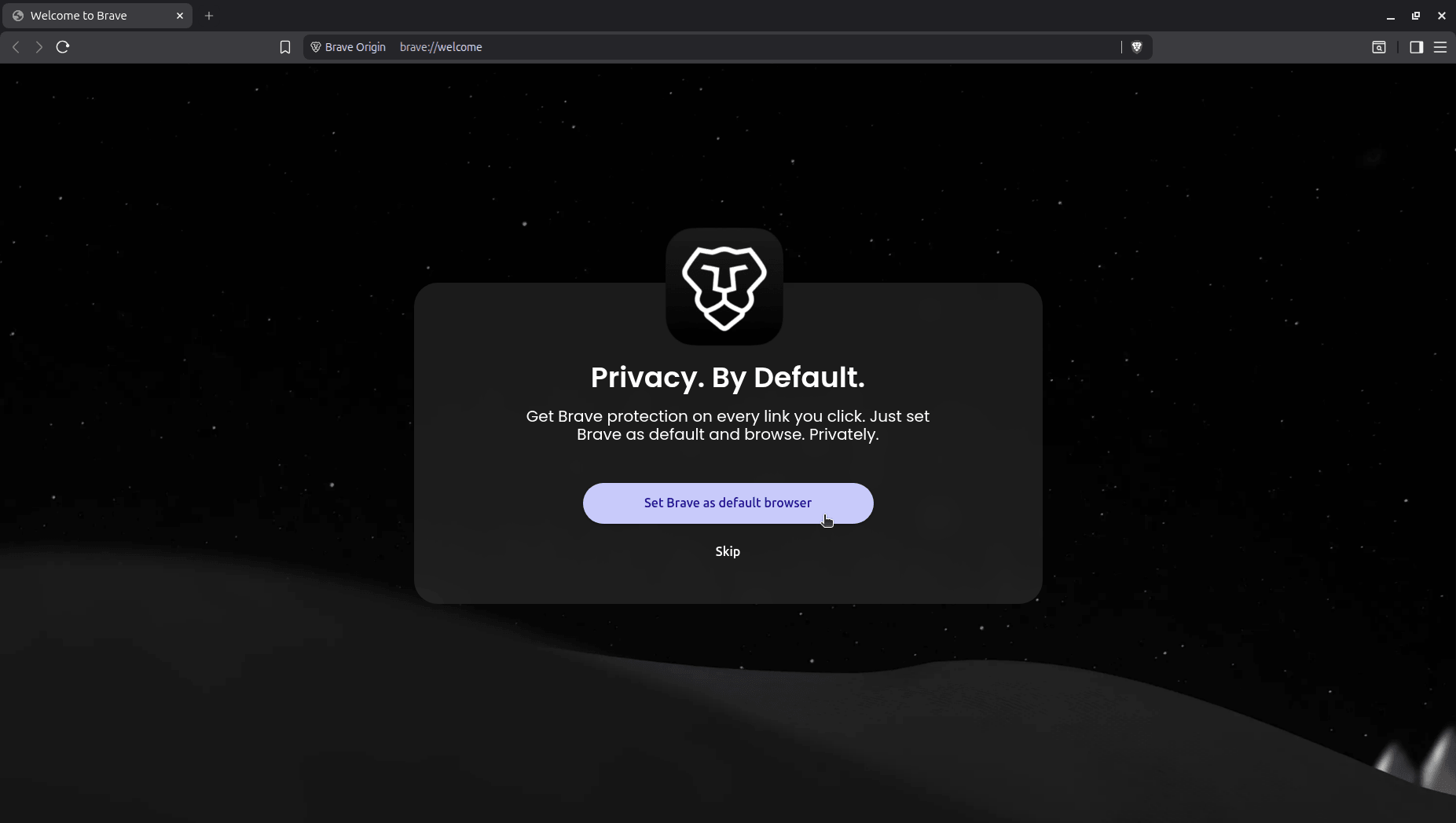
The first thing Origin showed me was a choice built right into onboarding; pay for a license to support Brave, or proceed for free since I was on Linux. I went with free, and right after came the usual first-time setup screens.
First came the prompt to set it as my default browser.
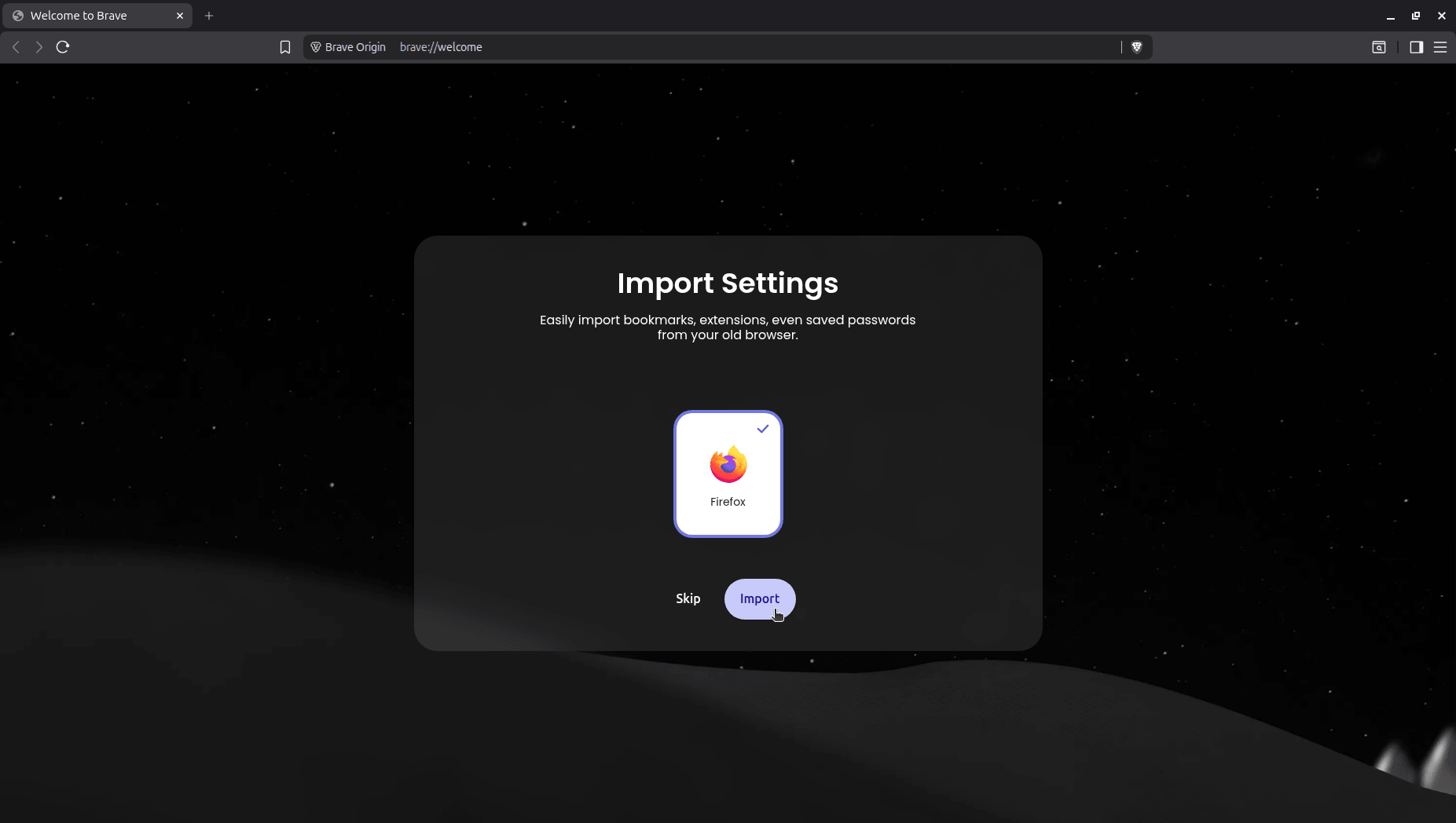
Next came the request to import settings from other browsers, offering to pull bookmarks, extensions, and saved passwords over from whatever browser Brave found on the system (Firefox in my case).
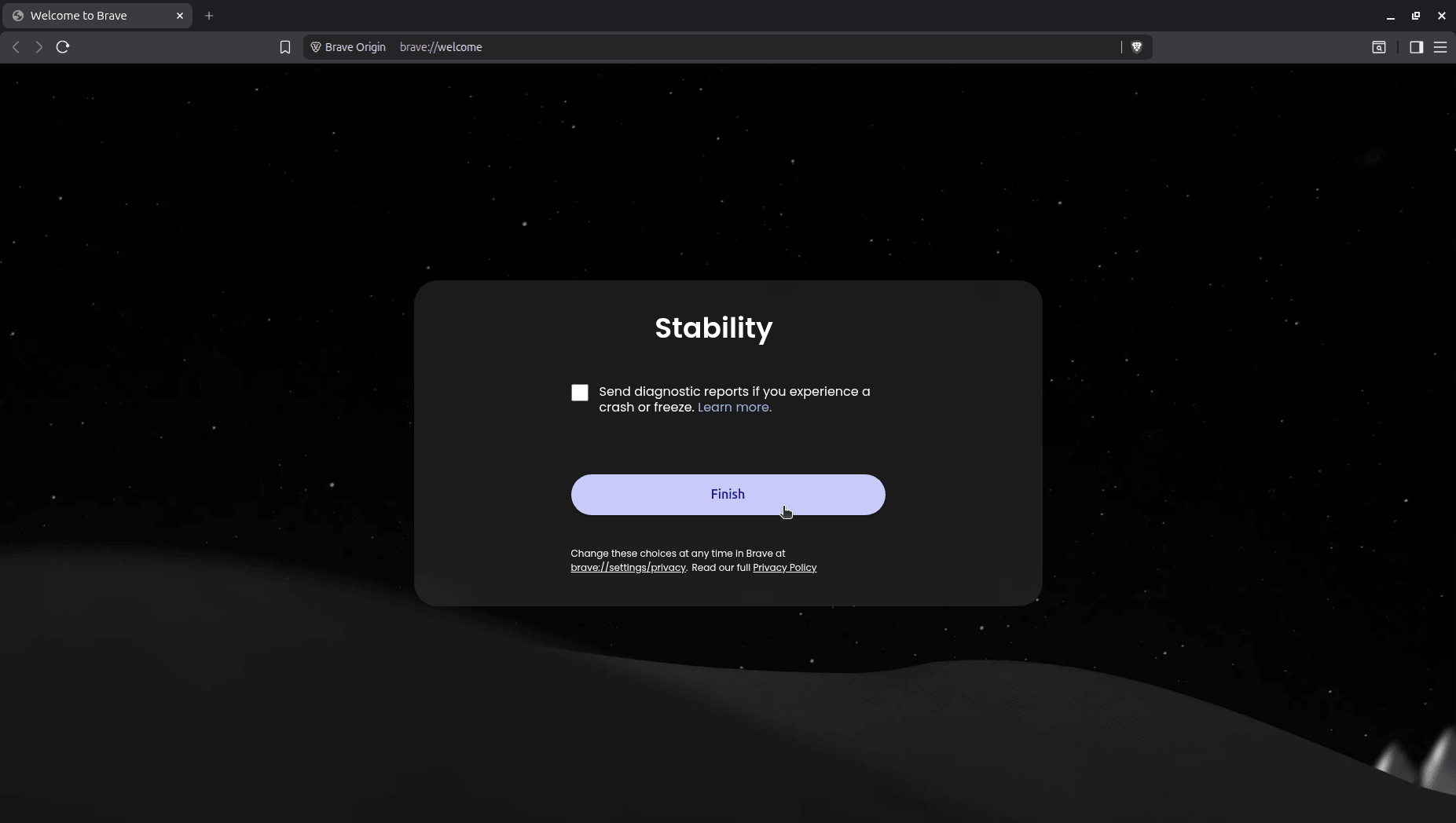
After that came the reporting of crashes or freezes (aka Stability) dialog; basically some telemetry that would be sent over to Brave when Origin behaved erratically during use.
Good to see that it was disabled by default. 😄
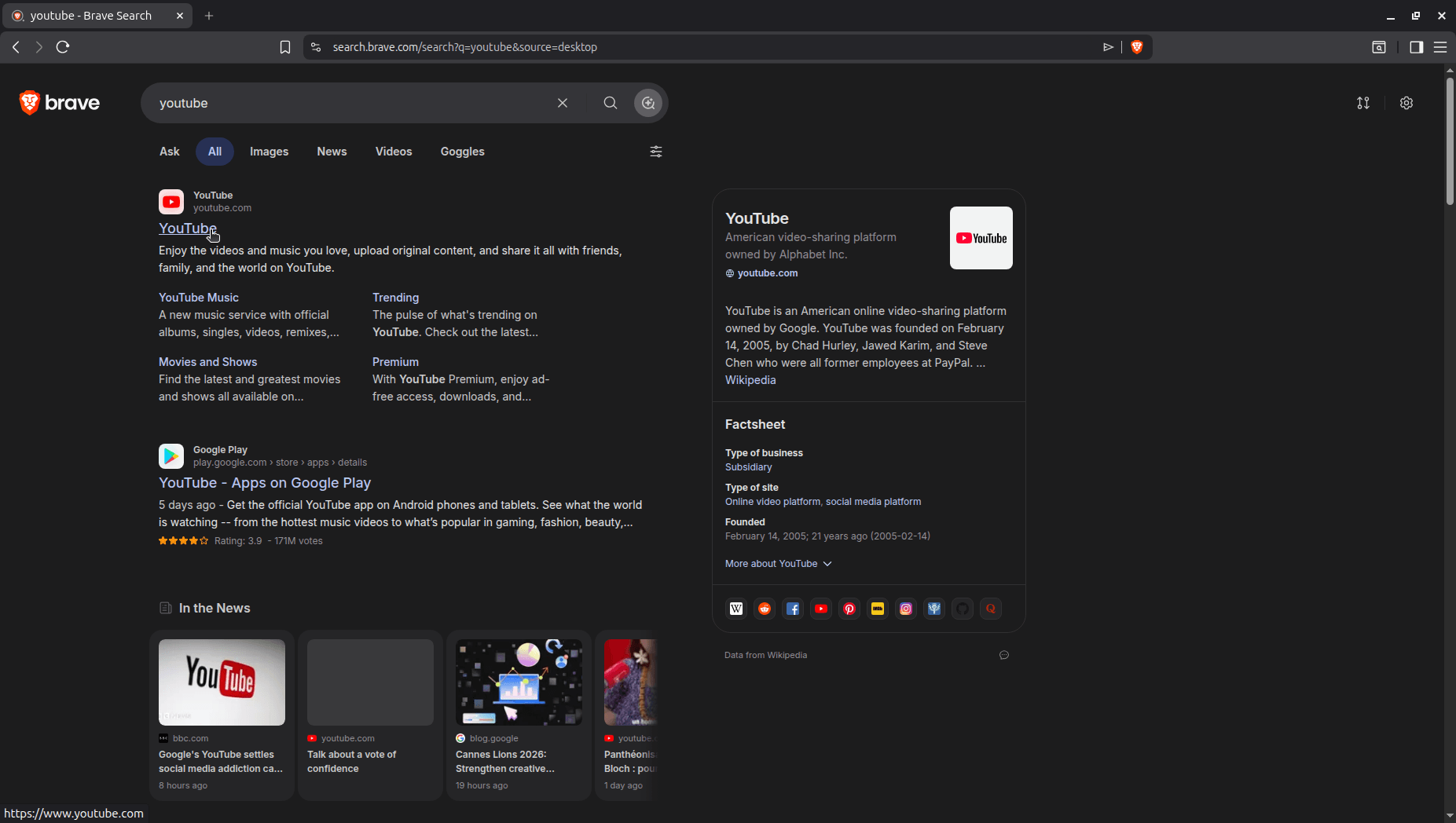
Those were the only things asked of me during onboarding, and I started browsing right away. Brave Search is the default here, same as any other Brave install, though it can be swapped out for something else if you prefer something like DuckDuckGo or Ecosia.
I left it as is during testing, and it held up well. Searching for “YouTube” even pulled in recent coverage from high domain authority sites like the BBC and Google’s own blog under the news results.
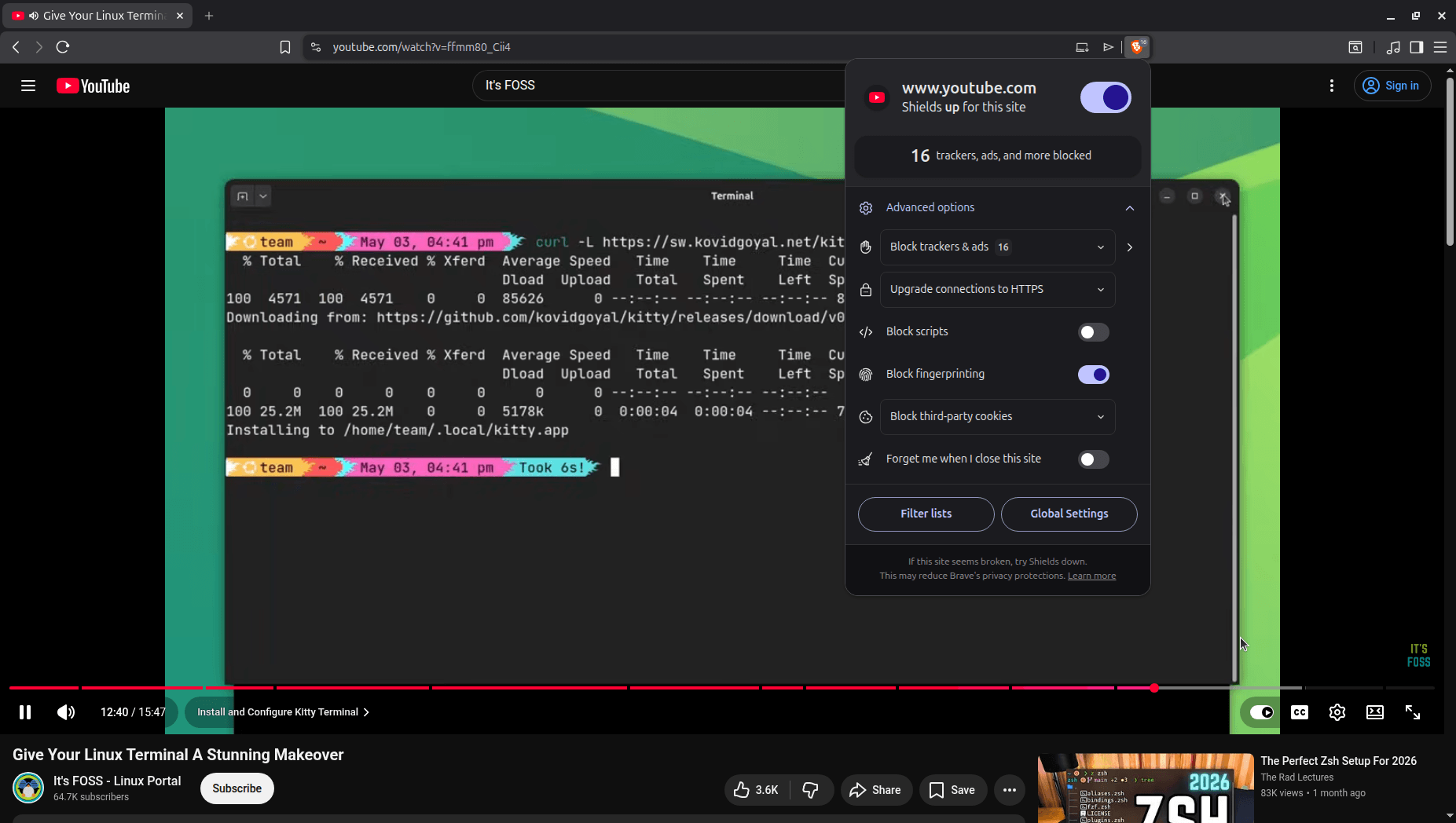
Brave Shields performed quite well too! It did its job without me needing to configure anything. While playing a video on YouTube, it caught 16 trackers and ads on that one page alone, with fingerprinting protection switched on by default.
Nothing about the page felt broken or stripped down because of it either.
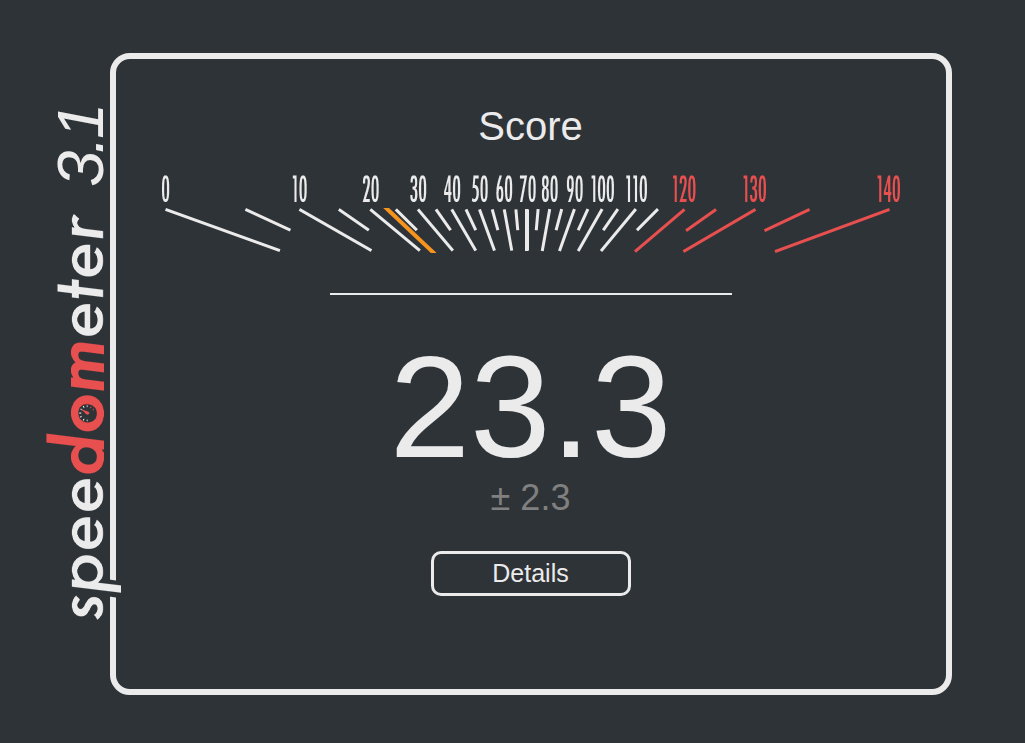
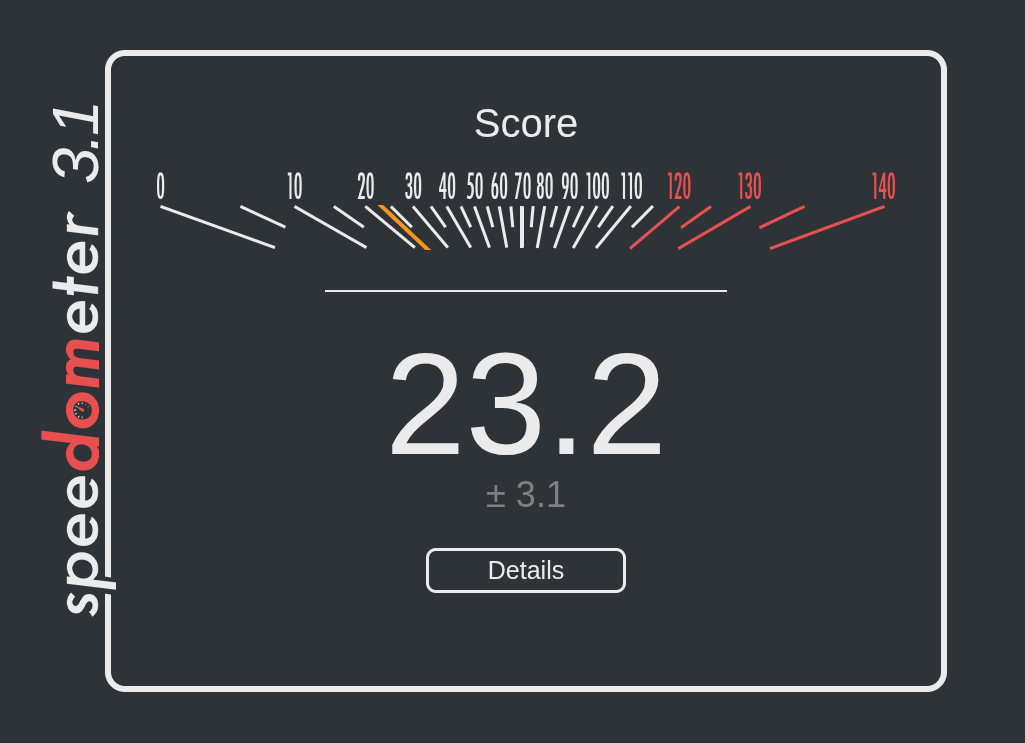
A lean Brave Origin install’s Speedometer score on a VM (left), next to a customized Vivaldi install’s score on bare metal (right).
I also ran a Speedometer test on BrowserBench, running Origin inside my test setup of an Ubuntu 26.04 LTS virtual machine, and it scored a 23.3 without any extensions or themes installed.
For a comparison, I ran the same test on my daily driver Vivaldi installation on Fedora Workstation 44 (non-VM setup), and the score came in at 23.2, close enough to call a tie.
While it’s tempting to say this proves Origin is incredibly lightweight, Speedometer mostly measures responsiveness of Web applications, where modern virtual machines actually perform nearly as fast as real hardware.
Because the two tests ran on entirely different operating systems, the near-tie mostly shows that both browsers handle web code at the same fundamental speed. To truly prove Origin is lighter, I’d need to test them side-by-side on the exact same setup.
I didn’t have the chance to do that while working on this piece. 😅
Why not Brave Browser?
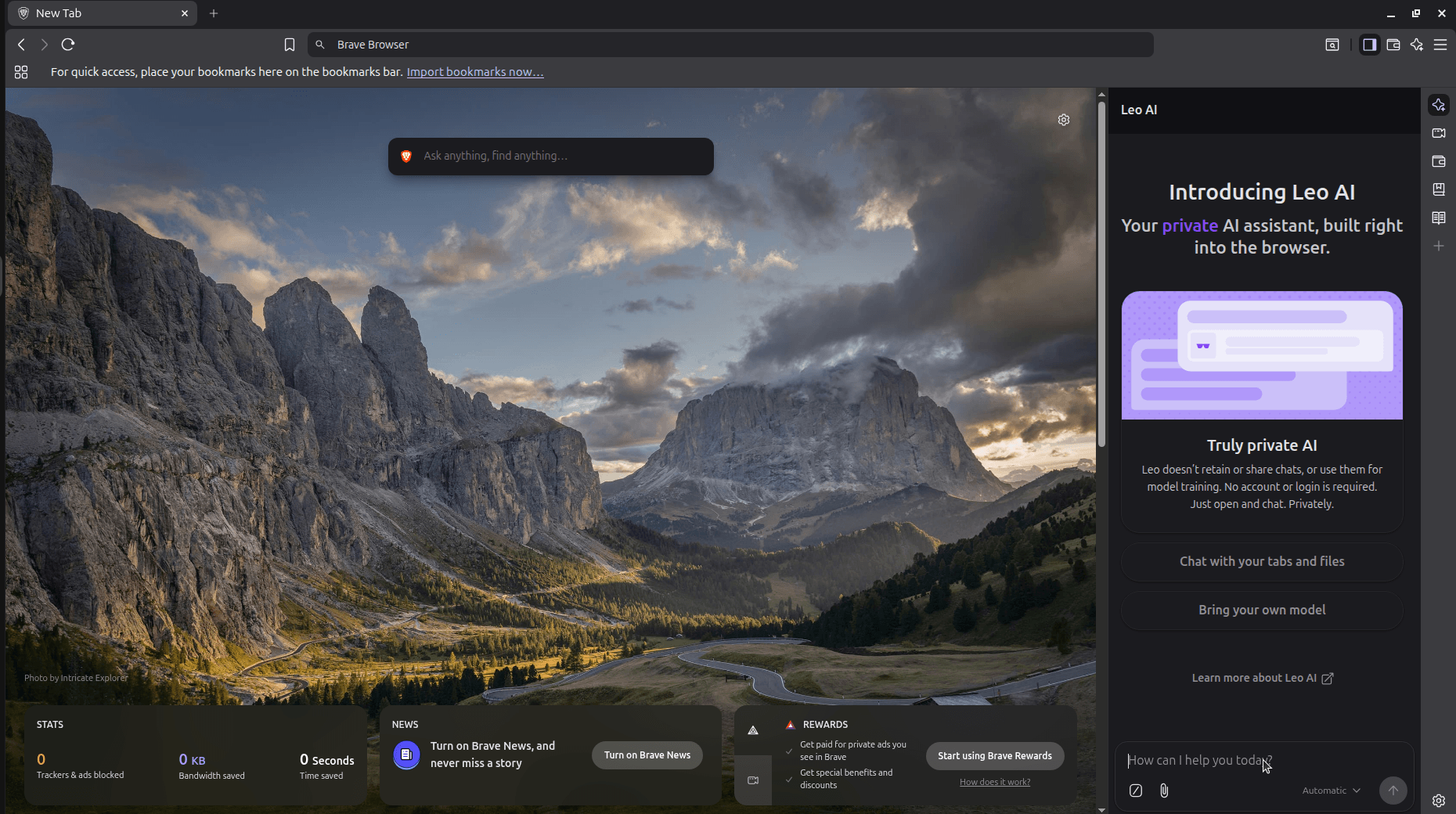
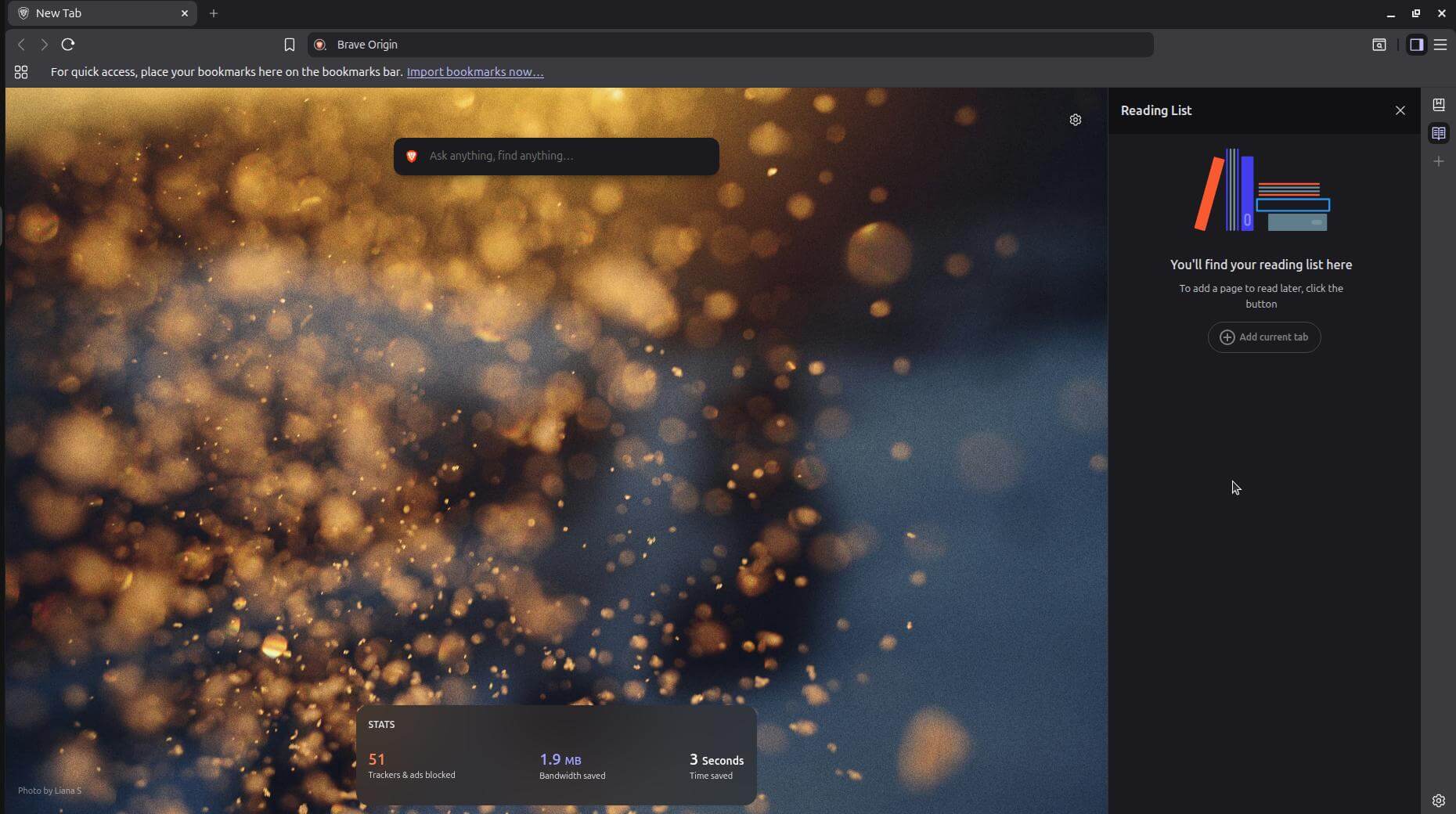
Brave Browser (left) and Brave Origin (right).
Well, the regular Brave Browser already does almost everything Origin does, plus a lot more. Out of the box, it bundles in features like:
| Column 1 | Column 2 |
|---|---|
| Leo AI | Tor |
| News | VPN |
| Rewards (which also brings along Brave Ads) | Wallet (plus Web3 domain support) |
| Speedreader | Wayback Machine |
| Talk | Web Discovery Project |
It also has an opt-out telemetry system, which, if skipped, will quietly send back a daily usage ping, crash logs, and P3A analytics in the background.
If you use even a couple of those extras, like asking Leo a quick question, the VPN, or the rewards program, stick with regular Brave, since it already does this for free on all platforms.
Brave Origin, on the other hand, removes every item on that list, either compiling them out of the build entirely or switching them off by default, depending on how it’s installed.
Simply speaking, Origin is for people who never touched most of those features and want them gone rather than just tucked away in a menu. It’s also for the ones who skipped Brave Browser altogether because of all that extra stuff (or bloat).
Running both side by side isn’t a problem either. I ran the standalone Origin install alongside a Brave Browser install during testing, and neither one interfered with the other at any point.
Installing Brave Origin on Linux
There are two ways to get Brave Origin running on your Linux computer.
The first is installing the standalone app (we talk about this in detail a bit later), where a dedicated application is downloaded into your system, and you just launch it to use it.
The second method is to upgrade your existing Brave Browser installation by going into Settings > System and scrolling down to the “Brave Origin” entry.
Here, you only need to click the “Proceed with Origin for free on Linux” button, and the browser switches over to the Origin experience, with the option to manually re-enable any of the disabled features.
Switching back to the normal browser doesn’t need a reinstallation either. You can do that by disabling the Brave Origin flag at brave://flags.
Ubuntu
If you already have Brave Browser installed via apt, then you can skip the last step in this section.
If not, then you can follow these steps to get Brave Origin. First, you have to ensure that you have cURL installed via the following command:
curl --versionIf it shows an error, run:
sudo apt install curl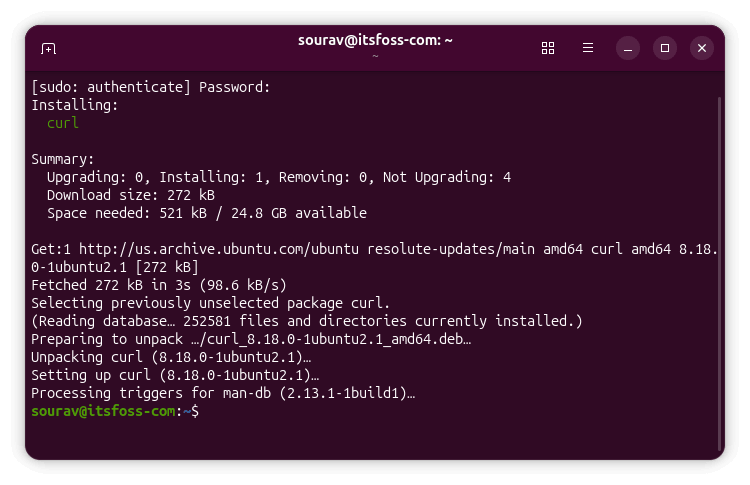
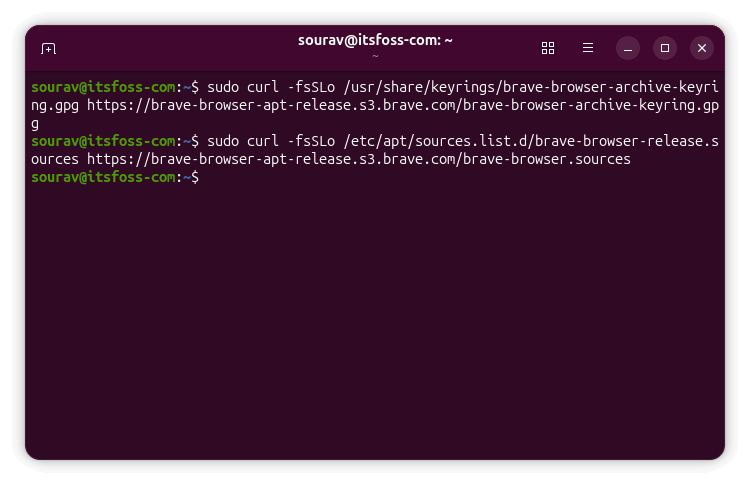
Next, you have to add the GPG keyring for Brave’s APT repository to your system:
sudo curl -fsSLo /usr/share/keyrings/brave-browser-archive-keyring.gpg https://brave-browser-apt-release.s3.brave.com/brave-browser-archive-keyring.gpgThen, you have to add Brave’s APT repository to your system’s sources list:
sudo curl -fsSLo /etc/apt/sources.list.d/brave-browser-release.sources https://brave-browser-apt-release.s3.brave.com/brave-browser.sourcesAnd refresh apt’s package index:
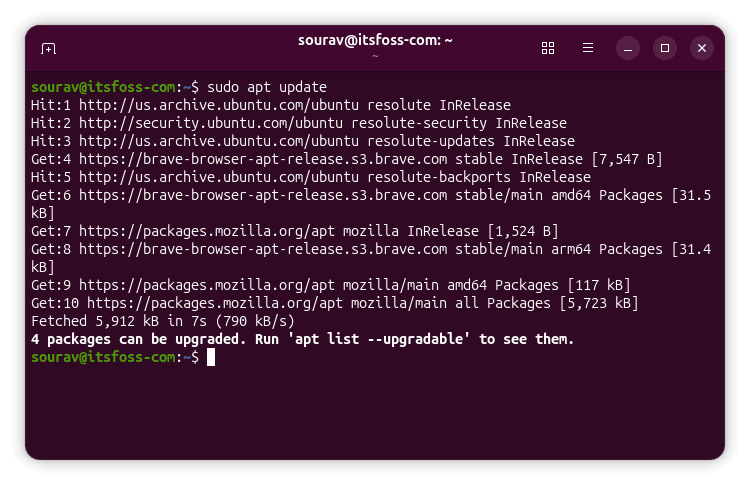
sudo apt updateNow, it is just a matter of installing the browser using:
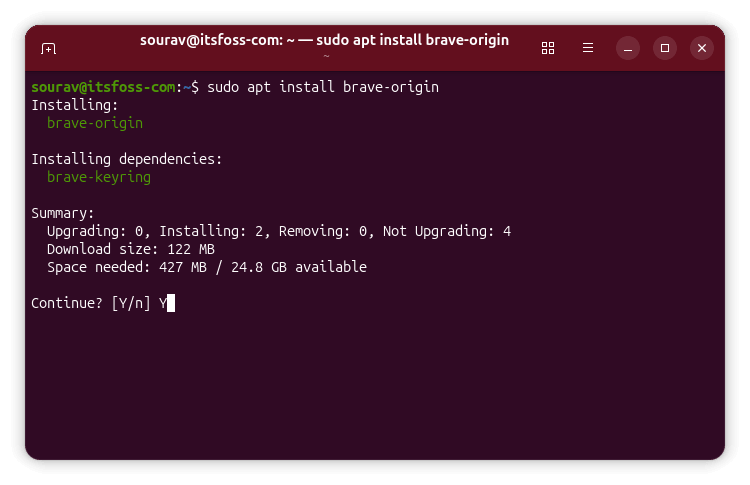
sudo apt install brave-originFedora
On Fedora 41 or later machines with DNF5+ (non-atomic), you can run the following commands to get Brave Origin:
sudo dnf install dnf-plugins-coresudo dnf config-manager addrepo --from-repofile=https://brave-browser-rpm-release.s3.brave.com/brave-browser.reposudo dnf install brave-originArch Linux
For Arch Linux and derivatives, the way to get Brave Origin is via an AUR helper like yay or paru. The official instructions mention how to get it using yay:
yay -Sy brave-origin-binThere’s also a cURL command that handles installation on most Linux distros that goes like:
curl -fsS https://dl.brave.com/install.sh | FLAVOR=origin shYou won’t find the source code for Origin in a separate repository on Brave’s GitHub, and that’s because there isn’t one. Origin is just a stripped-down build of brave-core, and doesn’t have its own codebase.

Source: It's FOSS