Ubuntu 25.10 Will Reach End of Its Life on 9 July 2026

Ubuntu 25.10, code-name Questing Quokka, will reach end of life next month on 9 July 2026. It was announced a few days ago:
Ubuntu announced its 25.10 (Questing Quokka) release almost 9 months ago, on 9 October 2025 and its support period is now nearing its end. Ubuntu 25.10 will reach end of life on 9 July 2026.
At that time, Ubuntu Security Notices will no longer include information or updated packages for Ubuntu 25.10…
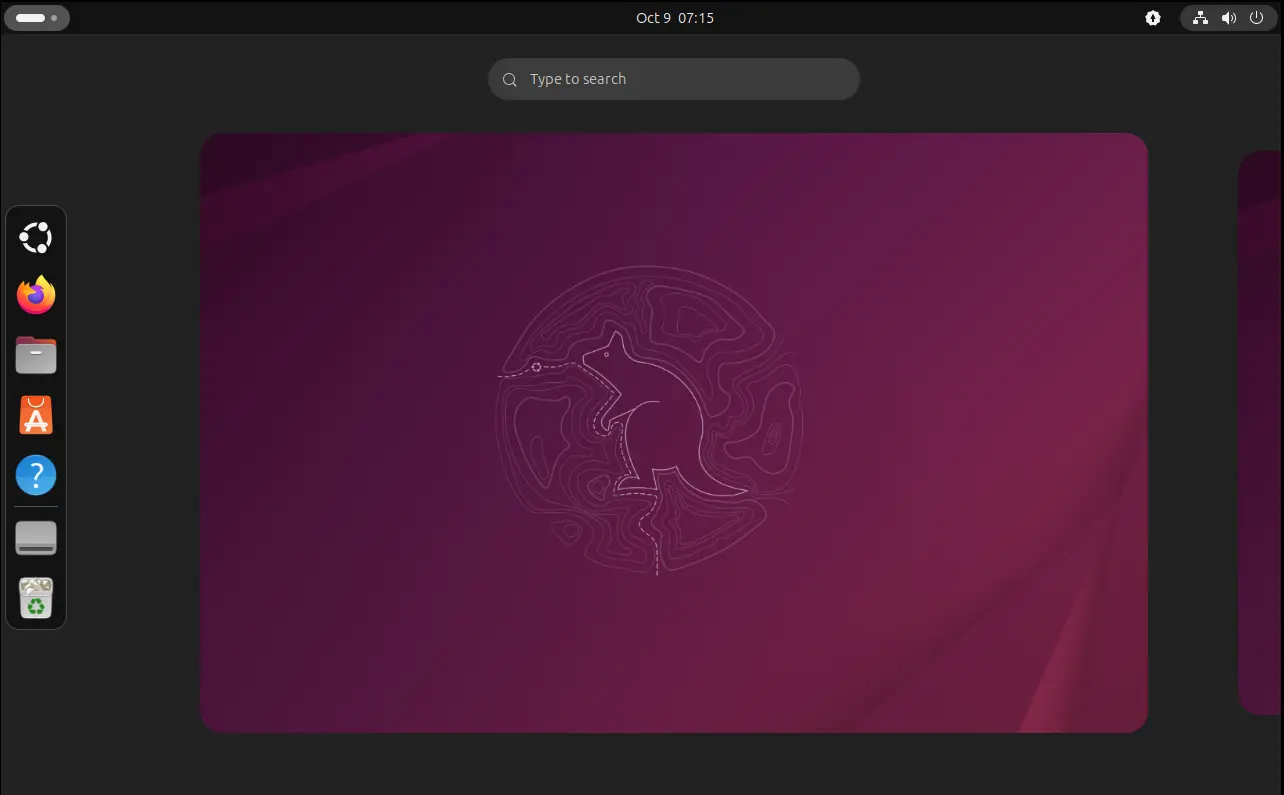
Ubuntu 25.10 Desktop
It means, Canonical (the company behind Ubuntu) will stop providing new drivers, updated app packages, security patches, bug fixes, or customer support for the 25.10 release.
All the Ubuntu PPAs, e.g., LibreOffice PPA, Mozilla Team PPA, Kubuntu PPAs, will stop updating for Ubuntu 25.10 as the launchpad build farm does not accept uploading for non-supported Ubuntu edition. And other third-party repositories, such as Wine, Google Chrome, and Firefox repositories, will also stop updating for 25.10.
As time goes on, app packages in Ubuntu 25.10 will be outdated (unless you run all in sandbox, e.g., Flatpak) and vulnerable to attack. So, all Ubuntu 25.10 users are recommended to upgrade to Ubuntu 26.04, or reinstall any of current supported Ubuntu releases.
Upgrade to Ubuntu 26.04
To upgrade from Ubuntu 25.10 to Ubuntu 26.04, first, backup your important data to e.g., an USB Stick or an external disk partition.
Then it’s better to disable third-party repositories or PPAs, extensions, and remove useless packages (maybe useful for speed up uprading process).
Next, either launch “Software Updater” or open terminal (or konsole) and run commands below to refresh package cache and install all updates:
sudo apt update
sudo apt full-upgrade
And, restart computer to apply changes.
Finally, either run update-manager -c to launch Software Updater (install updates if available) and get system upgrade option:
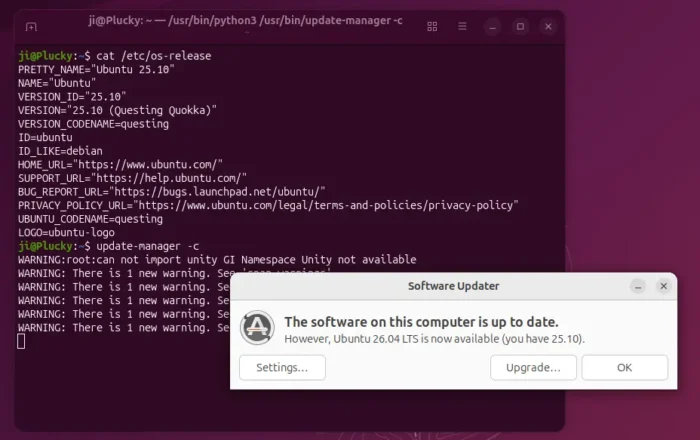
Or, run the command below in terminal to start upgrade from terminal:
sudo do-release-upgrade
Tips: You MAY also use the commands above to upgrade to Ubuntu MATE 26.04. See this thread for details.
For choice, you may download the iso image from Ubuntu Download page and reinstall Ubuntu on your computer.
Source: UbuntuHandbook