The Second Beta of Plasma 6.6 Released with Numerous Bug-fixes

After almost of 2 weeks beta-1 testing, the second beta of KDE Plasma 6.6 is out before the final release planned for 17th February 2026.
Plasma 6.6 Beta 2 contains mostly bug-fixes, stability and user experience improvements, along with few minor new features.
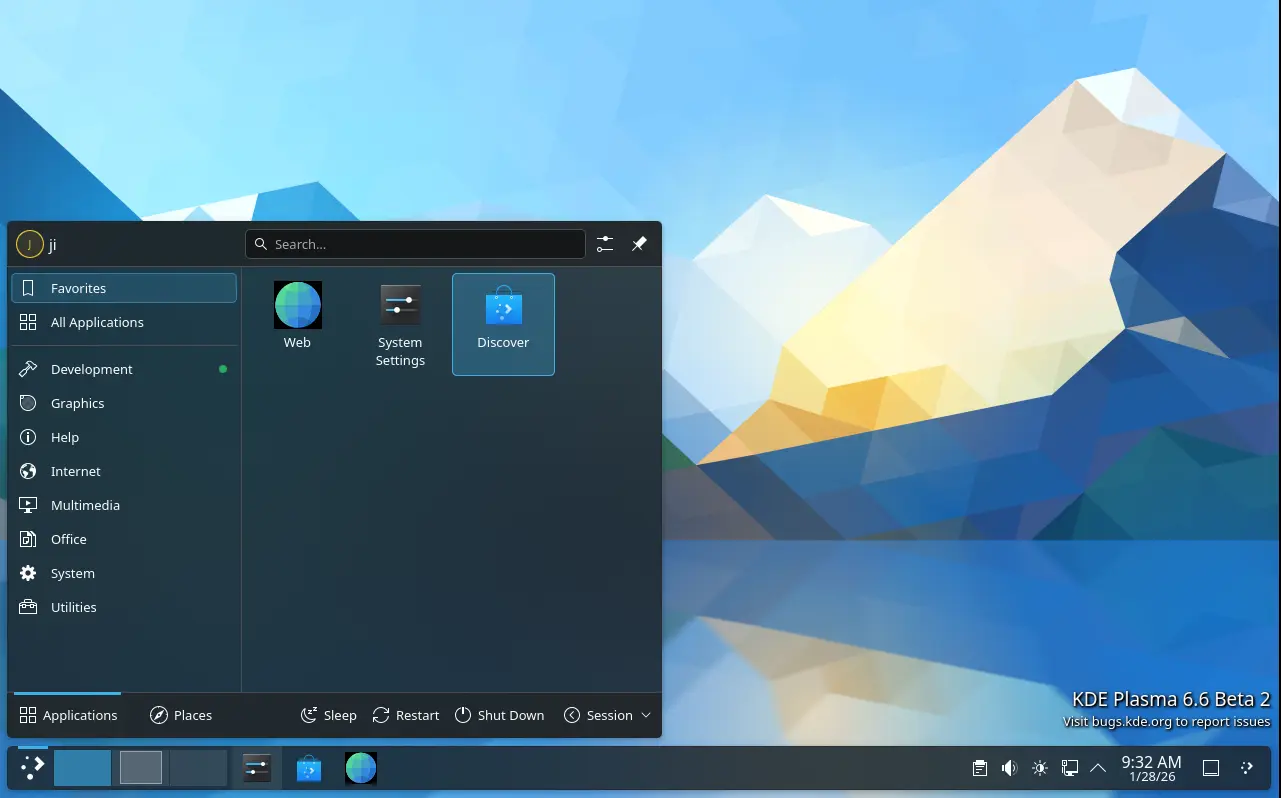
First, for those who missed the first Beta, it introduced new feature to save current user settings (e.g., colors, window decoration, icons, cursors, desktop and window layout) as a custom global theme with user defined name and thumbnail image.
It also replaced the classic SDDM display manager with new plasma-login-manager, introduced new plasma-keyboard as a replacement for the Maliit virtual keyboard, and added OCR support for the built-in screenshot tool.
There are as well “Hide from Screencast” window header context menu option, “Tiled” wallpaper type, automatic screen brightness adjustment, three finger pinch gesture, global Shortcuts for seeking forward and backward, and more!
Compare to the previous Beta, the second one does not include exciting new features. But, it re-enabled the reveal password option for the login screen, and fixed that user selected cursor theme does not apply to new plasma login manager.
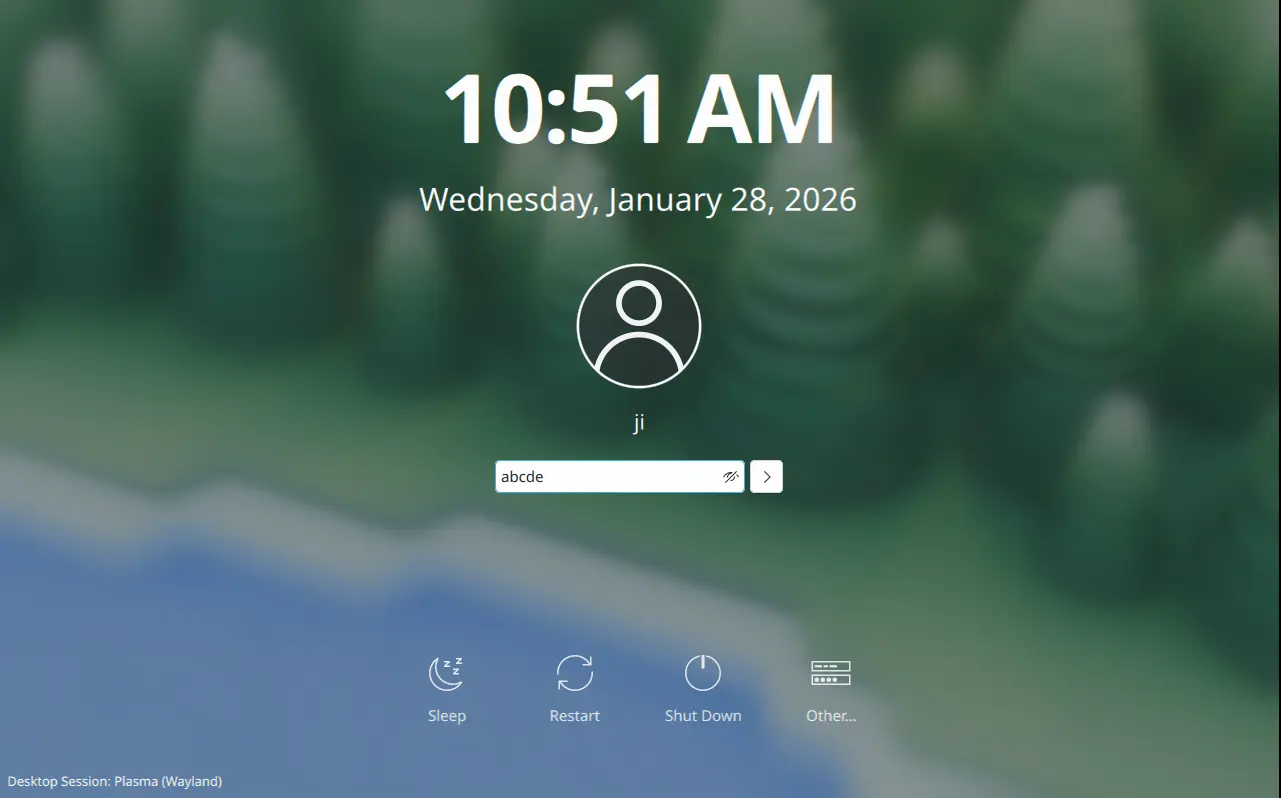
Beta-2 also improved multi-monitor setup support. It fixed inconsistent panel position issue when setting new position on a different monitor, KRunner always opens in the second monitor for the first time, and hitting enter to submit password in primary monitor brings up login prompt on another monitor instead of logging in.
The release fixed various crash issues, include the scenes when fastly pressing Ctrl+Meta+A multiple times, waking up a laptop connected to an external screen, screen powers off after inactivity, and when Media Player widget visibility is changed in system tray while music is playing.
There are as well many fixes for other issues, including cursor jumps around when starting virtual screenshare, 1920×540 (32:9) mode mistakenly selected for Acer 24 CB242Y bmiprx monitor, and screenshot tool does not remember Save As location.
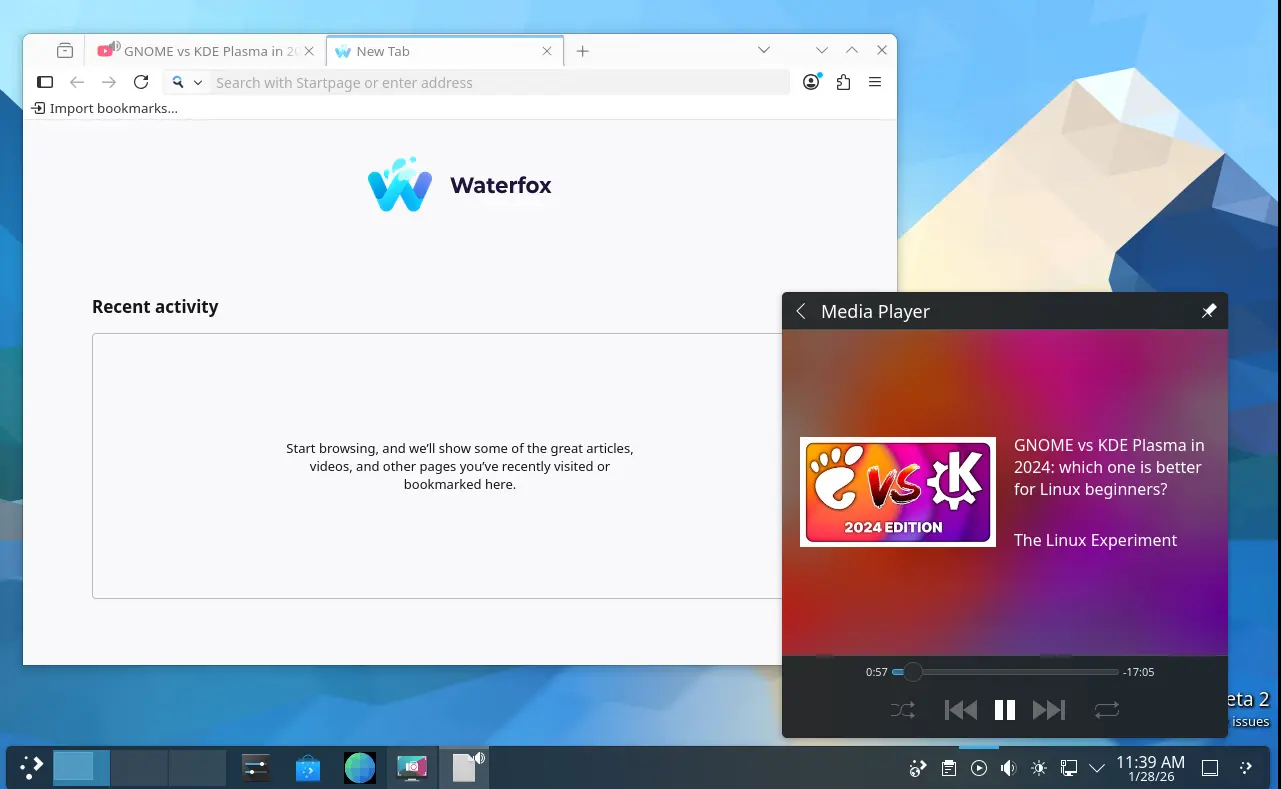
Waterfox integration
Besides bug-fixes, the new Beta also include few minor new features. It added Waterfox support to the plasma-browser-integration, allowing to control media playback, manage downloads, and share links through Plasma’s native tools.
Other changes include:
- Use a timeout of 10 seconds rather than 60 seconds, for consistency with the screen locker.
- Use Meta key for desktop switching and Present Windows shortcuts.
- Fix broken delay functionality for “Detect Window Properties”.
- Fix the hardware cursor on GPUs without modifier support.
- Improve mouse emulation, fixes for mouse emulation and unable to disable “use as pointer and keyboard” for Game controller plugin.
- Fix that Firefox shows graphical corruption when using Wayland subsurfaces.
- Fix slideshow not working with dynamic wallpapers (day/night wallpapers).
- Fix long scan issue when mounting removable device with large disk size.
Get Plasma 6.6 Beta 2
The new desktop release has been made into kde-unstable repository for Arch Linux. And, it will probably be made available in Fedora 44 and (K)Ubuntu 26.04 after final release.
For the source, live images, and more details about Beta 2, see the see the official announcement.
Source: UbuntuHandbook