SuperTux 0.7.0 Beta 2 Released with Editor & Gaming Improvements
SuperTux, the classic 2D jump and run game, released the second Beta of version 0.7.0 yesterday.
SuperTux 0.7.0 is the next major release of this free open-source Super Mario inspired game. The Beta 1 was released a month ago as the first development version for testing.
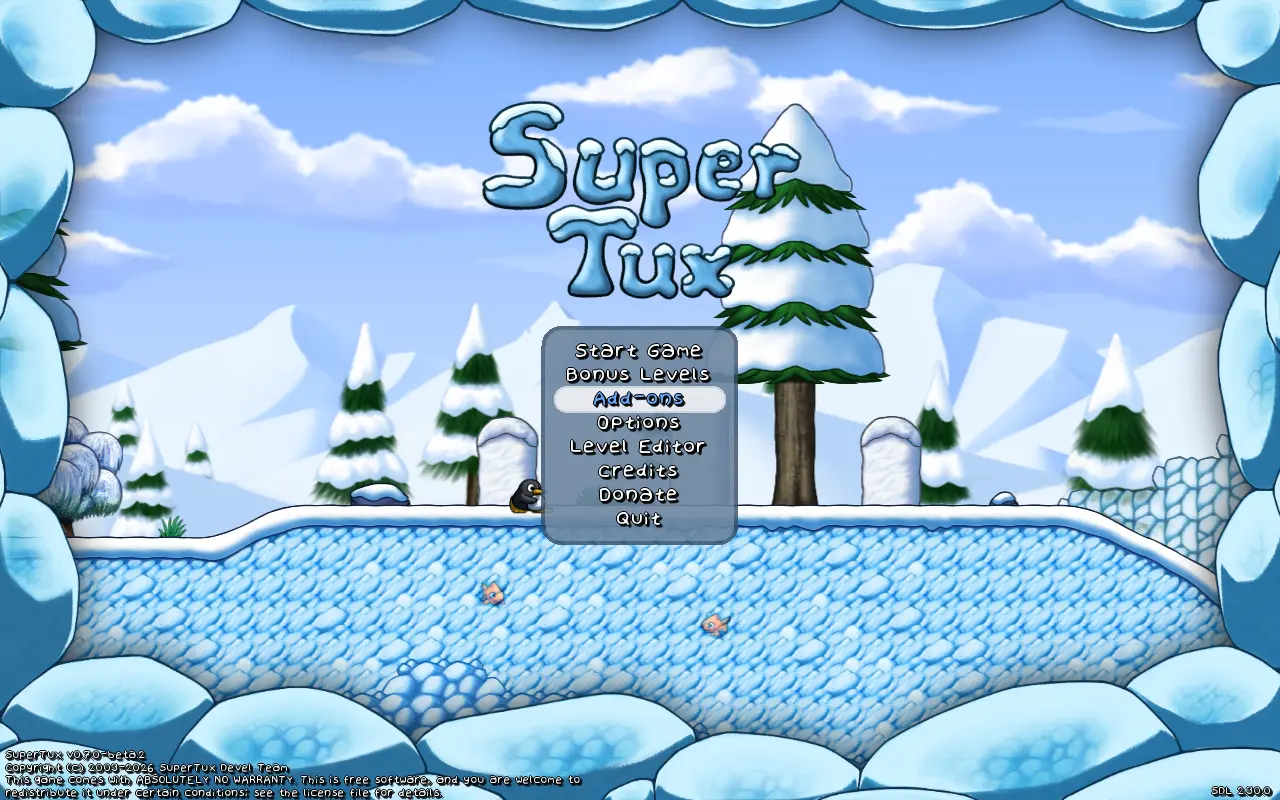
It introduced many exciting new features, include completely overhauled world map, redesigned character Tux, multiple player mode, new creep forward, new enemies and NPCs, Linux Flatpak package, revived Android support, and many other changes.
The second Beta does not include so much exciting new features, but focuses on bug-fixes, editor improvements, and other minor new features.
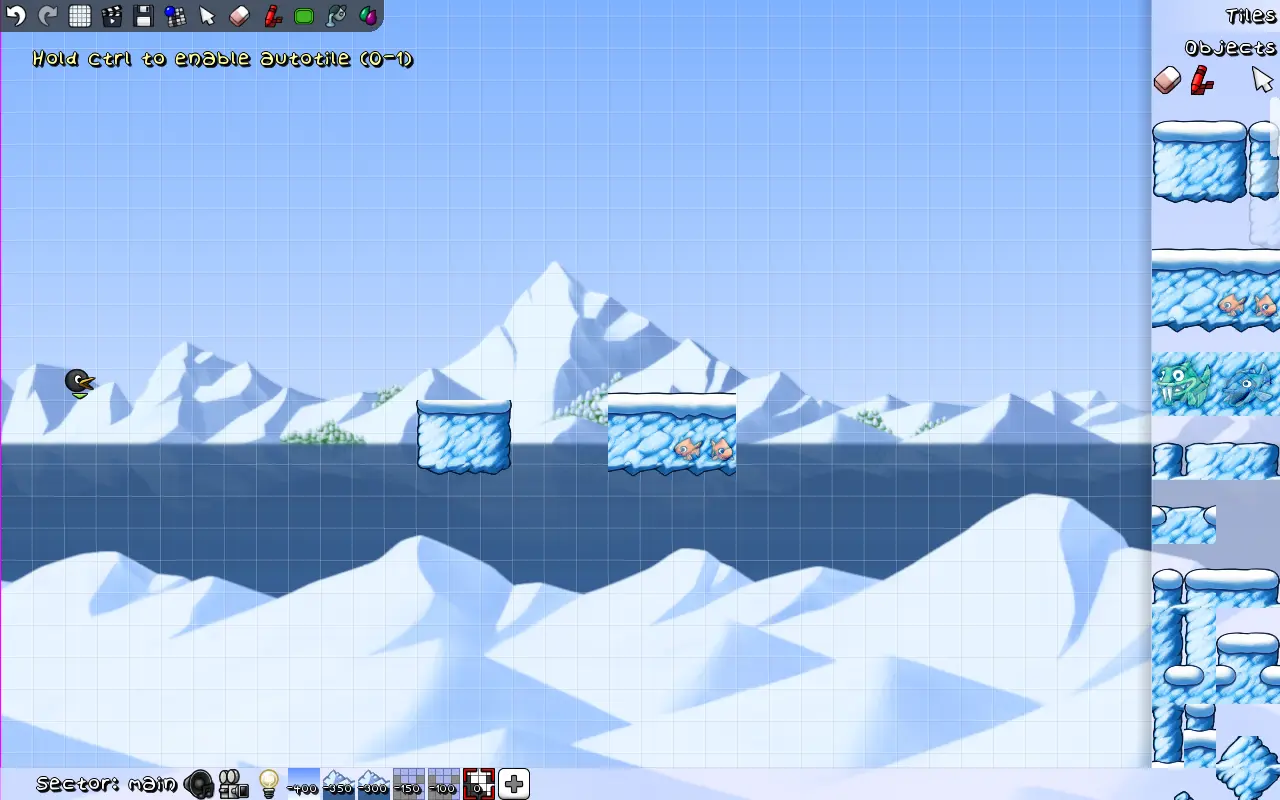
The Level Editor now always start in tile mode. Additional to arrow keys, it now supports using WASD keyboard keys to scrolling, and Ctrl+H to show or hide triggers.
The editor now highlights the current tool in toolbox, updates toolbar when switching to tile/object from menu, and does no longer refresh layers after any change.
It also implemented new node circle graphics, made EditorComment a draggable, added open editor workaround for macOS, and fixed various bugs.
Besides improvements to the level editor, the new Beta improved multiplayer option by replacing “Add player” option with “Add player (keyboard)” and “Add player (controller)”.
It as well added floating Tux Dolls, deeply rooted song from Servalot, and re-added world select backgrounds in worldmaps..
The oldbomb fuse time changed from 5s to 2s. Goldbomb does no longer drop coins when not glinted. And, Bullets can now bounce on slopes, and moves faster than Tux in water.
Other changes include:
- Option to allow ignoring the hardcoded player limit.
- Ctrl+Alt+g to toggle ghost mode.
- Allow building without networking support.
- Enable OpenGL support for Flatpak package.
- And many bug-fixes and other changes.
How to Get SuperTux 0.7.0 Beta 2
For more about the new Beta, as well as the official installers (under Assets section), go to the Github release page via the link below:
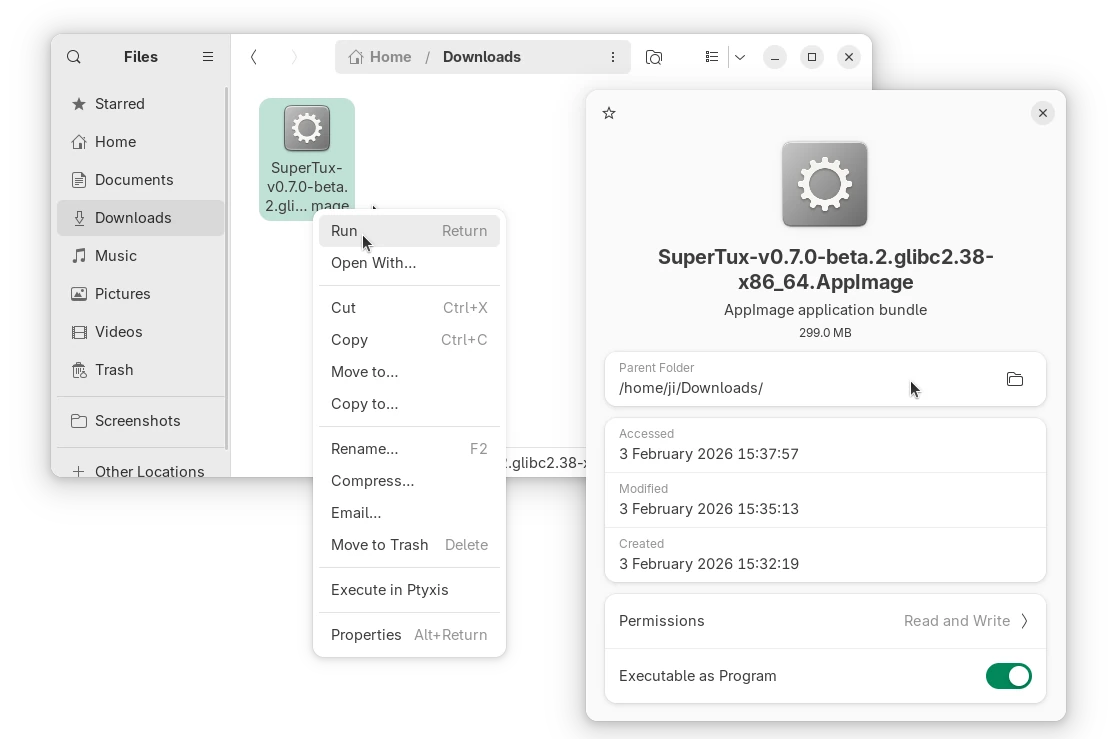
Linux user on AMD/Intel platform may select download the AppImage package, add executable permission, and run to launch the game.
As the package name says, it requires glibc >= 2.38. For Ubuntu, it means you need 24.04 LTS and higher, and make sure the libfuse2 library is installed via the command below in terminal (Ctrl+Alt+T):
sudo apt install libfuse2
For choice, select download the Flatpak package, then run command below in terminal (Ctrl+Alt+T) to install:
flatpak install drag-and-drop-flatpak-package-into-terminal
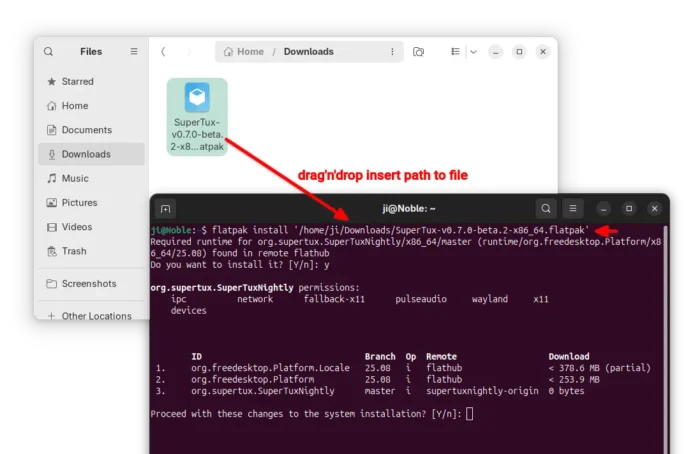
Tips: run sudo apt install flatpak to install the daemon if your don’t have Flatpak support in Ubuntu.
If the app icon is not visible, either log out and back in to apply path environment change, or run the command below instead to start it from terminal:
flatpak run org.supertux.SuperTuxNightly
(Optionally) To uninstall the package, use command:
flatpak uninstall --delete-data org.supertux.SuperTuxNightly
Source: UbuntuHandbook