Resources 1.10.0 Released with Monitoring Support for AMD NPU

Resources, the system resources and processes monitor that’s default in Ubuntu 26.04, released new 1.10.0 version yesterday.
The new version of this free open-source Rust written application added support for monitoring AMD NPU, the neural processing unit for accelerate AI and machine learning tasks, that found in Ryzen AI 300 / 400 series, Ryzen 7 8700G, Ryzen 5 8600G, and Ryzen 7040/8040 series processors.
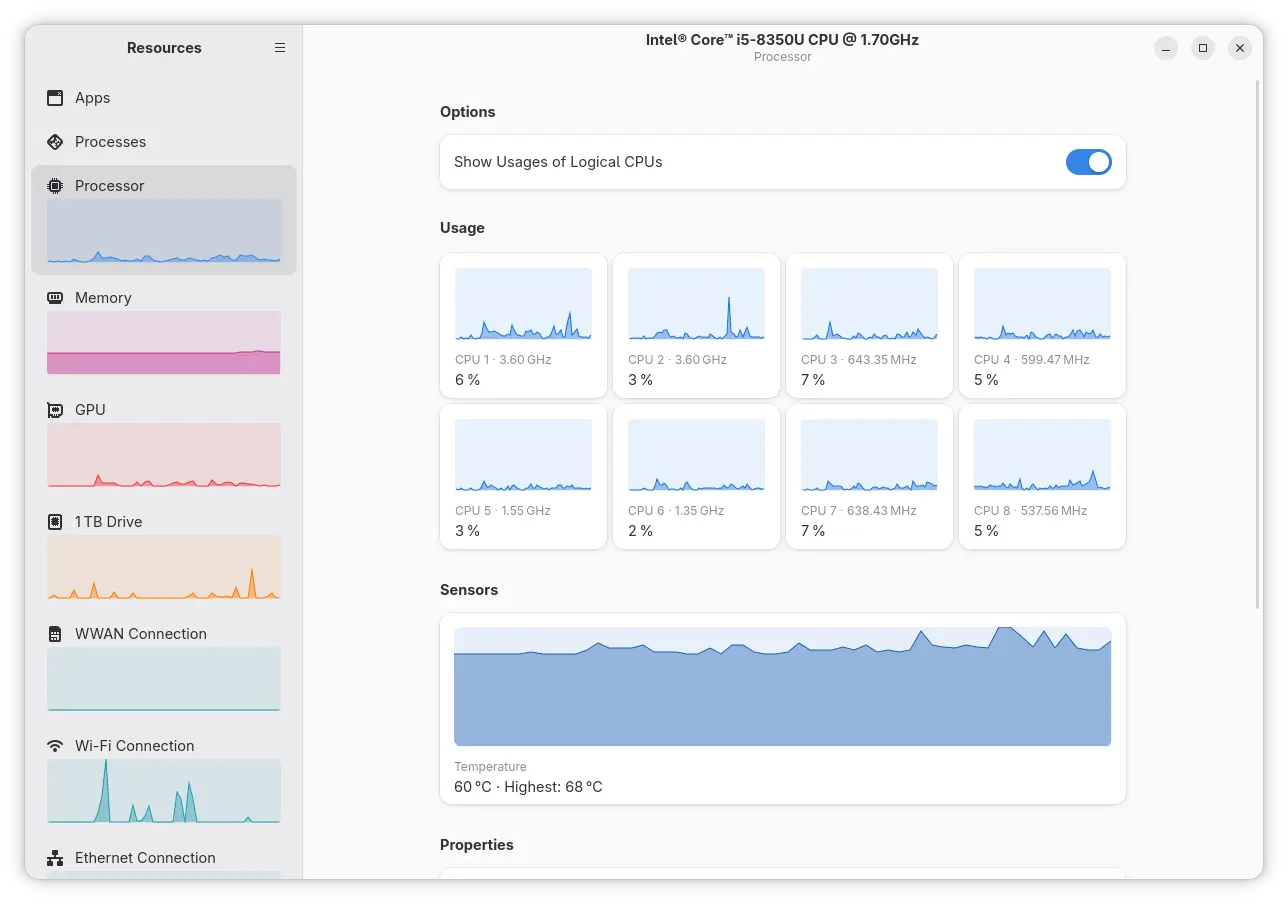
Resources has initial NPU support since version 1.7.0 which was for Intel processors only. With the new release, AMD NPU is also supported through the amdxdna driver. Meaning user needs Linux Kernel 6.14 (default in Ubuntu 24.04 with HWE Kernel) or higher for the out-of-the-box support for Ryzen AI NPUs.
You may try modinfo amdxdna command to see if the driver is present in your kernel, and use lsmod | grep amdxdna to see if it’s loaded.
And, load the kernel module either by running sudo modprobe amdxdna command that works until reboot, or by adding to a config file under /etc/modules-load.d/ that works on startup.
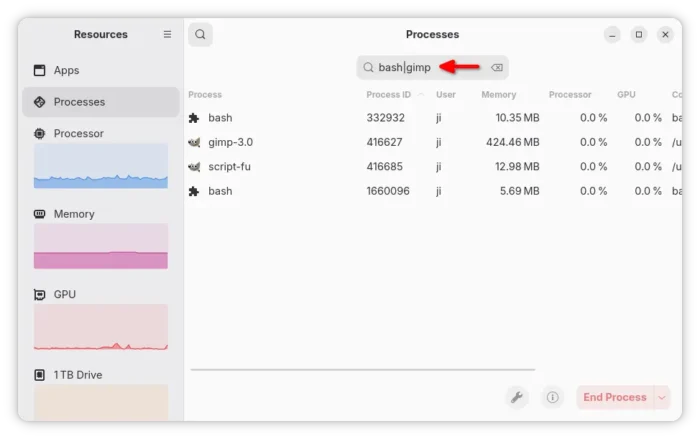
Beside AMD NPU, the new version also added support for searching multiple process names using “|” operator. Which is useful when you need to apply operations on multiple processes that are associated.
It also added support for detecting AppImage apps managed by appimaged, which has been deprecated in favor of Go AppImage, as well as detecting apps managed by Portable sandbox and LXC bridge network interfaces for containers.
The new version also changed the way it reads per-process memory usage. Previously, it subtracts shared memory from the memory usage of a process. Now, it reads VmRSS value reported in /proc/<pid>status represents the total amount of physical memory, including the shared memory. So, the app now reports higher per-process memory usage compare to Gnome System Monitor.
Other changes include:
- Significantly reduce the CPU usage of Resources’ companion process.
- Improve keyboard navigation for Apps view and Processes view.
- Fix that column names were not announced to screen readers.
- And some other fixes and changes.
How to Install Resources
Ubuntu 26.04 (dev release so far) ships with Resources 1.91.0 by default, though not sure if it will upgrade to the new 1.10.0 version in the final release.
For most Linux distributions, the app provides official Flatpak package that runs in sandbox for both modern Intel/AMD and ARM64 (e.g., RasPi and Snapdragon X) processors.
Linux Mint and Fedora (with 3rd party repository enabled) can simply search & install the package from either Software Manager or GNOME Software.
While Debian, Ubuntu, and other Linux may do the steps below one by one to install the package:
- First, open terminal (Ctrl+Alt+T) and run command to install the Flatpak daemon package:
sudo apt install flatpak
For other Linux, follow the official setup guide to enable Flatpak support.
- Then, run the command below to install the system monitor and task manager app:
flatpak install https://dl.flathub.org/repo/appstream/net.nokyan.Resources.flatpakref
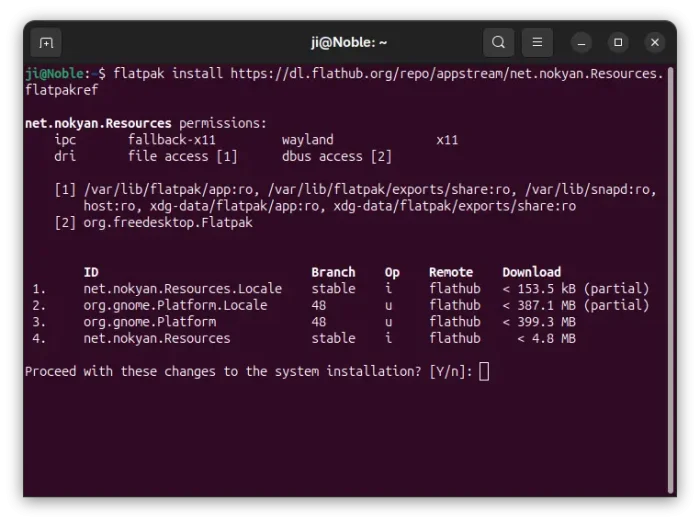
- To update the app package, use command:
flatpak update net.nokyan.Resources
Tips: if the app icon is not visible, try log out and back in, or run last command but replace update with run to start it from terminal.
Uninstall:
To uninstall the Flatpak package, run the command below in terminal:
flatpak uninstall --delete-data net.nokyan.Resources
Also run flatpak uninstall --unused to remove useless runtimes.
Source: UbuntuHandbook