Photoflare Released 1.7.0 with Qt6 Port & GMIC Integration
Photoflare, the free open-source Qt-based image editor, released new major 1.7.0 version few days ago.
This is a much bigger release since the last 1.6.0 version that was released more than 6 years ago. New features include Qt6 port, GMIC integration dark mode improvements, and more.
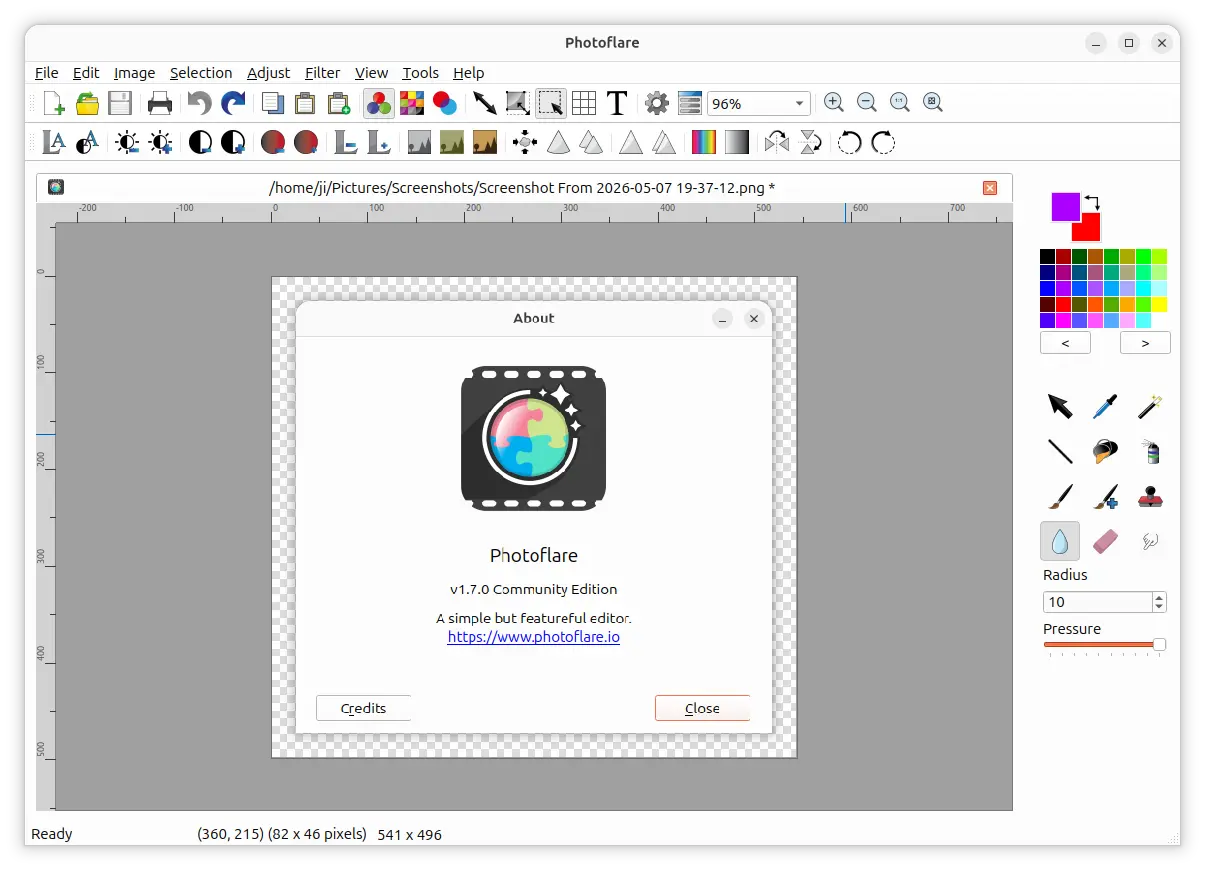
The new version finally ported its UI from Qt5 to Qt6 for modern platforms support, better performance, and some out of the box HiDPI scaling to make the app window sharper on high-resolution displays.
It completely rewritten the canvas rendering pipeline, which significantly improved the painting and filter performance and reduced memory usage when editing large images with 1080p, 4K, or higher resolutions.
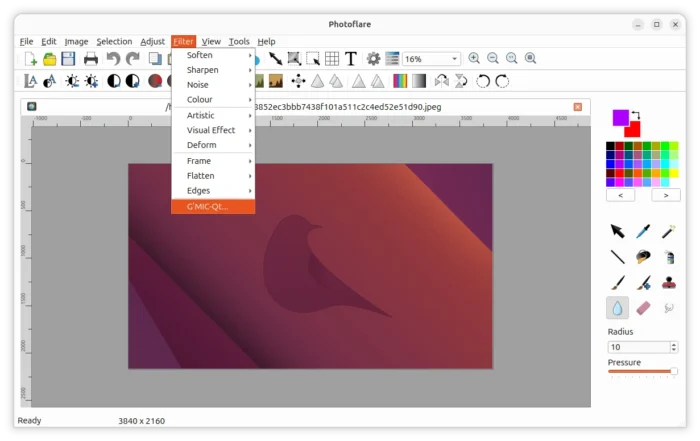
This version as well added full integration of G’MIC (GREYC’s Magic for Image Computing). Simply download & install G’MIC (for all interface) from its website, Photoflare will automatically find the executable file and allow to use these hundreds of advanced filters and effects via the “Filter” menu.
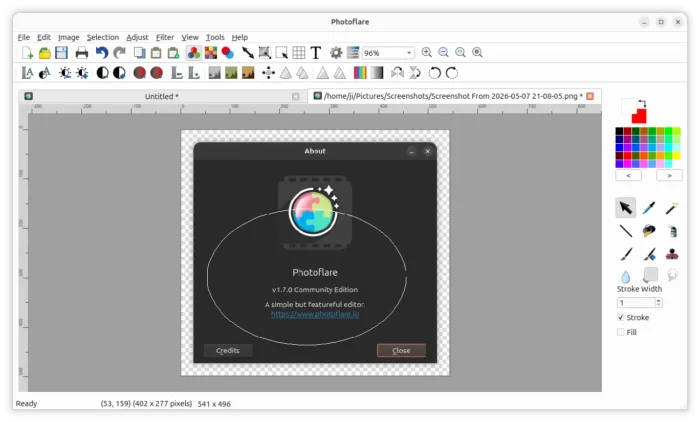
The app now displays horizontal and vertical rulers on the canvas, though user can disable it in Views menu. The selection tool has been updated with ellipse and lasso support. And, it now displays coordinates and selection size on status bar, and, rotates the selection area when rotating canvas.
It as well added 4 new filters. They are Pixelate filter to blur image, new Vignette filter to fade the edges or corners of an image, Pixel Scatter to apply pixel explosion effect, and Sketch filter to turn image into black-and-white pencil drawings style.
Photoflare 1.7.0 added an initial plugin system, allowing third-party developers to extend the application with new image filters and file format exporters. See this page for details.
Other changes include:
- AppImage for Linux.
- New icons for dark mode.
- Resize canvas by percentage.
- Pan image while zooming.
- Paste as new image, with rotate and scale support.
- Preserve EXIF metadata on save.
- Use mouse or arrow keys to move the selection.
- Improve batch processing with file format validation, multiple file path selection, and additional filter options.
Get Photoflare
Photoflare provides installer packages for Linux and Windows, which are available to download in its website via the link below:
For Ubuntu, it’s an official PPA that contains the .deb package for Ubuntu 25.10 and Ubuntu 26.04.
Open terminal (Ctrl+Alt+T) and run commands below one by one to add PPA & install the image editor:
sudo add-apt-repository ppa:photoflare/photoflare-stable
sudo apt update
sudo apt install photoflare
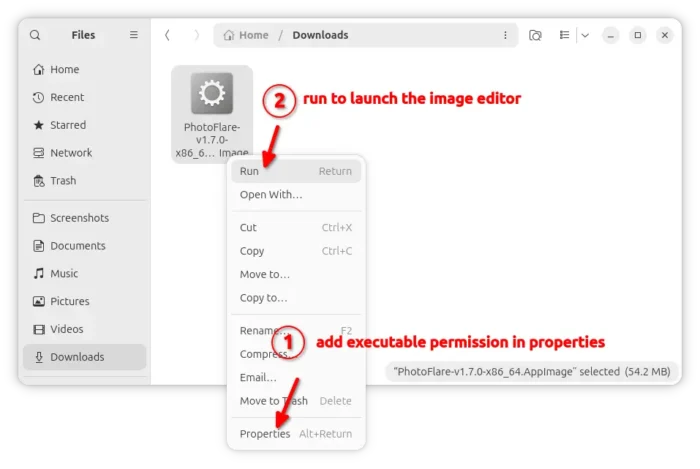
Old Ubuntu and other Linux may try the non-install AppImage package which is available to download under “Assets” section in Github releases page.
Note: Ubuntu since 22.04 needs to install libfuse2 library to enable AppImage support by running the command below:
sudo apt install libfuse2
Source: UbuntuHandbook