LibreOffice 26.2 Released with Markdown Import/Export, Vertical Tabs

LibreOffice, the free open-source office suite that defaults in many Linux Distributions, released new major 26.2 version yesterday.
The new version updates it UI with vertical tabs in left side for the dialogues. While user can easily switch back to use tabs on top, by going to Tools -> Options -> LibreOffce -> Appearance setting page.
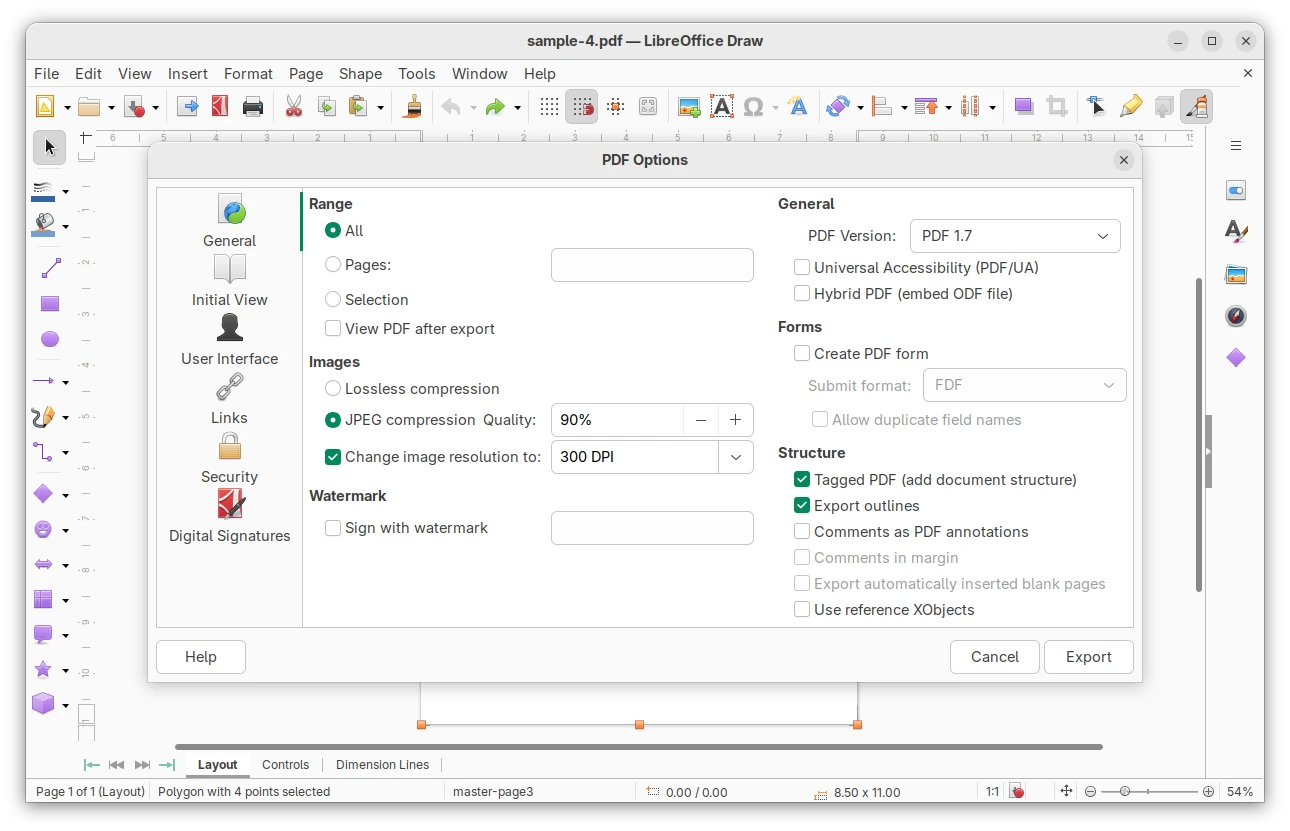
The layouts panel in the Impress sidebar, theme dialog, and Presets and Shadow Style Positions from the border page dialog now use modern native IconView GTK widget for improved UI consistency and performance. And, in Linux it uses native GTK or Qt color chooser dialog instead of the custom LibreOffice one, though also user can switch back by going to General settings.
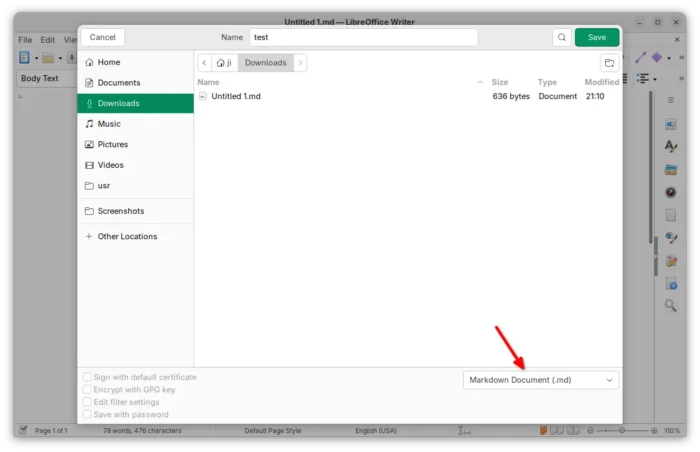
Besides UI changes, the new version added support for importing/exporting Markdown format, as well as using ODT/DOCX templates while importing a Markdown document.
It also sped up EPUB export and added a progress bar during the export process. And, it improved line height handling of Chinese, Japanese, and Korean DOC/DOCX documents.
For fonts with license restrictions, it does no longer silently ignore but asks user if open the document in edit mode or in read-only mode.
The Writer app now supports Start and End paragraph alignment, automatically set the direction of RTL text while typing, and includes new option to prevent dragging of selected text.
It as well displays a more visible grid, and the Snap to Grid functionality now accurately aligns objects with the grid.
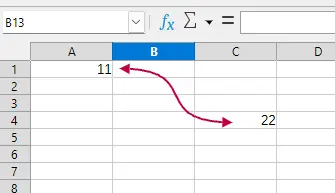
The Calc features xmlMaps.xml, Biff12 (Excel 2007+) clipboard format, and connector support. Excel 2010+ is now the default format when saving as XLSX. There are as well performance and sort dialog options improvements.
Other changes include:
- Introduced Microsoft Media Foundation APIs on Windows to support video and audio playback of common codecs.
- Allow inserting hyperlink via context menu.
- New symbols for unordered lists.
- Generic XML and JSON mapping to Calc.
For more, see the official release note.
How to Install LibreOffice 26.2
LibreOffice provides official installers which are available to download via the link below:
Linux user may choose the native deb for Debian/Ubuntu based distributions, rpm for RHEL/Fedora, or Snap package that’s available in Ubuntu Software (App Center), Flatpak package runs in sandbox, or non-installable AppImage.
For Ubuntu users who want to upgrade the pre-installed one to the latest 26.2 version, then it’s recommended to wait the update from LibreOffice Fresh PPA.
Source: UbuntuHandbook