GNOME 50 will Support Bedtime & Daily Screen Time Parental Controls

GNOME 50, the default desktop for next Ubuntu 26.04 LTS and Fedora Workstation 44, is going to add more feature options for parental controls.
As you may know, GNOME has a built-in “Parental Controls” application, allowing parents to restrict their children’s activity on computer or laptop screen.
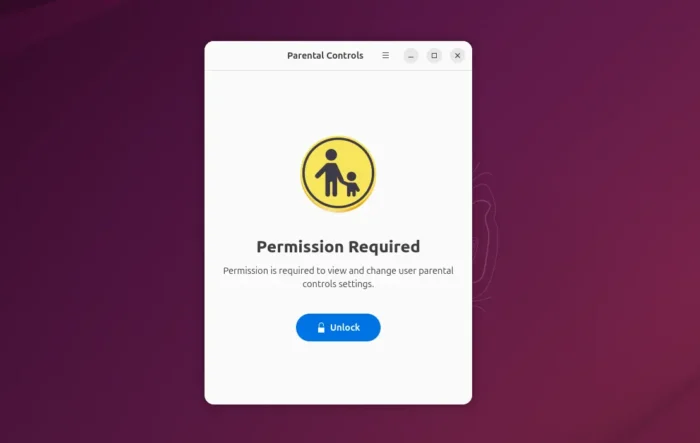
The app however moves slowly, and the latest version so far is less usable, as it only supports for restricting access to web browser and other selected apps, which can be easily bypass by starting them from command line, such as a terminal window or Alt+F2 “Run a Command” box.
As a workaround, I wrote about how to limit daily screen time on Ubuntu by using a third-party application called Timekpr-nExT. It’s great and works in most desktop environments, but not so simple and clear for beginner use.
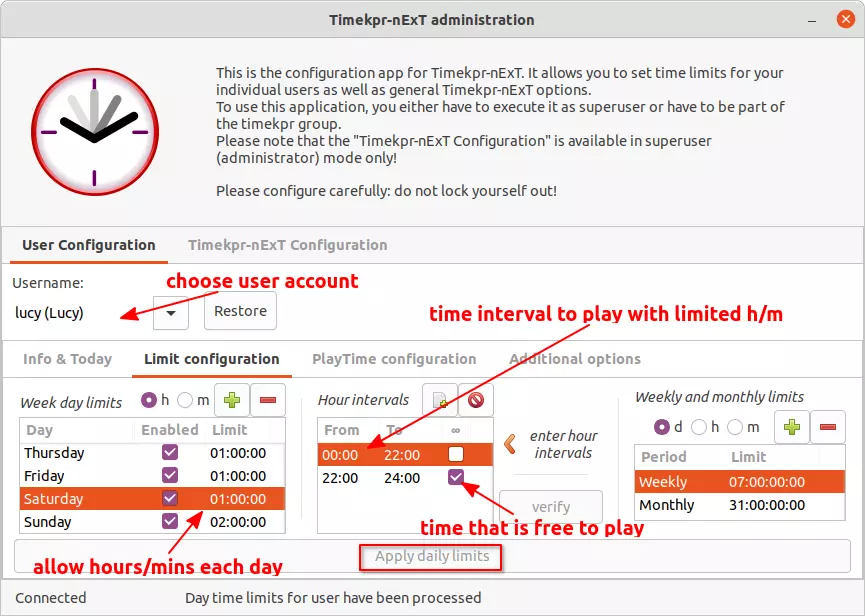
Timekpr-nExT
Thanks to the Digital Wellbeing feature which was introduced in version 48, Gnome finally added the ability to lock screen when screen time limit is reached.
The feature has been merged for parental controls app, which will be available in GNOME 50 planned for March 14th.
At that time, administrator can either go to User settings page or launch “Parental Controls” app directly to set daily screen time limit and/or bedtime for standard user accounts.
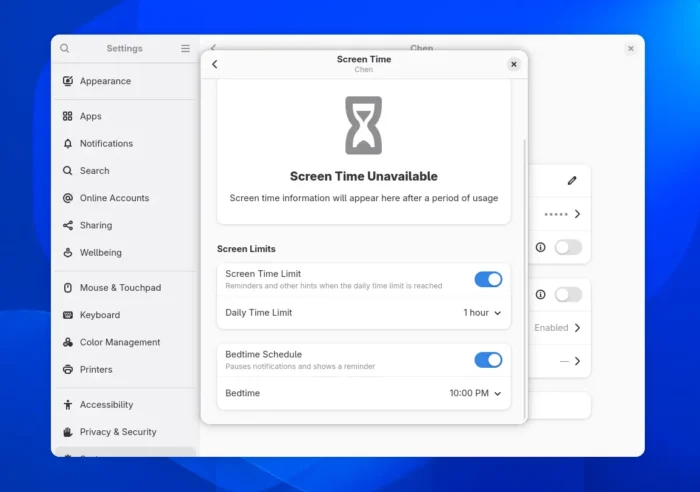
Set daily screen time limit and bedtime
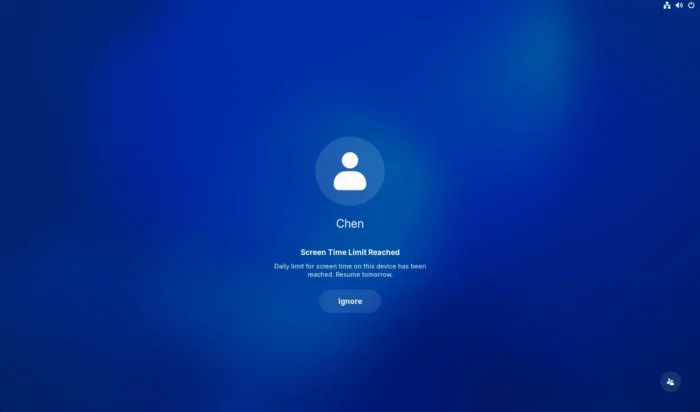
When the bedtime or screen time limit reached, the computer will automatically lock the screen. And, it only allows to resume the next day or unlock by using administrator account password.
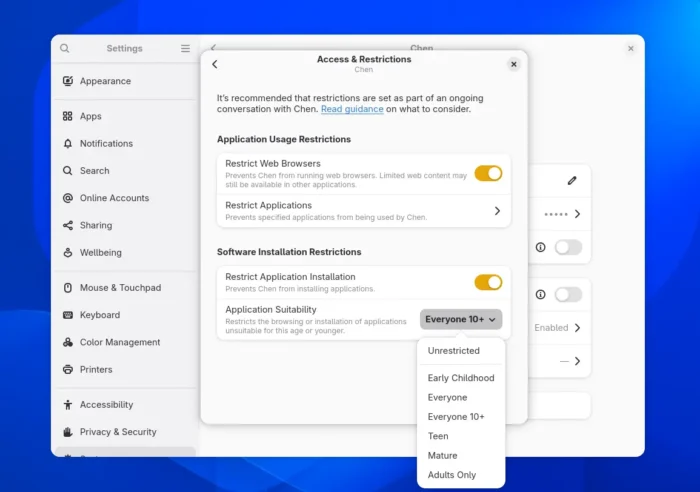
Besides the screen time limit, the app in GNOME 50 will also feature more restrictions for application access. There’ll be a new “Restrict Application Installation” toggle to prevent user from being able to install applications.
And, “Application Suitability” option is added to restrict the browsing or installation of apps unsuitable for one of the selected ages, such as Early Childhood, Teen, and Mature.
Tips: For Ubuntu users who installed the system with default mode, the parental controls app may be not pre-installed. In the case, open terminal (Ctrl+Alt+T) and run the command below to get it:
sudo apt install malcontent-gui
And, for those who care about the next version of Ubuntu desktop or Fedora workstation, it also features complete Xorg removal (though support loading other Xorg desktop from login screen), ability to set first day of week, out-of-box support of XBM and XPM images, and improved tablet devices support. For more, keep an eye on Gnome Discourse announcements.
Source: UbuntuHandbook