How to Install the Official GeForce NOW App in Ubuntu 26.04 | 24.04

The native Linux app for NVIDIA’s GeForce NOW finally goes stable! Here’s how to install it in Ubuntu 24.04 and Ubuntu 26.04 LTS.
GeForce Now is NVIDIA’s cloud gaming service that streams high-end PC games to laptops, phones, and TVs, allowing for better gaming experience without requiring high-end hardware.
NVIDIA introduced the GeForce NOW Linux app more than half a year ago for Beta testing. By this announcement, the app finally goes stable!
The native Linux app for GeForce NOW is officially out of beta. GeForce NOW is also delivering new cloud optimizations that make Frame Generation feel even more responsive while streaming. On top of that, Performance members will see higher frame rates in demanding games thanks to a CPU performance adjustment.
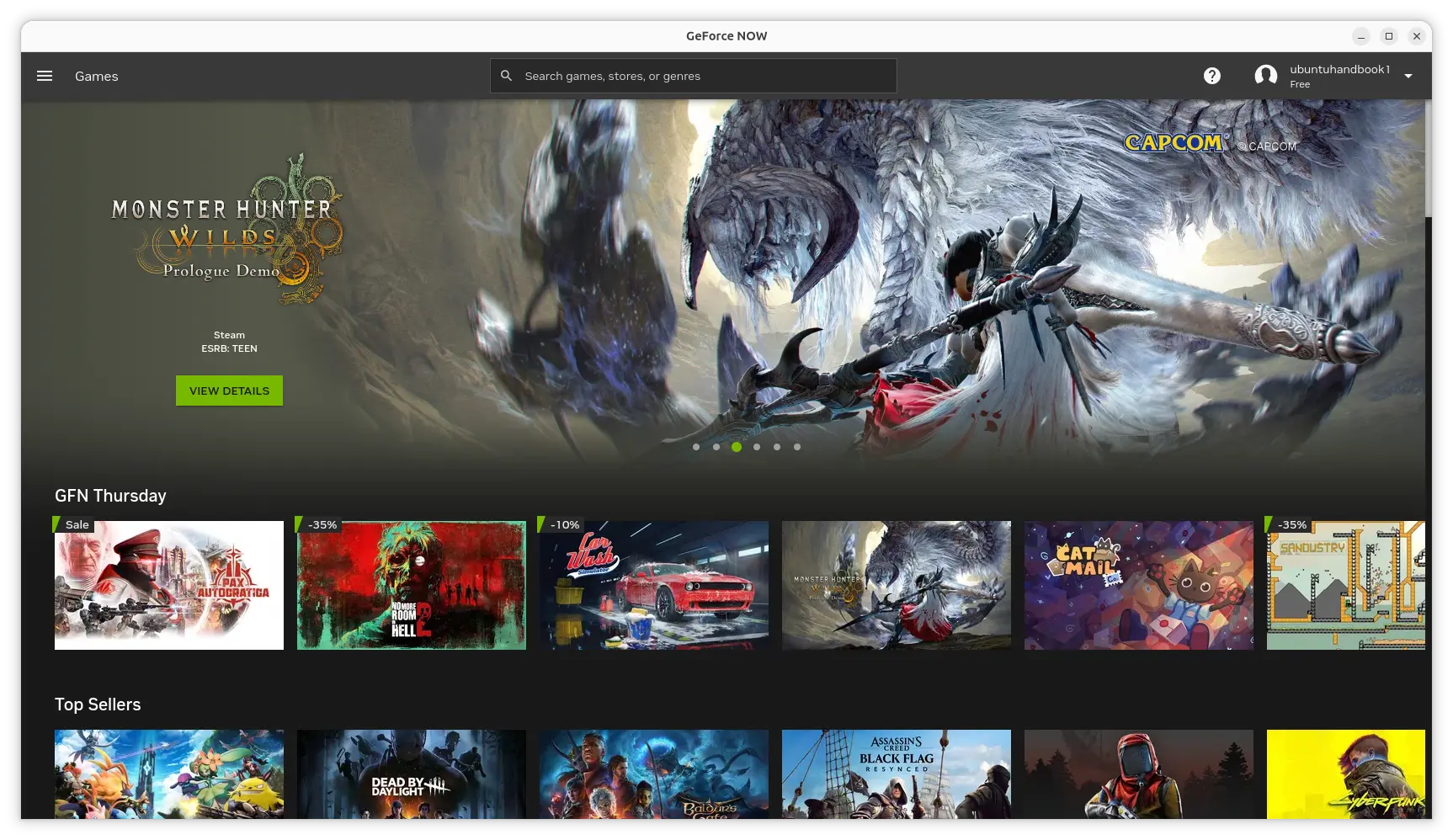
The Linux app is available through a Flatpak package that runs in sandbox and works in most Linux Distributions.
It’s however hosted in NVIDIA’s own repository, while, the GeForce related app packages in standard Flathub.org are unofficial!
NOTE: Though the title says for Ubuntu, the guide works also on Debian, Linux Mint, and most other Linux that meet the GeForce NOW requirements.
Install GeForce NOW Flatpak package
Before installing the app, you need a dual-core Intel or AMD processor with 2.0GHz or faster frequency, 4GB or higher RAM, and a modern GPU with H.264/H.265 decoding support.
For NVIDIA, it requires 580.126.07 or newer driver. For Intel/AMD GPUs that use Mesa, it recommends Mesa >= 24.2.8. And, a 15 Mbps or faster required depends on your game. See this page for the detailed requirements.
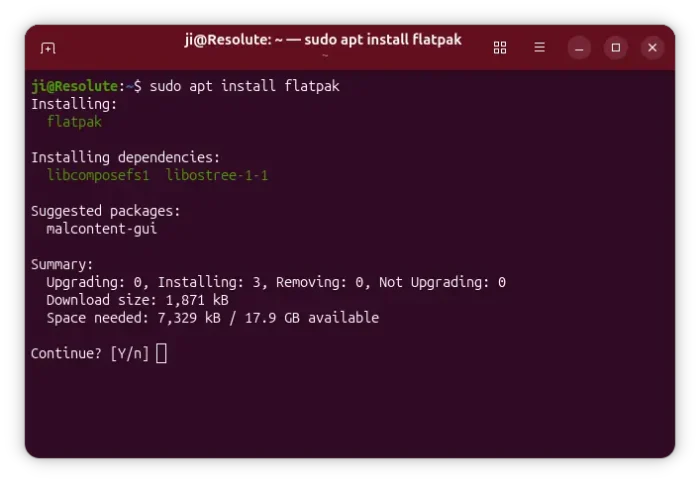
1. First, launch a terminal window (for Ubuntu, press Ctrl+Alt+T) and run command to install the Flatpak daemon.
sudo apt install flatpak
Other Linux may follow the official setup guide to enable Flatpak support.
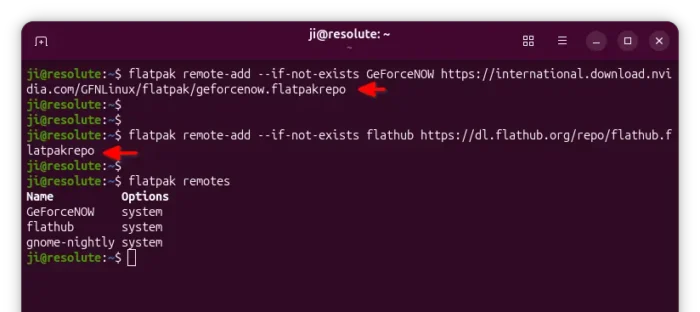
2. After that, add NVIDIA’s flatpak repository by running command:
flatpak remote-add --user --if-not-exists GeForceNOW https://international.download.nvidia.com/GFNLinux/flatpak/geforcenow.flatpakrepo
Then, run command to add the Flathub repository that includes the dependency run-times!
flatpak remote-add --user --if-not-exists flathub https://dl.flathub.org/repo/flathub.flatpakrepo
In both commands, skip --user if you want to add the repository system-wide, so other users can also use it.
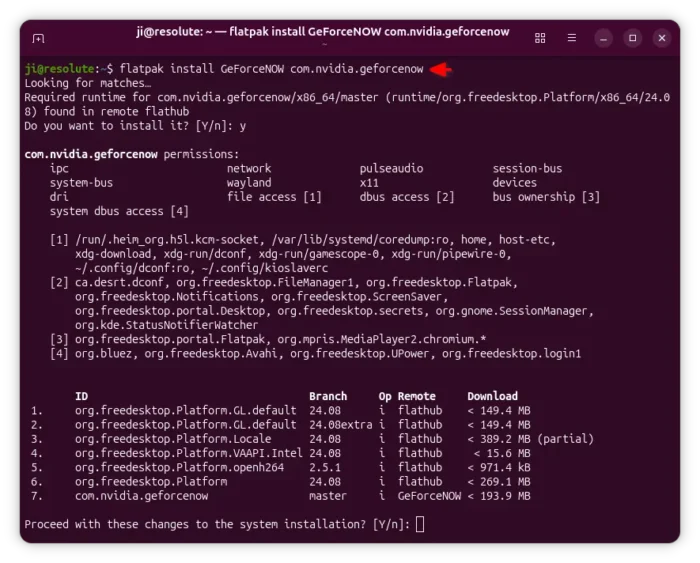
3. After added the flatpak repositories, finally run the command below to install the package:
flatpak install --user GeForceNOW com.nvidia.geforcenow
Also, skip --user option if you added the repositories without it.
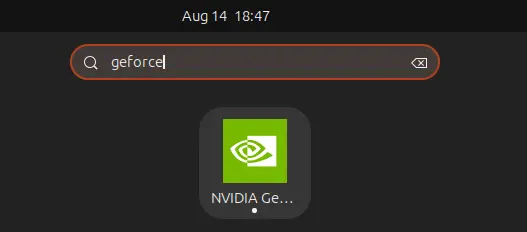
After installed the app package, search for and install it from either application launcher or Gnome overview depends on your desktop environment.
If you cannot see the app icon, try log out and back in to apply environment variable changes.
For updates, just run the command below regularly to check & install:
flatpak update com.nvidia.geforcenow
Uninstall GeForce Now
To uninstall the package, open terminal (Ctrl+Alt+T) and run command:
flatpak uninstall --delete-data com.nvidia.geforcenow
Here, skip --delete-data if you want to keep the personal app data which is stored in .var/app/ directory.
Then, run command to remove the useless runtime library that can free up some disk space:
flatpak uninstall --unused
And, remove the remote repository by running command:
flatpak remote-delete GeForceNOW
Source: UbuntuHandbook