Linux Mint 22.3 Updated with 7.0 Kernel & New Kernel Management UI

Linux Mint 22.3, the popular Ubuntu 24.04 based Linux Distribution, got a Hardware Enablement update by releasing new 7.0 Kernel HEW ISO images.
The new update features Linux Kernel 7.0 provided by Ubuntu 24.04 (backported from Ubuntu 26.04), enabling new hardware support and better performance.
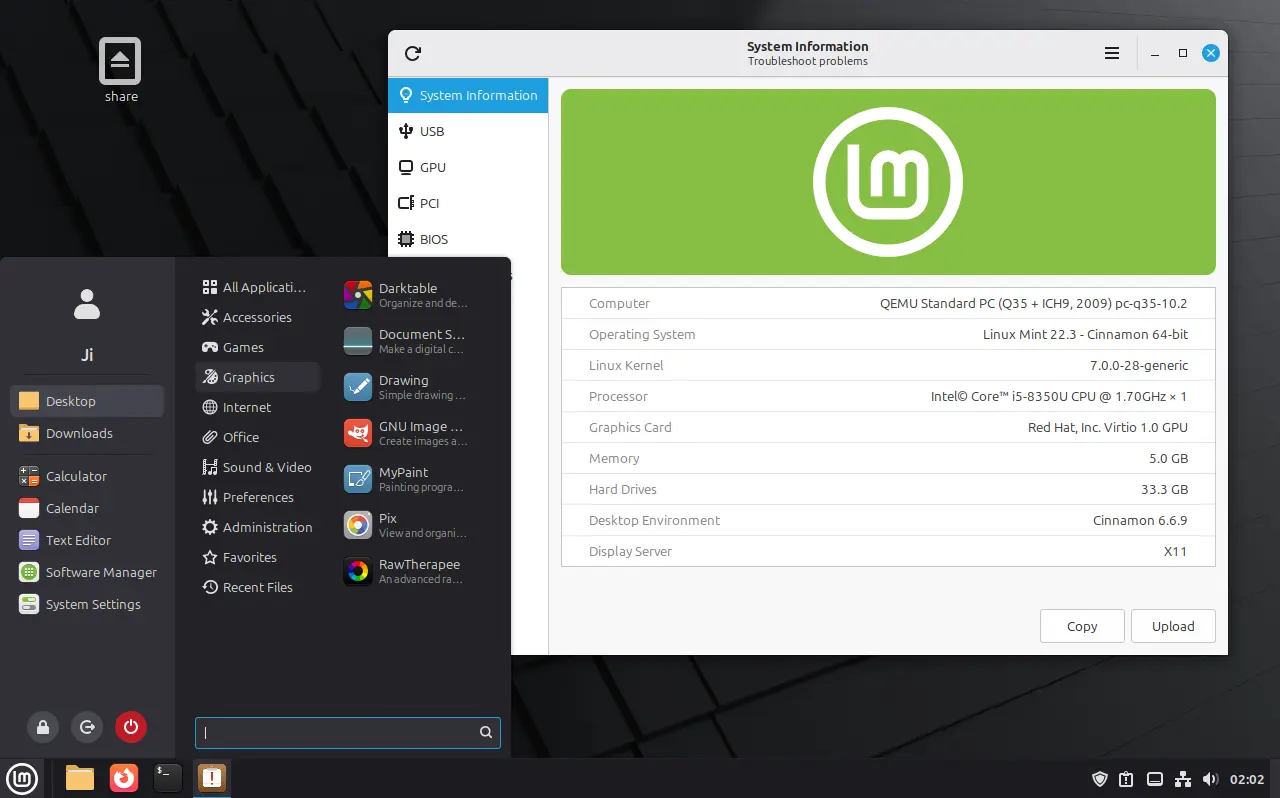
The new kernel features improved gaming support for old AMD GPUs, concurrent direct I/O write improvement on EXT4 file system, and Thunderbolt Alternate Mode.
It also includes many new and updated hardware support, such as multi-touch for Lenovo Yoga Book 9i, Fn lock and WMI fan control for various ASUS laptops, fan control on HP Victus S laptop, and more.
Without re-installing the operating system, current Linux Mint 22.3 users can simply launch Update Manager then install all available updates to get the new Kernel.
In case you don’t enable the HWE kernel, either launch “Update Manager” and go to install “View -> Linux Kernels” to switch kernel, or install linux-generic-hwe-24.04 package by running apt command below:
sudo apt install linux-generic-hwe-24.04
Then, reboot.
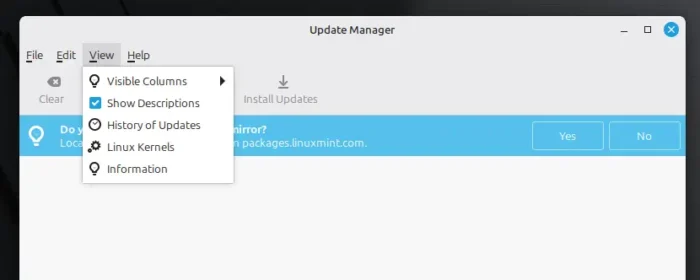
The old kernel management UI will be removed from Update Manager
Besides Kernel 7.0, Linux Mint also introduced new Kernel management UI in the “System Administration” app according to the official blog post.
The feature does not seem to be generically available, as I cannot find it in my case in Mint 22.3 running in virtual machine.
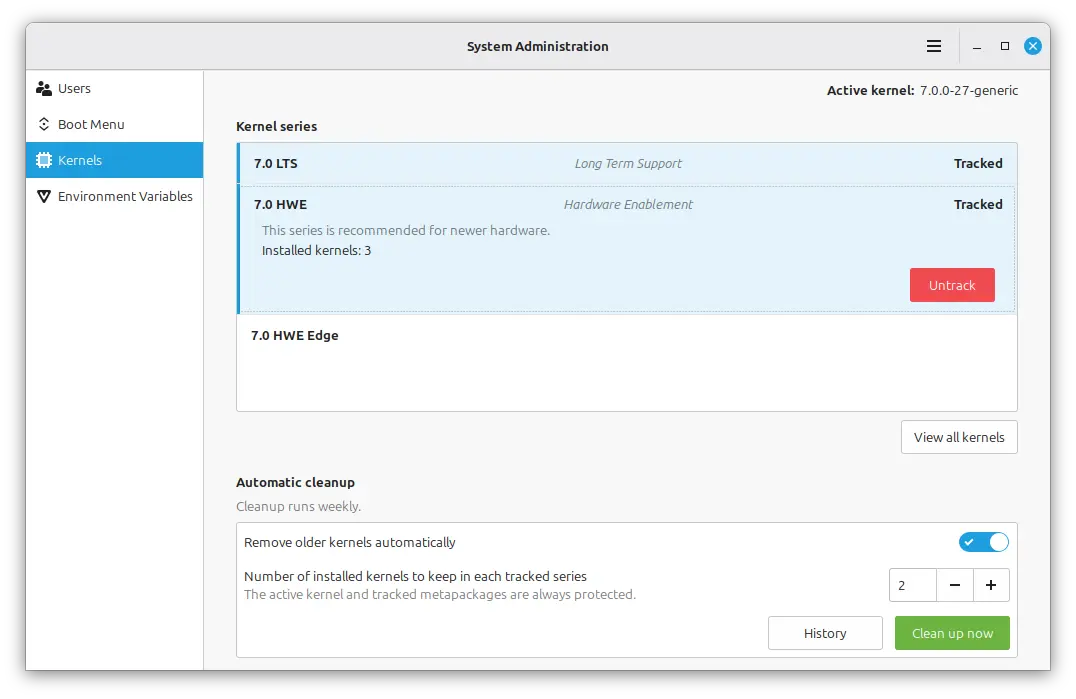
image from LinuxMint.com
But with it, you can easily choose which Kernel series to use:
- Linux 7.0 – supported until May 2029.
- Linux 6.17 – supported until August 2026 (will expire soon).
- Linux 6.8.0 – the original Kernel supported until May 2029.
And, you can configure whether to remove old kernels automatically and how many old kernels to keep. It happens on a weekly basis, while, user may click on “Clean up now” button to manually trigger the old kernel removal process.
Other changes include:
- New “History” button to view kernel removal history.
- Track custom kernel series in the new kernel management UI.
- Fcitx5 support with full Wayland/X11 parity.
- New keyboard layout viewer.
For more, see the official blog post.
Get Linux Mint 22.3 HWE ISO
The new hardware enablement iso images are available to download in its website via the link below:
Source: UbuntuHandbook