LightDM Released Version 1.33.0 After Four-Year Hiatus

LightDM, the lightweight display manager originally developed by Canonical (the company behind Ubuntu), returns by releasing version 1.33.0 a few days ago.
It’s the first release in four years, that features bug-fixes for the issues since the last 1.32.0 and Qt6 support, while Qt5 will continue to be available.
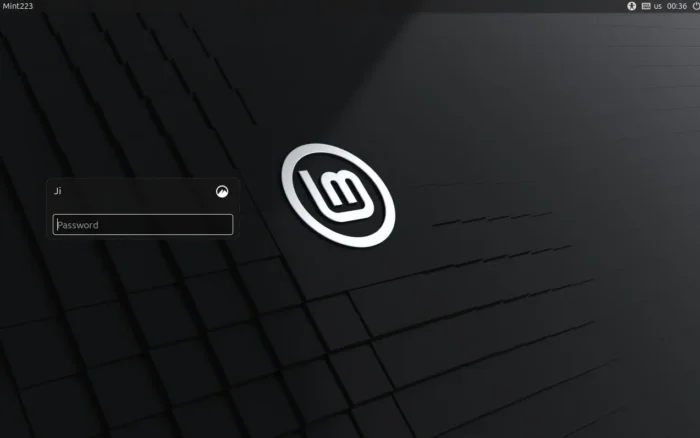
Linux Mint login screen is handled by LightDM
LightDM (Light Display Manager) was the default handler for Ubuntu login screen, when it was at Ubuntu 11.10 ~ Ubuntu 16.04 versions that use Unity as the default desktop environment.
The development was slowed down since Ubuntu switched back to GNOME (GDM). However, it’s still a popular choice that many Linux Distributions (such as Linux Mint, XUbuntu, Ubuntu Cinnamon, Linux Lite) keep using it as the default display manager.
The new Ubuntu Cinnamon project lead and a Fedora, openSUSE, and CentOS contributor take up the job maintaining the LigthDM project. And, the maintainers announced the first 1.33.0 a few days ago.
The new version added Qt 6 version of LightDM’s client library, so that Qt based greeters (e.g., LightDM KDE Greeter, Web Greeter) can now build in Qt6 API with improved Wayland and HiDPI support, and better compatibility with newer KDE/Qt software.
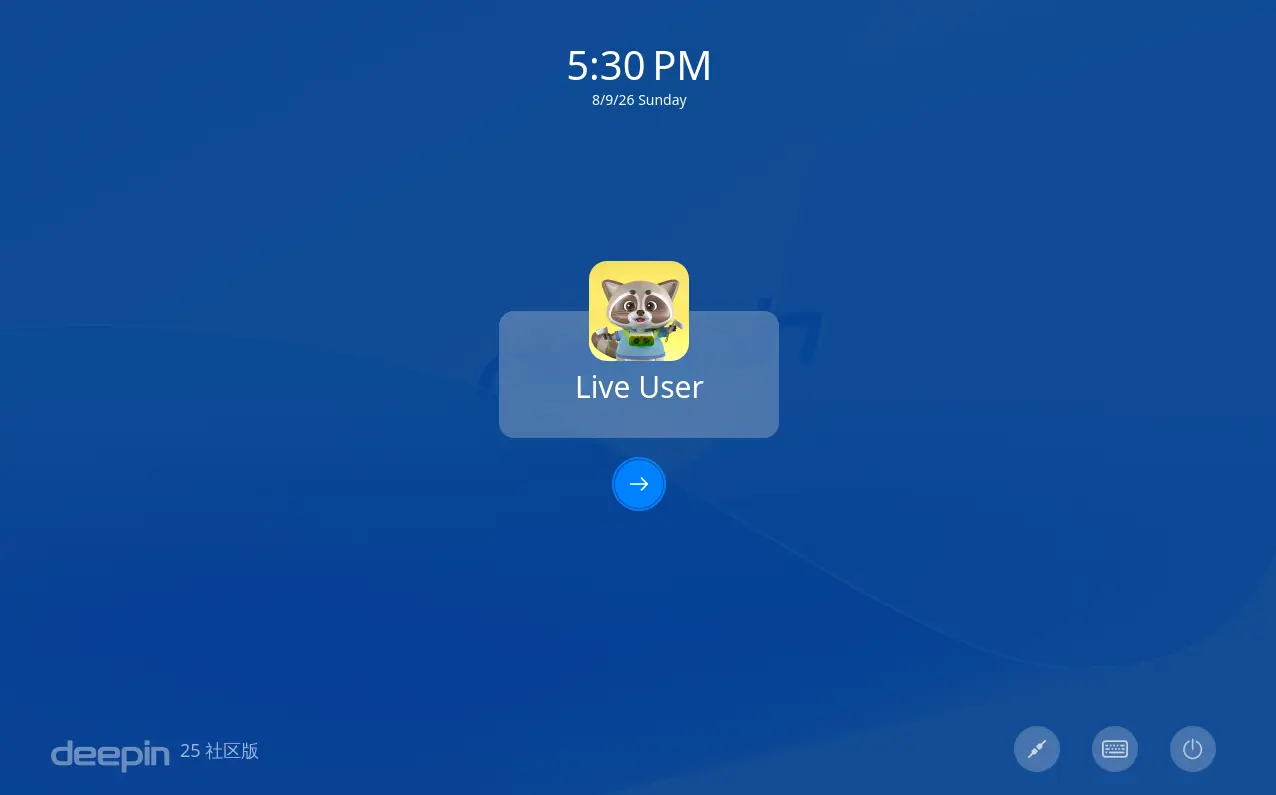
LightDM Deepin Greeter built against Qt
LightDM now handles the cases where a PAM module creates or changes a user’s home directory during login, instead of assuming the home directory is fixed before the PAM session starts.
It improves VNC support by making it actually use the configured vncserver command on start, and, ensures LightDM works correctly with modern TigerVNC versions.
For Wayland, it allows to start the sessions on seat0 even when the kernel has no virtual terminal support. It prevents LightDM from restarting the greeter during Wayland login.
And, it fixed several problems with multiseat setups (e.g., multiple monitors, keyboards, mouses) when using Wayland sessions.
LightDM 1.33.0 also improved FreeBSD support. It now uses FreeBSD’s setusercontext(3) function when available to initialize user sessions.
It improves BSD compatibility by applying system login policies (login.conf), environment expansion, limits, and other session settings automatically instead of relying on LightDM’s own implementation.
It also added FreeBSD-specific VT handling by generating correct ttyv device names instead of assuming Linux /dev/ttyN naming. And, adds FreeBSD-specific virtual terminal (e.g., ttyv0, ttyv1, ttyv2) switching support.
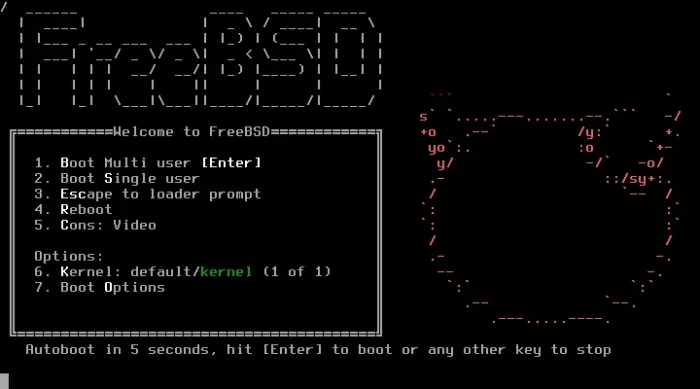
FreeBSD bootloader
The new release as well fixed a bug where canceling authentication could cause the login screen frozen or stuck in the “authenticating” state.
It added Zenity’s --no-markup option when displaying dialogs, ensuring error messages and other text are shown literally. Though, Ubuntu already uses the option since 1.30.0 build.
The 1.33.0 version also improved systemd integration by limiting restart loops and adding a failsafe handler. If LightDM fails repeatly, systemd stops restarting it and switches the user to a TTY console with troubleshooting instructions instead of leaving them with a black screen.
Other changes include:
- Disable user switching when unsupported.
- Try binding to IPv6 first when starting vnc server.
- Make LightDM start after
systemd-hostnamed.service, which can fix possible login fails. - Fix login/session startup fail, when hostname changed in during login.
- Stop printing unnecessary error messages when optional PAM modules not installed.
- Add information about display setup scripts to README.md
Get LightDM 1.33.0
The new LightDM release has been made into Arch Linux testing repository and Fedora Rawhide for next 45 version.
Debian also built the new release into Unstable repository, and, Ubuntu will most likely backport it for the next Ubuntu 26.10.
And, for current Ubuntu releases, the maintainer will probably upload LightDM 1.33.0 into a PPA according to the announcement.
For the source tarball as well as release note, see it in Github releases page.
Source: UbuntuHandbook