Escape the Algorithm: 10 RSS Feed Readers You Can Self Host in Your Homelab

I have argued this in the past as well. RSS feeds are the simplest way to get out of the algorithm’s web.
Every platform wants to decide what they think you should read. RSS feed is the resistance. You have a list of your own favorite websites that you trust (like It’s FOSS), you add these sources in the feed reader and you get to see all the newly published articles from the sources you want.
There are several feed readers for Linux desktop. Even email clients allow you to read from RSS feeds.
But they are confined with a single machine. Since self-hosting is increasingly (and rightly) being popular these days, you can try self-hosting feed readers in your homelab. This should allow you to access your feeds on all the compatible devices on the home network.
And if you want to go the self hosting way, I have a bunch of suggestions for you to explore.
For this list, I looked at how easy each tool is to actually self-host with Docker, whether it can be used with mobile apps (through the Fever or Google Reader API), whether it can generate a feed for a site that doesn’t provide an RSS feed on its own, and whether there’s a real hosted option if you’d rather not run the server yourself and yet pay for an open source software service.
1. Yarr
Yarr (short for “yet another rss reader”) is a single Go binary with an embedded SQLite database. No separate database server, no multi-container setup, just one file you run.
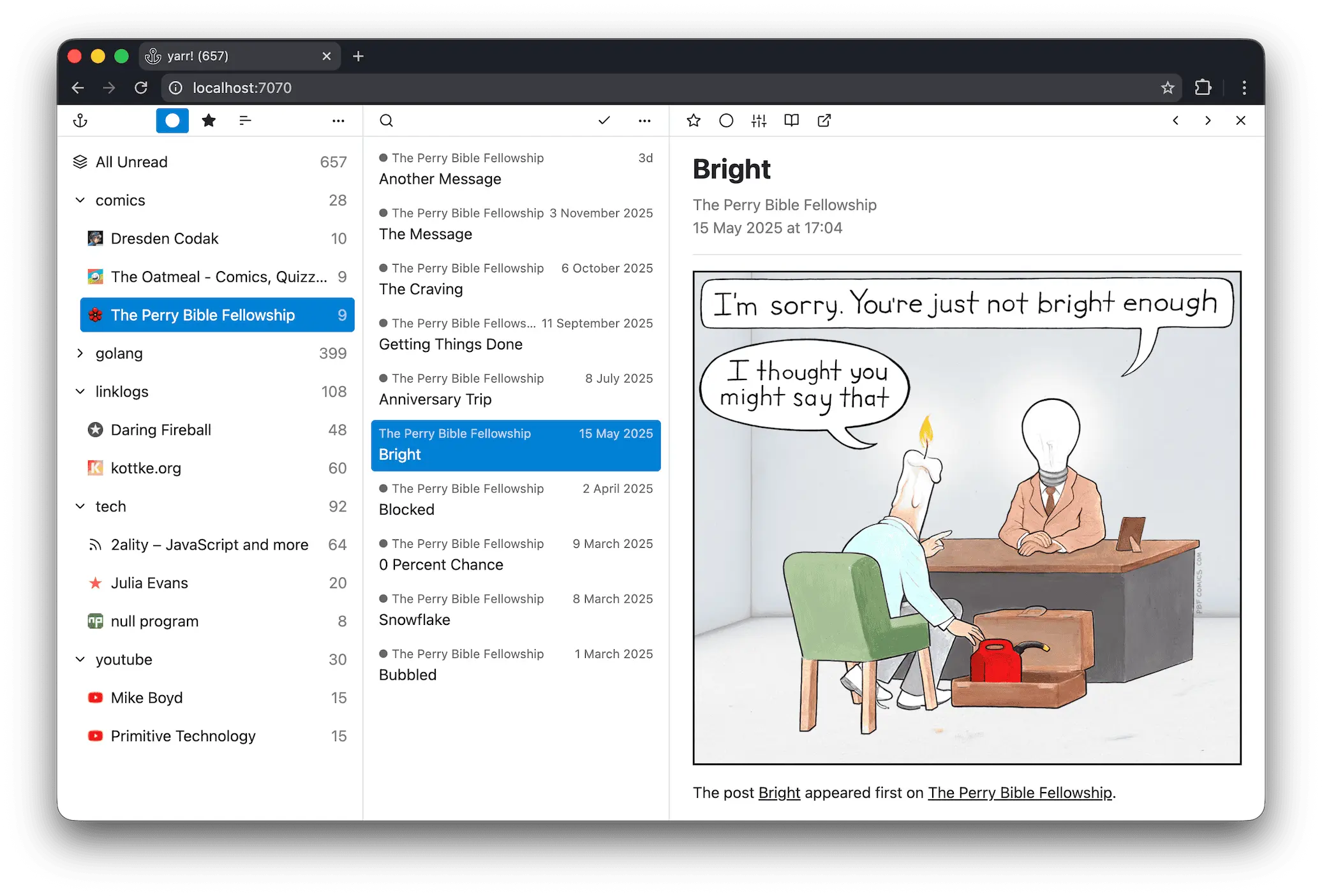
You can run it as a desktop app with a system tray icon on Linux (and Windows and macOS), or point the same binary at a server and use it headlessly over the browser. It picked up Fever API support a while back, so it now works with Fever-compatible mobile clients like Reeder and Unread, something it didn’t have for most of its life.
It’s built for single person use. There’s no multi-user support and OPML handling is basic compared to FreshRSS or Miniflux, so double check your import works before you commit to it.
Yarr is open source under the MIT license and self-hosted only. There’s no official paid hosting.
2. Fusion
Fusion is a newer, lightweight reader built with Go and TypeScript. It’s pretty much like Yarr.
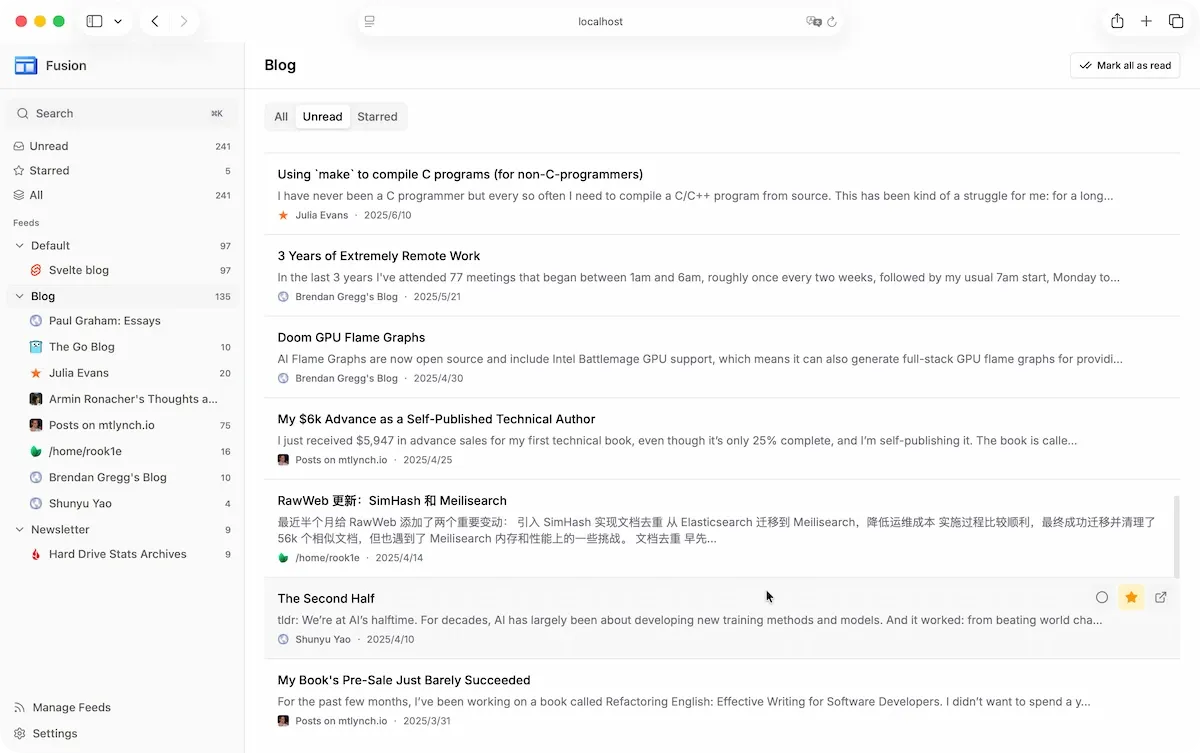
It ships as a single binary with SQLite, has a proper PWA you can add to your phone’s home screen, and supports the Fever API for third-party clients like Reeder, Unread, and FeedMe.
The official Docker image is here, and there’s a docker-compose example in the README if you want to get it running fast. It deliberately skips AI features, which the project states outright as a design choice rather than an oversight.
There’s no official first-party hosted version yet, though the community has put together one-click templates for Fly.io and Railway if you don’t want to manage a server yourself. It is also available on PikaPods.
3. CommaFeed
CommaFeed is a Java and React reader built to feel like the old Google Reader. I am not sure if that’s a positive thing or not.
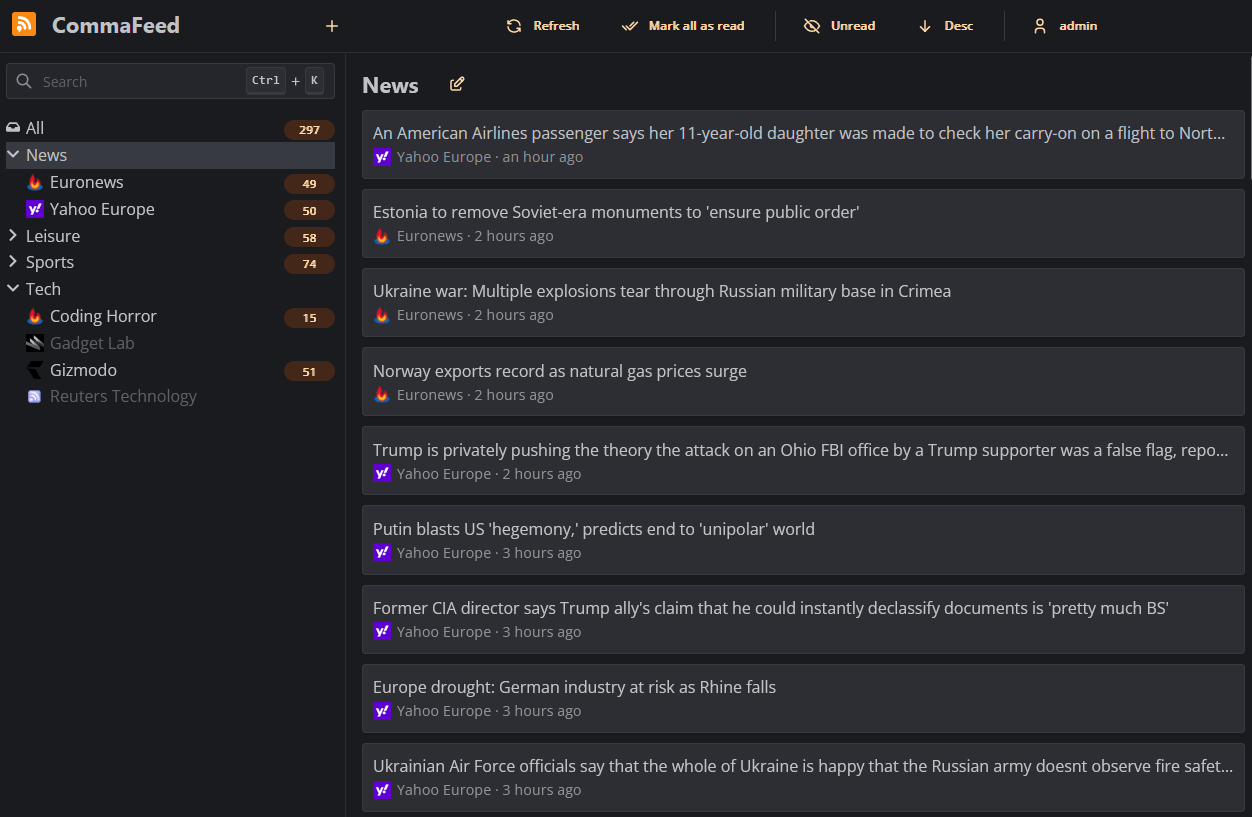
It supports the Fever API and push notifications for new articles, plus a browser extension for quick access. The official Docker image is on Docker Hub, and native binaries are also published if you’d rather skip containers. OPML import and export both work as expected.
If you don’t want to host it yourself, there’s a free public instance at commafeed.com funded by donations, or you can use PikaPods for one-click hosting starting around $1 a month with a $5 welcome credit. PikaPods shares 20% of that revenue back to the CommaFeed project.
4. Stringer
Stringer bills itself as a self-hosted, “anti-social” RSS reader, meaning no sharing features, no social layer, just a clean list of articles.
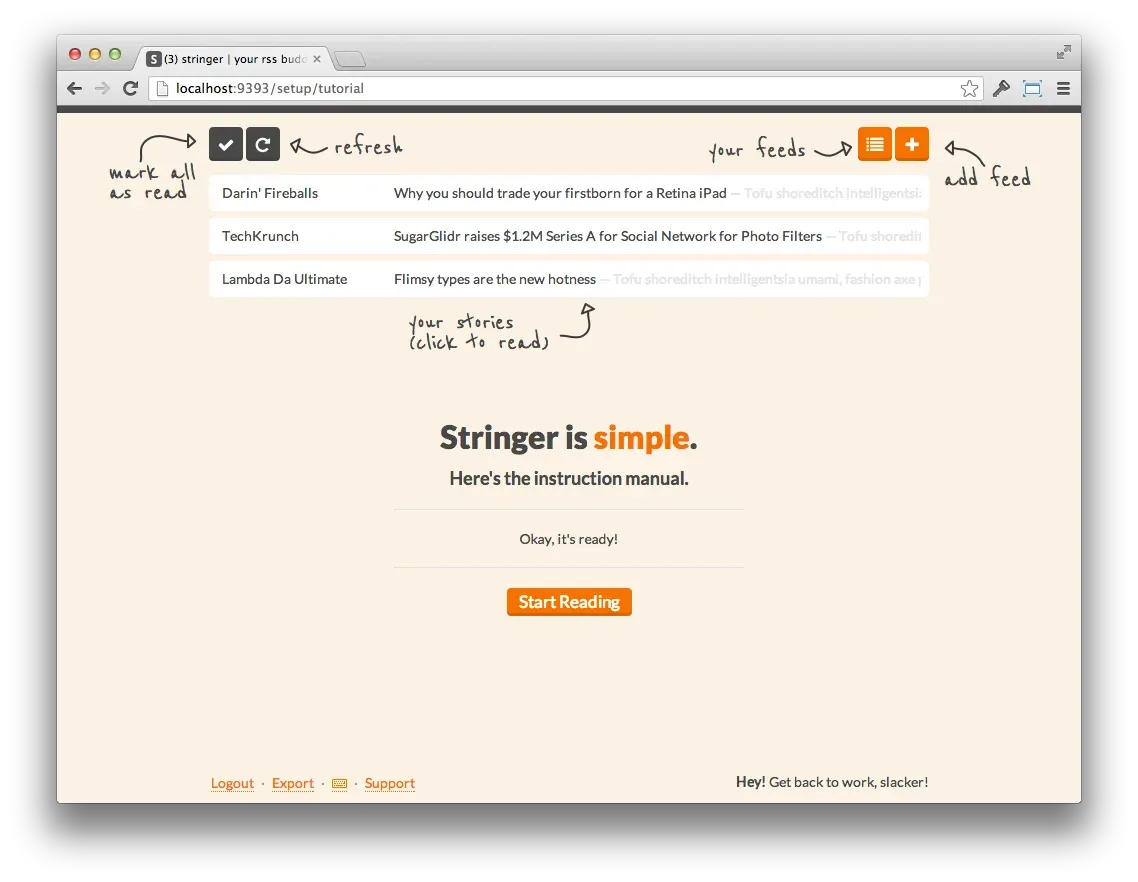
It implements a Fever API clone, so it does work with Fever-compatible mobile apps, even though its client ecosystem is smaller and less talked about than Miniflux’s or FreshRSS’s.
Docker is the common way to deploy it, going back to the original mdswanson/stringer image and continuing under the current stringer-rss organization on GitHub. Feed import has historically been a little clunky, closer to adding one URL at a time than a smooth bulk OPML migration, so test that step before you commit your existing subscriptions.
Stringer is open source under the MIT license and self-hosted only, with no official paid hosting.
5. Miniflux
Miniflux is the reader for people who just want to read their feeds and nothing else. It’s deliberately opinionated about staying small, and plain looking. You can understand why there is a ‘mini’ in its name.
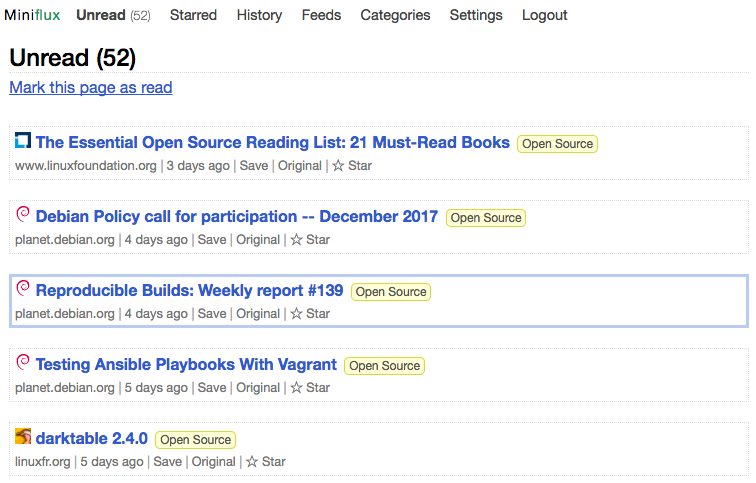
It’s a single Go binary that only works with PostgreSQL, no MySQL or SQLite option here. It supports both the Fever and Google Reader APIs, so it plugs into most mobile RSS clients without a dedicated app of its own.
Docker images are published to Docker Hub, GHCR, and Quay with ARM and RISC-V support, alongside Debian and RPM packages if you’d rather skip containers entirely. OPML import and export both work, including URL-based imports.
For saving articles, Miniflux integrates with more than 25 third-party services including Wallabag, Pinboard, Instapaper, and Linkding, and it can auto-send bookmarked entries to whichever one you use.
If you don’t want to run it yourself, the official hosted version costs $15 a year with a 15-day free trial, and it runs the exact same open-source code as the self-hosted version.
6. FreshRSS
FreshRSS is the other half of the decision everyone ends up making. Where Miniflux stays deliberately small, FreshRSS goes the other way: multi-user, extension-friendly, and closer to a full Feedly replacement.
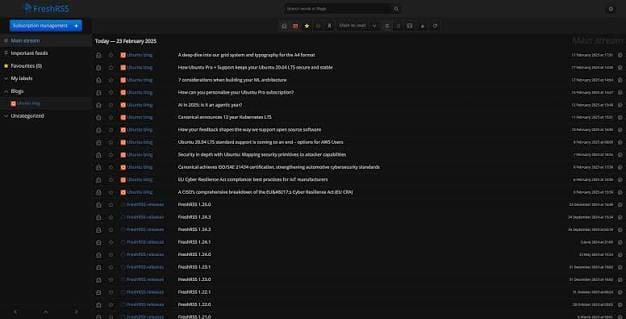
It supports SQLite, MySQL, and PostgreSQL, so you can start tiny and grow into a bigger database later without switching tools.
It’s multi-user, with an anonymous read-only mode if you want to share a public instance. Thanks to WebSub, it can receive instant push updates from compatible sources instead of waiting on a polling interval.
It also has built-in web scraping, so it can generate feeds for sites that don’t publish RSS at all, no separate bridge tool required for basic cases.
Official Docker image is available for easy deployment. Extensions and themes fill in most of the gaps in the default interface.
7. Tiny Tiny RSS
Tiny Tiny RSS has been around since 2005. In 2025, the original developer quit the project and a long-time contributor forked the project to GitHub the same month and has kept development going since.
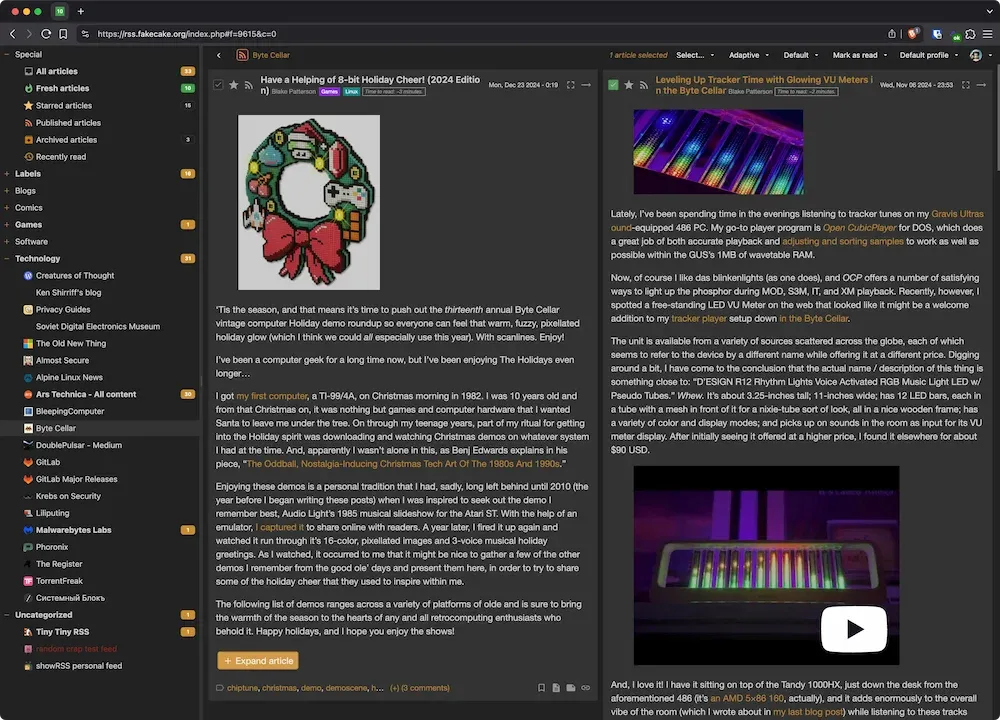
Its plugin system exposes Fever, FreshRSS, and Google Reader compatible APIs for other mobile clients. Docker is the recommended install path, though it seems a bit heavier, more multi-container setup than Miniflux or FreshRSS.
OPML import and export both work, and its plugin ecosystem covers full-content scraping similar to a built-in readability tool.
8. NewsBlur
NewsBlur is both a hosted SaaS product and a fully self-hostable open-source reader.
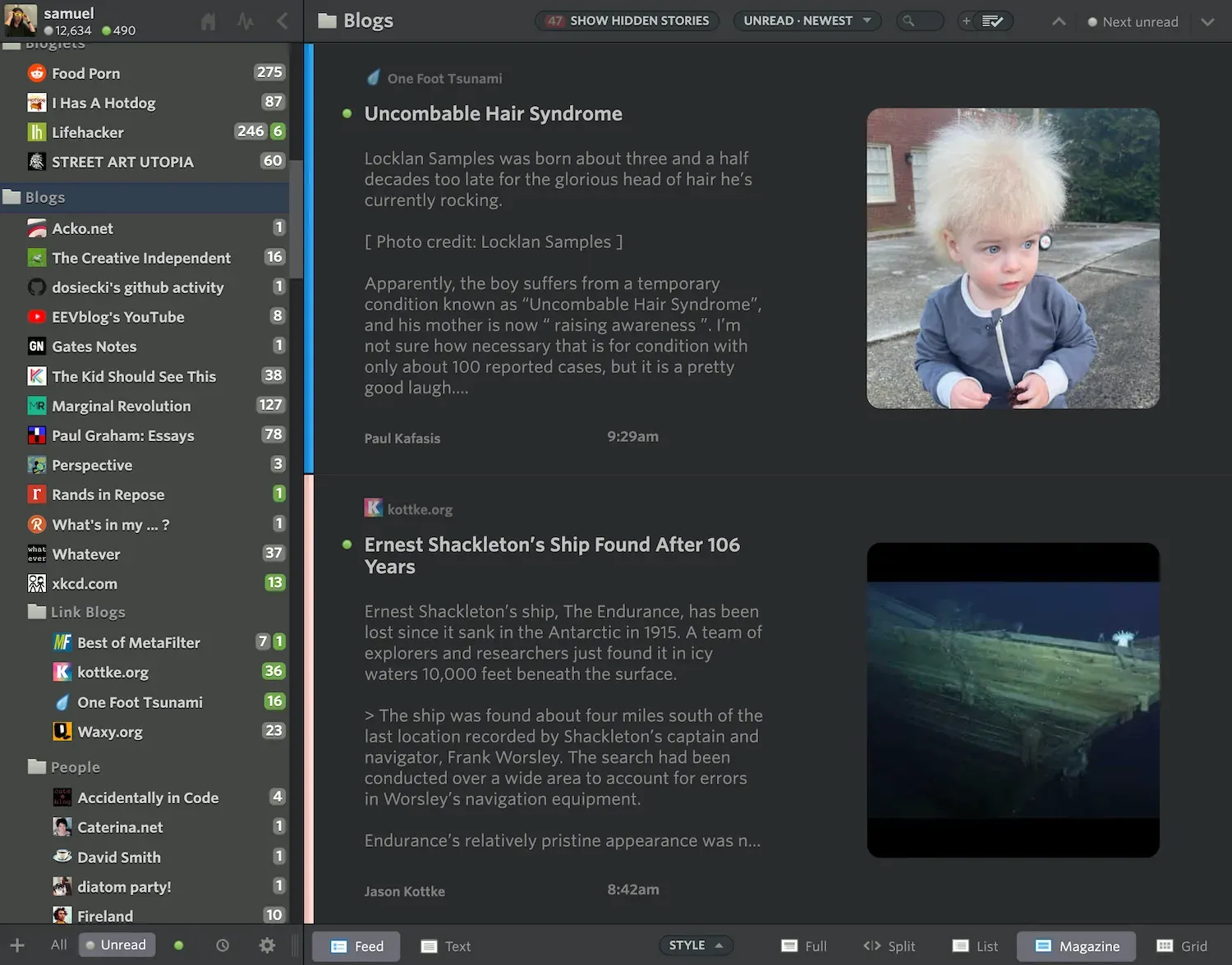
It has native apps for iPhone, iPad, Android, and Mac, and it syncs with third-party clients like Reeder and NetNewsWire too. OPML import pulls in feeds and folders from Google Reader, Feedly, or Inoreader exports.
Its standout feature is “Web Feeds,” which can follow a website for updates even if it has no RSS feed at all, by watching the page for changes instead of relying on a bridge tool (mentioned later).
It also supports saved stories with an “intelligence” training system that learns what you want to see more or less of. There are a few more AI features here to explore.
Self-hosting is the heaviest lift on this list. The stack includes PostgreSQL, MongoDB, Redis, and Elasticsearch, run through make nb with Docker Compose. All this realistically needs a few gigs of RAM to run comfortably.
The hosted version has a free tier limited to 64 sites, with Premium at $36 a year (a 30-day free trial) unlocking unlimited feeds, full-text search, and notifications.
9. Feedbin
Feedbin has one of the more polished reading experiences on this list but you should know that the maintainer doesn’t recommend self-hosting it, even though you can.
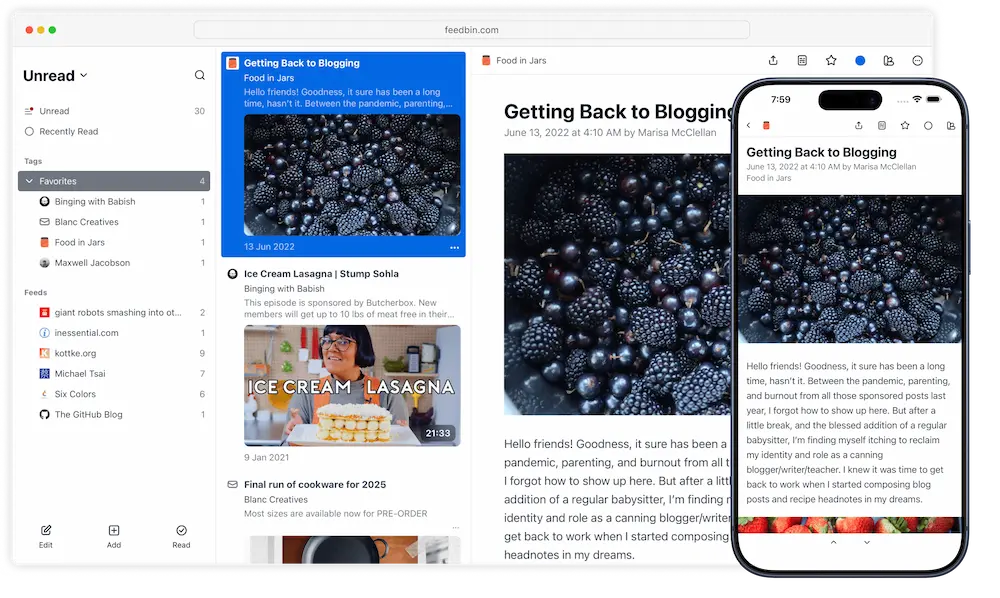
Feedbin’s own documentation says its goal is to be a great web-based service, and that this is “at odds with being a great self-hosted RSS reader.”
It doesn’t recommend running it in production unless you have real time to configure it, and instead points people toward community Docker projects like feedbin-docker if they want to try anyway.
That’s a starkly different stance from Miniflux or FreshRSS, which are built with self-hosting as the primary use case.
If you do use it, the syncing story is strong. It works with Reeder, NetNewsWire, Unread, and ReadKit through its API, and it turns newsletters into feeds by giving you a unique subscription email address. It also does full-content extraction for partial feeds and supports podcast playback with resume.
The hosted version costs $7 a month or $70 a year, with a 30-day free trial.
10. Glance
Glance is the odd one out to close on. It’s not an RSS reader, it’s a self-hosted dashboard that happens to fetch RSS feed from websites alongside Reddit, YouTube, weather, and server stats. Remember Google homepage from twenty years ago?
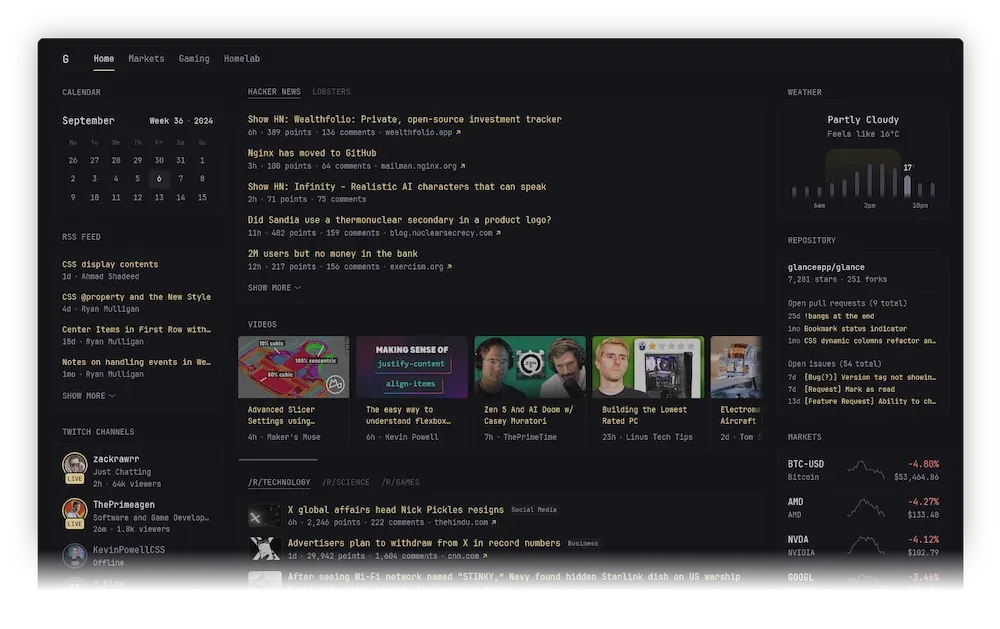
If you’ve ever wanted your feeds sitting on the same page as your homelab status and the weather instead of in their own dedicated app, this is that.
Configuration is a single YAML file rather than anything OPML-based, so backing it up is just copying that file. There is an official docker image and it also ships as a single binary under 20MB for Linux, macOS, Windows, FreeBSD, and OpenBSD.
It’s picked up a lot of attention fast, with more than 36,000 GitHub stars and still climbing. It’s not going to replace a dedicated reader if you follow hundreds of feeds seriously, but as a “everything I check every morning” page, it’s difficult to be ignored.
Bonus: RSS-feed generator apps
What I discussed so far are the self-hostable RSS feed readers. There are a couple of additional tools that help you generate or find RSS feeds.
For example, RSS-Bridge is a companion tool that generates RSS and Atom feeds for sites that don’t publish one, and it’s meant to sit in front of whichever reader from this list you actually pick.
Similarly, RSSHub is the bigger sibling to RSS-Bridge, another feed generator rather than a reader, built on Node and TypeScript with a much larger route library.
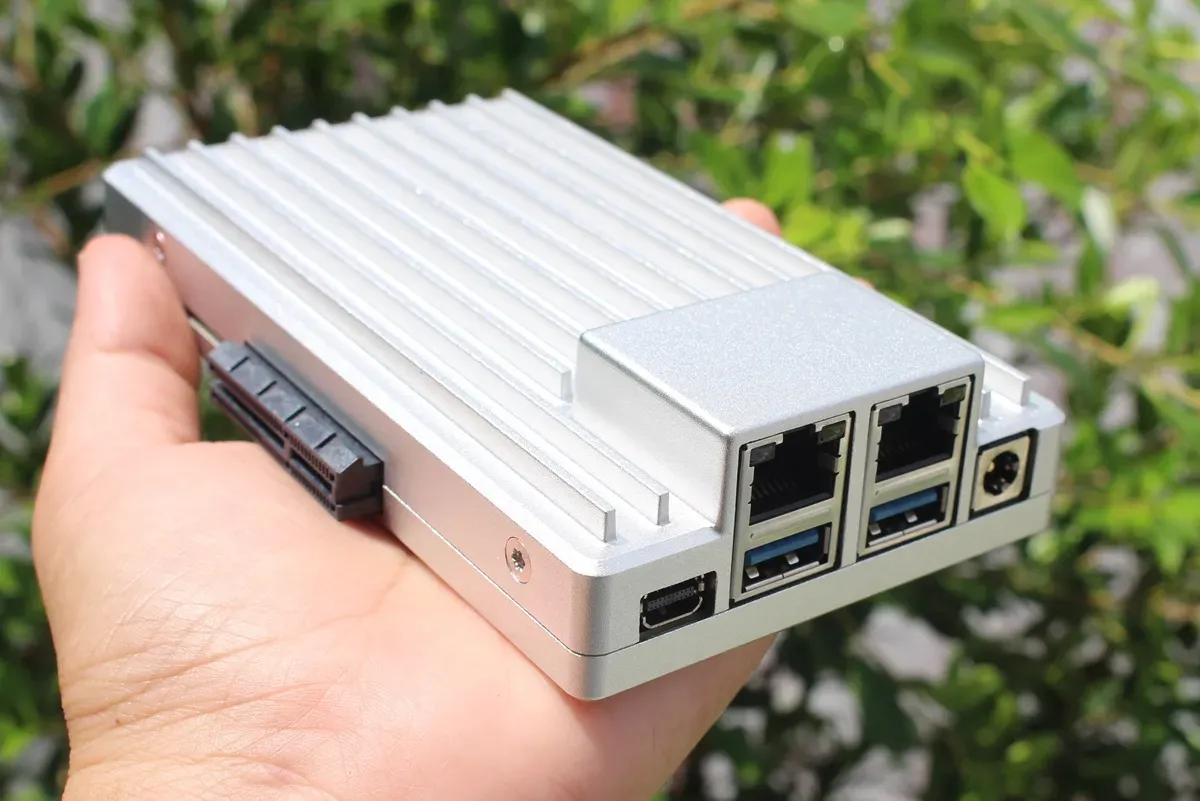
Easily Start Your Homelab with ZimaBoard 2
If you want to start your own homelab but not sure if you can manage all the technical things, try ZimaBoard. Zima devices come with ZimaOS, a very friendly operating system that easily allow deploying containerized self-hostable apps. This is how I started my homelab journey.
So, which self-hosted RSS reader should you actually use?
I have not included some older, once-popular tools like Winds, Leed, FeedHQ etc in this list because they’re no longer actively maintained.
As for what to actually run: if you want the smallest possible footprint, go with Miniflux. If you want more features and don’t mind a bit more setup, FreshRSS is the safer multi-user pick. If your want all things at a glance, go with Glance. NewsBlur is a good option if you don’t mind paying.
But at the end, the decision is totally yours. You can go through individual projects, see their features, try deploying them on your own and make a decision accordingly.
What are you using to read your feeds these days? Let me know in the comments, and if you’ve found something newer than what’s on this list, I’d love to hear about it.

Source: It's FOSS