GNOME to Support Uninstalling Apps Directly from App Grid

GNOME is going to support uninstalling applications directly from the App Grid, by adding “Uninstall” option to app icons’ right-click menu.
The feature is to be implemented by a Google Summer of Code (GSoC) 2026 project via a contributor from India.
This proposal aims to add a simple built in way to uninstall applications directly from the GNOME shell App Grid Right now users have to open the GNOME software app or use the terminal just to delete a application. This project solves that by adding an “Uninstall” option straight into the app’s right click menu.
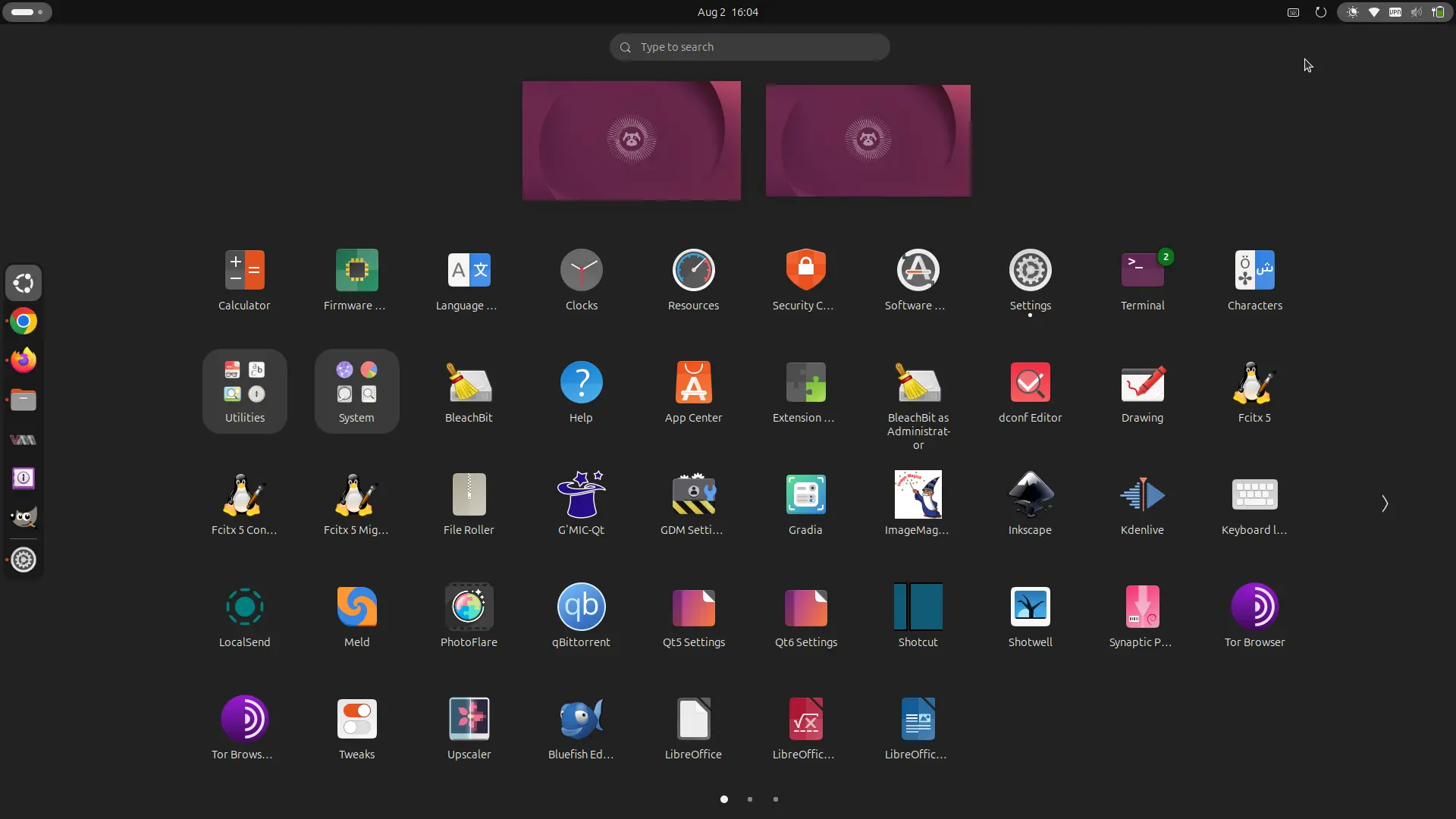
GNOME App Grid
Without manually launching GNOME Software (or other software apps) or using command line tools, uninstalling apps from their right-click menu can be very convenient when cleaning out old apps that user does no longer use. And, someone has requested the feature almost 5 years ago.
With the new GSoC code, it will display a “Uninstall” menu option when user right-click on an app icon in App Grid. Not for all apps, but only for apps that the user is actually allowed to uninstall.
When user clicks on “Uninstall” option, it will pop-up dialog asking to whether to clean up the personal data for this specific app if the app store (e.g., GNOME Software) support it. Once user confirm the choice, it sends the UninstallApp.
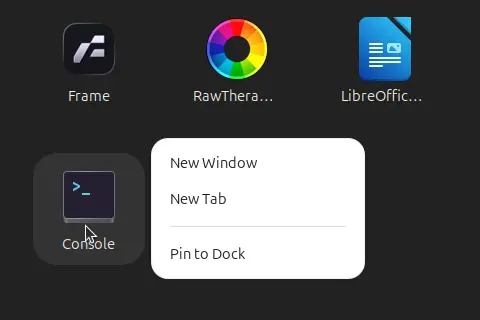
App Grid Context menu
GNOME Shell will use the new org.gnome.Shell.AppStoreIntegration D-Bus interface to request a list of uninstallable apps from app store. It as well use the D-Bus interface to send UninstallApp command to the app store.
It connects to the D-Bus asynchronously, so it won’t freeze the desktop if app store takes a second to wake up. And, the data of uninstallable apps are cached in memory, so it won’t request it every time user right-click on an app icon.
The apps that are being uninstalled are added to a tracking list. If app store runs into an unexpected error and fails to uninstall the app, it will remove the app from the tracking list, and let you know what happened by sending a system notification.
As you see, I use app store for the cases above. Meaning not only for GNOME Software, this design will also work for other app stores, such as Ubuntu App Center.
For more about the new GSoC project, see either the contributor’s blog post or the merge requests in Gitlab via the links below:
- https://blogs.gnome.org/jagathgsoc/2026/08/01/bringing-app-uninstallation-to-the-gnome-shell-app-grid/
- https://gitlab.gnome.org/GNOME/gnome-shell/-/merge_requests/4244
Source: UbuntuHandbook