Faugus 2.0.4 added User Themes Support for Those Don’t Like Adwaita

Faugus, the free open-source application for running Windows games and Steam games in Linux, released new 2.0.4 (and 2.0.5) a few days ago.
This simple and lightweight community-patched Proton based application added many new features, minor improvements, and bug-fixes in the past week.
Since version 2.0.0, it added SteamGridDB interface mode that automatically download icons, covers, and other assets for Steam games, and, introduced option to select steam user so to list games based on the selected user.
It as well added GOG Galaxy launcher support, added back Epic Games support, and introduced pre-launch and post-launch options that will automatically run commands or scripts before/after launching your game.
And, for Linux, an universal AppImage is added for launching Faugus in most Linux Distributions without installation required.
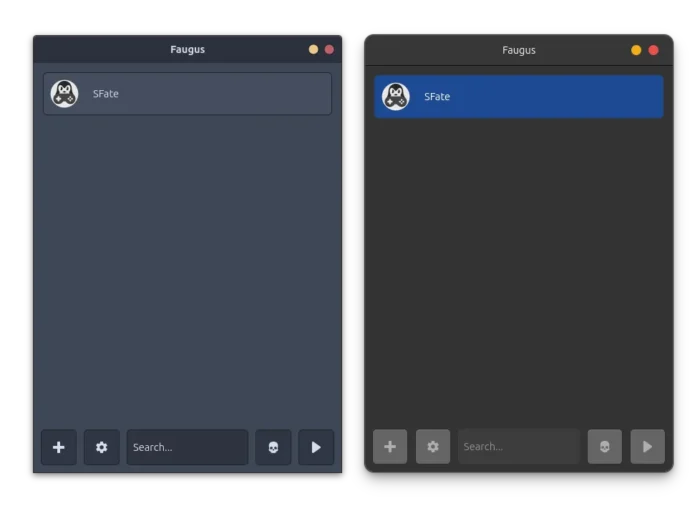
Faugus with user selected theme
Since version 2.0.3, it lists Family Shared games when adding Steam games. And, it supports downloading multiple Protons at the same time, while, the download process has a visible process-bar, and, it can be clicked to cancel the downloading.
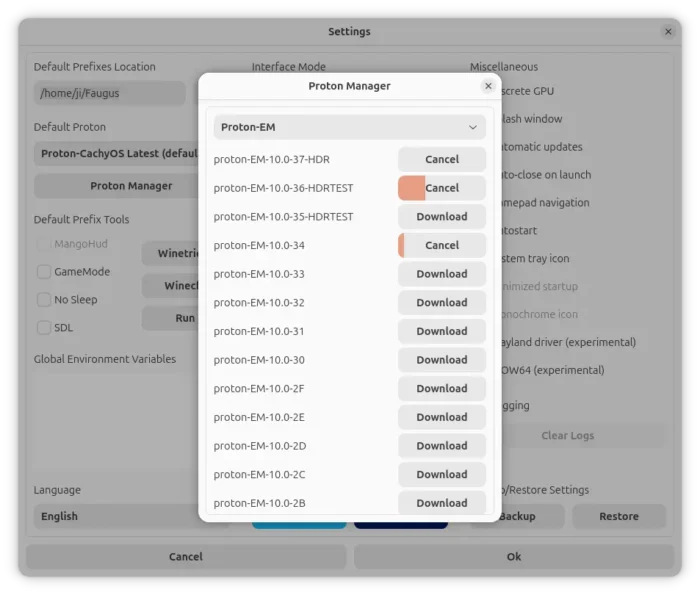
download manager was improved with multi-download support, progress bar, button to cancel
As a GTK4/Libadwaita based application, Faugus by default uses the Adwaita theme that looks modern and native in GNOME Desktop. For non-GNOME desktops, and those who just don’t like Adwaita, user themes are supported since version 2.0.4.
Meaning user can go to Settings page and select “System Theme” to make the app look native in even non-GNOME desktop, or select any other GTK4 themes installed in user’s .themes directory (See gnome-look.org for GTK themes).
For those who installed Faugus as Flatpak package, you need to manually grant permission access to .themes folder for being able to use user themes as it runs in sandbox environment. To do so, either use Flatseal, or run the command below in terminal:
flatpak override --user --filesystem=~/.themes:ro io.github.Faugus.faugus-launcher
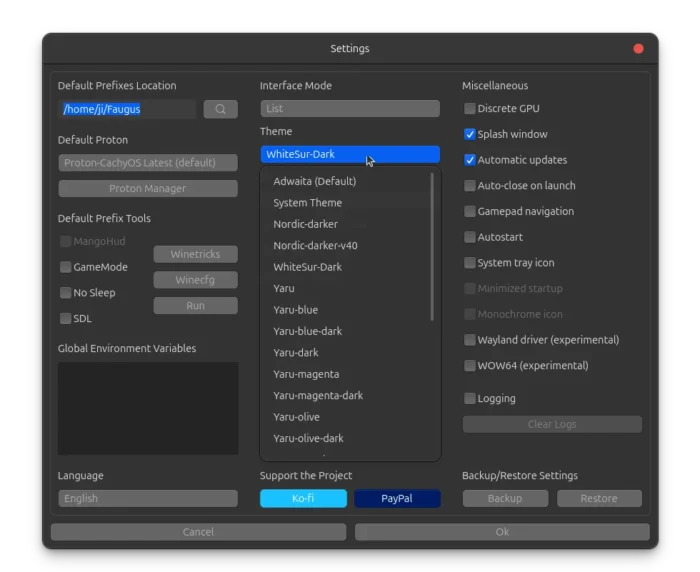
Other Faugus changes in the past week include:
- Add “Recent” section for apps that were run in the prefix.
- Show number of games in the categories menu.
- Fix AppImage not running in some systems.
- Translation updates and other minor improvements and bug fixes.
Install Faugus Launcher
For more changes about Faugus Launcher in the past week, as well as the AppImage, .rpm for Fedora, and .deb for Debian/Ubuntu, see the github releases page via the link below:
In addition to the packages under “Assets” section via the link above, Faugus Launcher is also available to install as Flatpak package for most Linux Distributions run in sandbox.
Source: UbuntuHandbook