Fooyin Music Player 0.12.0 Added PulseAudio Output & New Visualizer Plugins

Fooyin, the Foobar2000 alternative music player with native Linux support, released new 0.12.0 version today.
The new version of this free open-source Qt music player added native PulseAudio audio output, audio conversion, three new visualization plugins, as well as many improvements and bug-fixes.
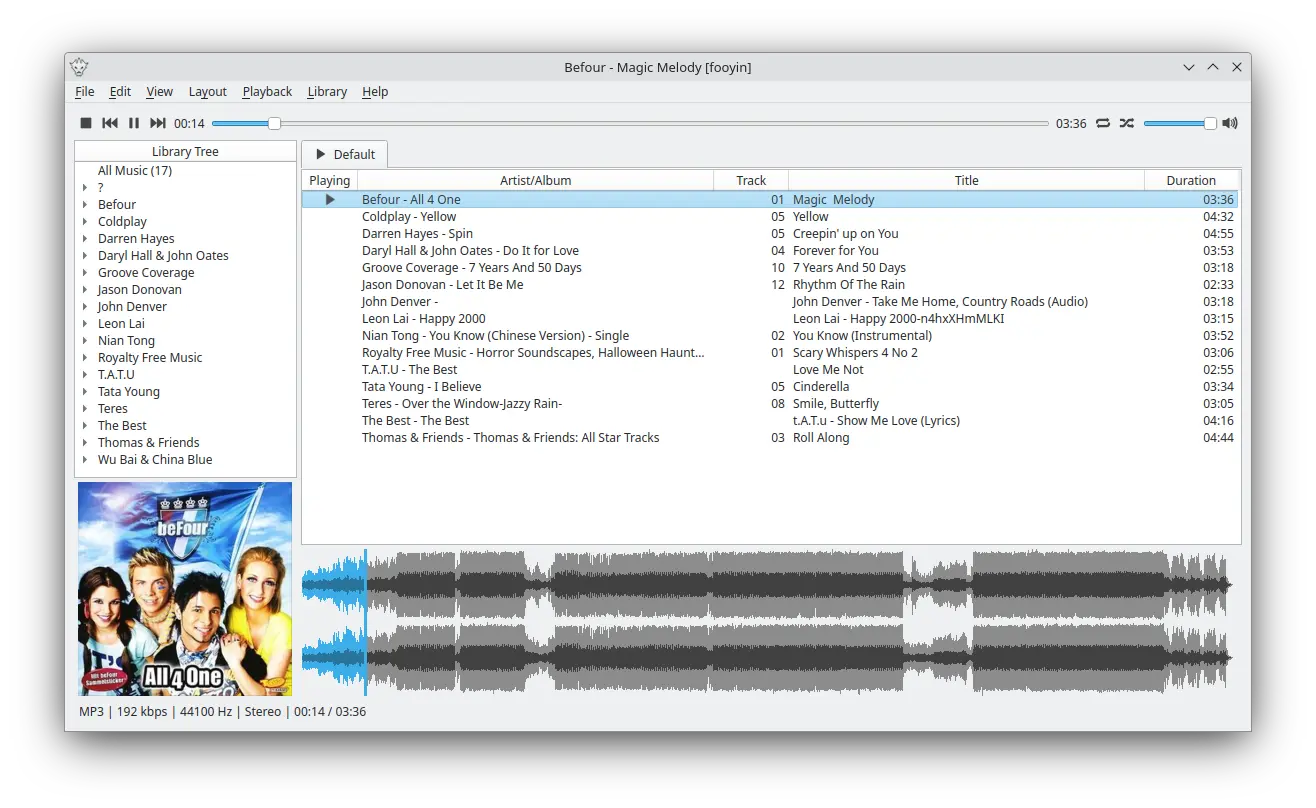
Fooyin Music Player
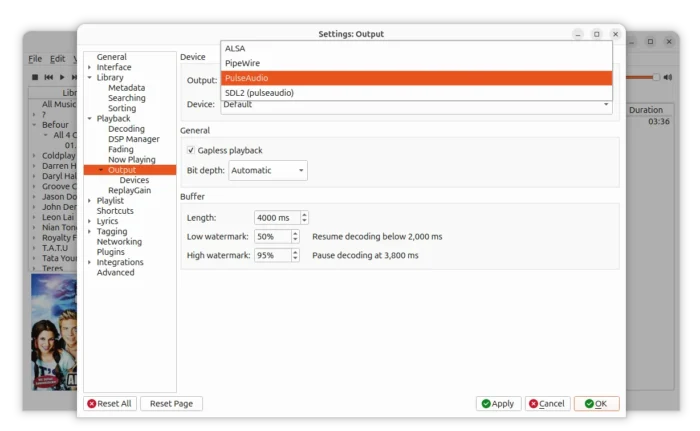
Modern Linux Distributions have switched to PipeWire sound server, but the traditional PulseAudio is still supported and used in some distributions, such as Ubuntu 22.04 and Linux Lite 8.0.
For better support on these old or lightweight Linux, older sound cards or older Bluetooth devices that have problem with PipeWire, the new Fooyin 0.12.0 added native PulseAudio audio output, which is available in Settings -> Playback -> Output page.
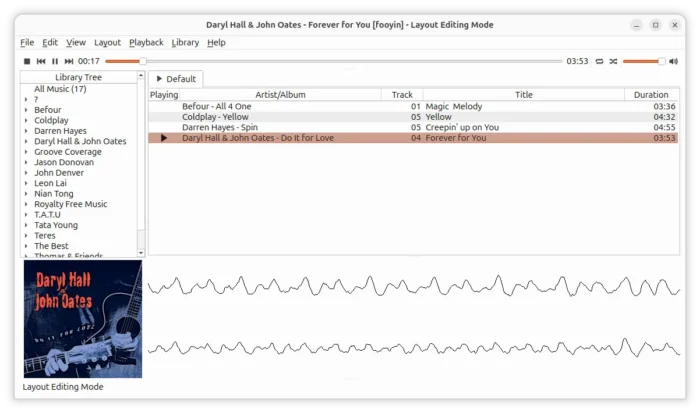
This version as well added 3 new audio visualization plugins. They include spectrogram plugin that shows how the frequency content of a signal changes over time, oscilloscope plugin, a real-time graphical representation of electrical signals, plotting changing voltage values over a period of time.
There are as well an advanced projectM plugin that generates cool animated graphics for music enjoyment. However, it seems that it needs additional setup, as it always says “No projectM preset folder are configured”.
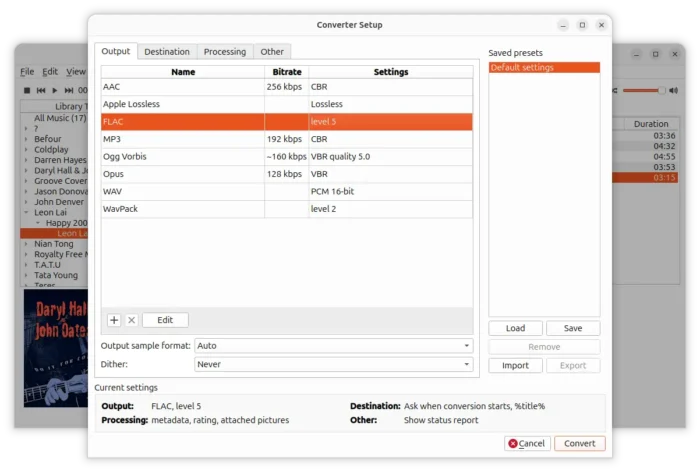
Fooyin 0.12.0 also added audio conversion support. Without launching another application, just right-click on your music files in library or playlist, then choose “Convert”.
It supports converting your music to AAC, Apple Loseless, FLAC, MP3, Ogg Vorbis, Opus, WAV, WavPack. Just choose an output, double-click to change bitrate, compression level, etc settings, and adjust ReplayGain/DSP processing options, then you can convert single or multiple files at once.
The audio converter uses FFmpeg as backend. It supports saving your custom settings as presets to re-use from context menu.
This version also added optional automatic resampling for unsupported device rates, which can be enabled/disabled in the Advanced settings. For a music file with sample rate that the audio hardware cannot handle, it automatically changes it to supported output, so the playback won’t fail.
Other changes include:
- Remember last save path for playlists.
- Add additional frame-rate presets.
- Support
$crc32CRC-32 checksum value in scripting. - Improve folder loading performance.
- Support individual override states for configurable colors and fonts.
Get Fooyin 0.12.0
More changes about the music player release, as well as the installer packages for Fedora, Debian, Ubuntu, and FreeBSD are available in the Github page below:
For beginners who don’t know which package to download, choose x86_64 or amd64 for Intel/AMD platform, aarch64/arm64 Snapdragon X / Raspberry Pi, and run cat /etc/os-release to tell your Debian/Ubuntu code-name.
For choice, there’s also an official Flatpak package that runs in most Linux, and, Fedora / Linux Mint can search & install it from system software app.
Source: UbuntuHandbook