OpenShot 3.5.0 Released with Experimental ComfyUI AI Tool Support

OpenShot, the free open-source video editor for Linux, Windows, macOS, and ChromeOS, released new 3.5.0 version few days ago.
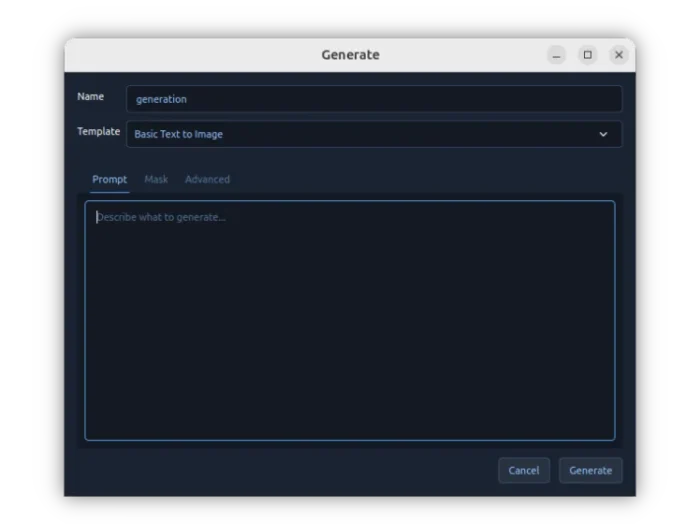
The new version of this Qt-based video editor added experimental ComfyUI integration, allowing to use your local AI model for image and video creation.
After installed ComfyUI in your system, you can connect it to OpenShot by going to Preferences -> Advanced setting page.
Then, you can use local AI model within OpenShot to do text to image, text + image to image, text to video, text to audio, upscale video (4x), transcribe video/audio to SRT subtitles, frame interpolation, and more other operations.
OpenShot is one of my most favorite video editors, which however froze and crashed quite often few years ago when I started learning video editing. But as time goes on, it’s getting better and better.
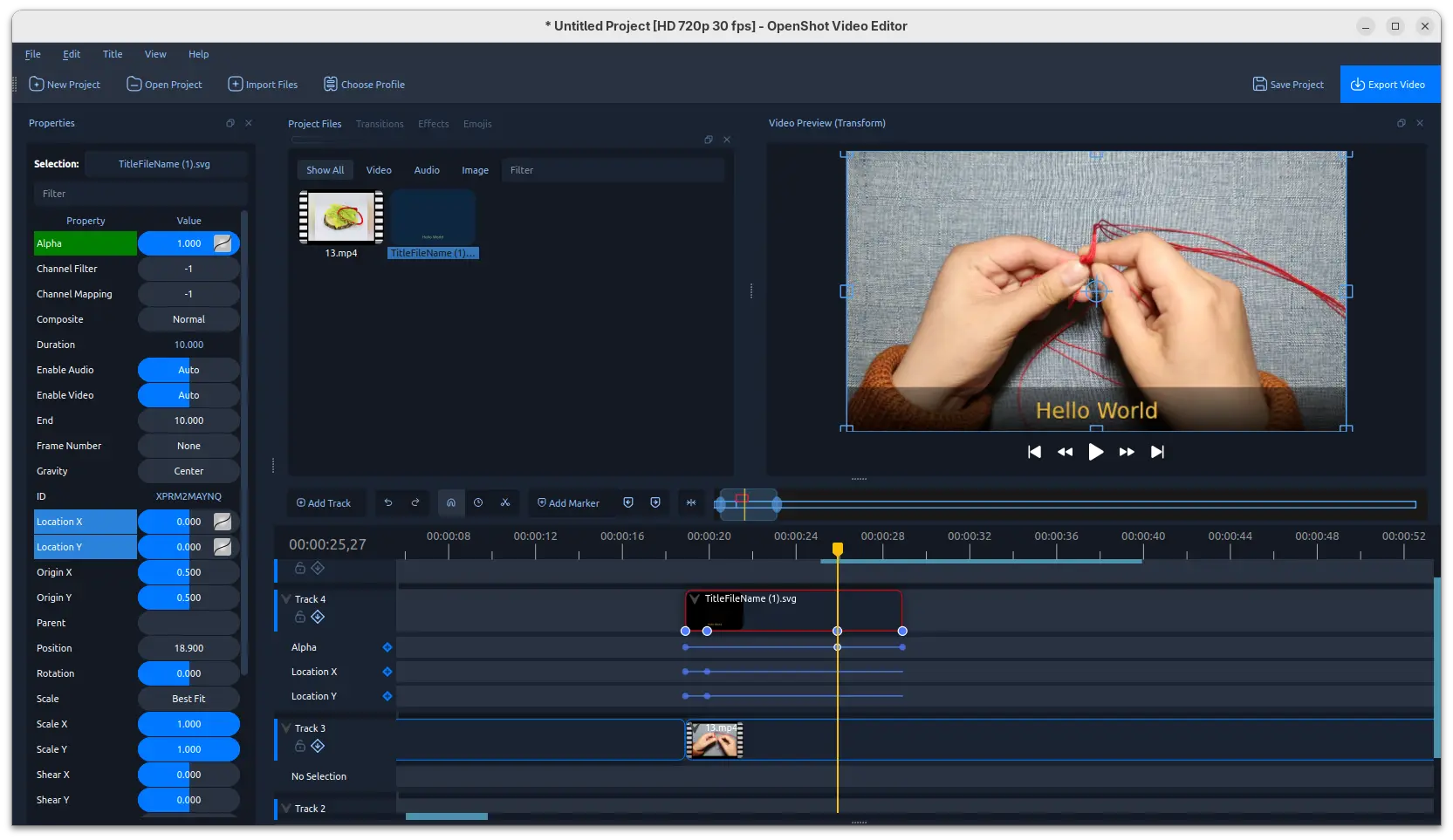
In the new 3.5.0 release, it keeps improving the UX experience by introducing new default timeline based on QWidget. There no big visual difference compare to the previous one, but it’s now much smoother when zooming, scrolling, dragging, trimming, snapping, and multi-clip editing on larger projects.
Each track header now includes a lock icon to lock/unlock track, and an icon to toggle view or hide the new keyframe panel which features smoother dragging, better selection behavior, improved snapping, high-DPI thumbnails, live trim feedback, and many workflow refinements.
The new version also improved the export presets for smaller files. Blender GPU rendering is no longer experimental, and enabled by default for Animated Titles. And, hardware decoding checks are now more reliable and user-friendly.
Other changes in the OpenShot 3.5.0 include:
- Fix audio issues for AppImage in some Linux distributions, by adding libsndfile into bundle.
- Double-click on a clip or transition now auto show properties.
- Add Whisper/SRT subtitles support to the Generate dialog.
- Add CTRL and SHIFT modifiers to snap rotation in the video preview transform handles.
- Allow using Space key to trigger button press action (when that button is focused).
- Add TransNet scene segmentation template and robust segment import handling.
Get OpenShot 3.5.0
For more about the new release, as well as the official installers for Linux, Windows, and macOS, go to the link below:
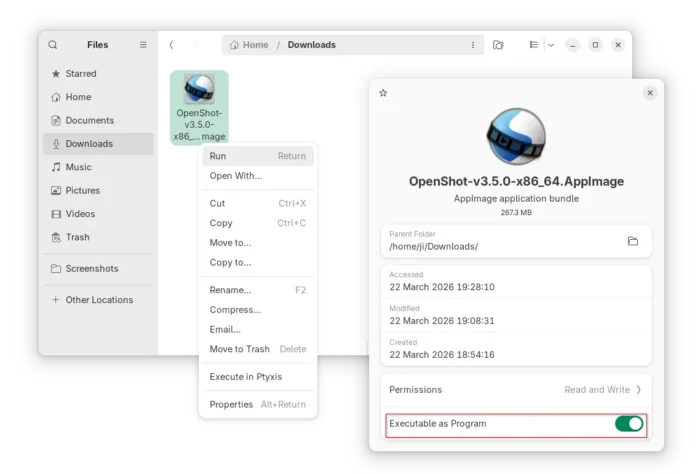
For Linux on modern Intel/AMD platform, select download the AppImage package, then add executable permission and finally run to launch the video editor. NOTE: Ubuntu since 22.04 needs libfuse2 library for being able to run AppImage.
For Ubuntu users who prefer native .deb package, there’s an official PPA contains the latest 3.5.0 package for Ubuntu 18.04, Ubuntu 20.04, Ubuntu 22.04, Ubuntu 24.04 and 25.10.
To add the PPA, and install the video editor, open terminal (Ctrl+Alt+T) and run commands below one by one:
sudo add-apt-repository ppa:openshot.developers/ppa
sudo apt update
sudo apt install openshot-qt
Source: UbuntuHandbook