Fedora Asahi Remix 43 Arrives with Mac Pro Support and Beats Fedora to a Key Upgrade
Fedora Asahi Remix is a collaboration between the Fedora Asahi SIG and the Asahi Linux project that has brought Fedora Linux to Apple Silicon Macs. While I have personally never used it, I have seen its development progress consistently.
Each release has closed more hardware gaps, brought the experience closer to what you would expect on native hardware, and stayed in sync with mainline Fedora. Its latest release keeps that momentum going.
🆕 Fedora Asahi Remix 43: A Packed Release
Based on Fedora 43, this release of Fedora Asahi Remix 43 takes advantage of Linux kernel 6.17 and comes with KDE Plasma 6.6 as the desktop environment.
The latter is the flagship desktop that has introduced quite a few useful upgrades. One of the more practical ones is the OCR support in Spectacle. You can now pull text directly from a screenshot, making it helpful for situations where you need to copy something out of an image or a terminal error you cannot select.
Accessibility also sees many additions. Plasma Keyboard is the brand new on-screen keyboard that replaces the older solution, and a grayscale filter has been added to the Color Blindness Correction options in System Settings.
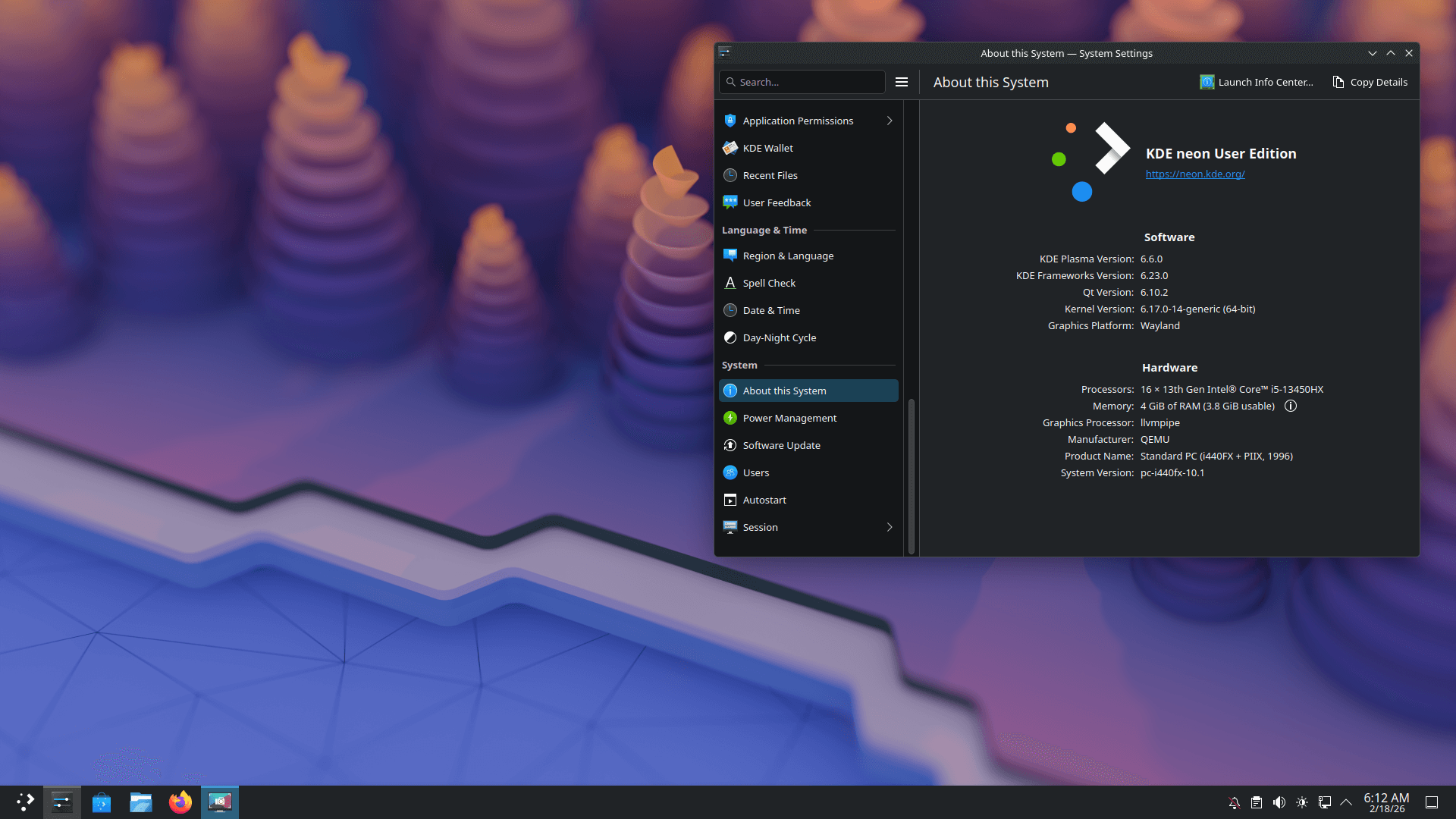
Beyond that, it also introduces Plasma Setup, a first-run wizard that handles user account creation separately from OS installation. This should come in handy for anyone setting up a new machine.
A GNOME variant is also available, featuring GNOME 49, which comes with new default apps, shell upgrades, and file manager refinements.
Both desktop variants benefit from RPM 6.0, which delivers some security-focused changes like full fingerprint-based OpenPGP key identification, multiple signatures per package, and OpenPGP v6 support with post-quantum cryptography.
Then there is the inclusion of the DNF5 backend that ensures Plasma Discover and GNOME Software now use the same underlying package management plumbing as everything else on the system. This specific change has yet to arrive on mainline Fedora and is on track for a Fedora 44 debut.
Hardware support also sees work, with the Mac Pro now being a supported device, and users of M2 Pro and M2 Max-powered MacBooks now getting functional microphones. There’s also 120Hz refresh rate support for the MacBook Pro 14 and 16 models.
📥 Get Fedora Asahi Remix 43
All you need is a single command to get Fedora Asahi Remix installed on your Mac device. But you have to take note that this distro only works on Apple Silicon Macs running at least macOS 13.5 or 14.2.
curl https://fedora-asahi-remix.org/install | shExisting users, you will have to follow the upgrade guide for Fedora KDE Plasma Desktop to get this release on your computer. If you are on the GNOME variant, then you will have to use DNF to get this release.

Source: It's FOSS