Shotwell 3.12.15 Added Support Opening Images via GIO URIs

Shotwell, the photo manager and image viewer application for GNOME, released new 3.12.15 version today.
The new version of this free open-source app added minor new features, few bug-fixes, and translation updates.
First, it now supports opening trash:/// URIs from file manager. Meaning that if you use shotwell as default image viewer, you can now double-click on images in the trash to open them. However, only for viewing them in shotwell image viewer but not importing via the manager window.
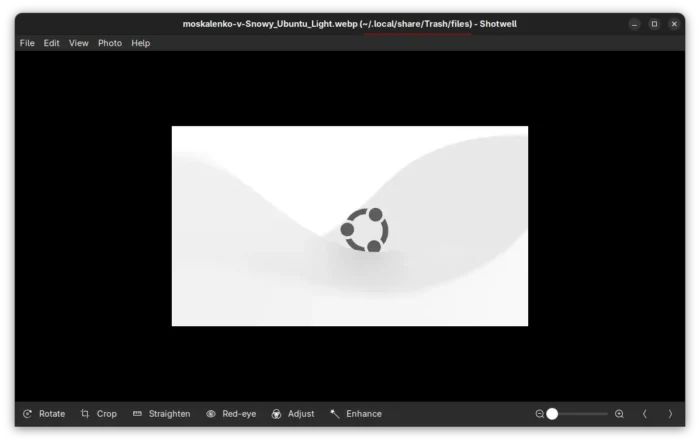
view image in trash
Not only trash:///, it’s said other GIO URIs are support supported via the built-in viewer, though I didn’t test if it works for remote images mounted via smb:// or ftp:// protocols.
Besides that, the new 3.12.15 version added caption to screenshots, fixed image descriptions in doc, and added new FAQ URL, as well fixed writable detection for AVIF images.
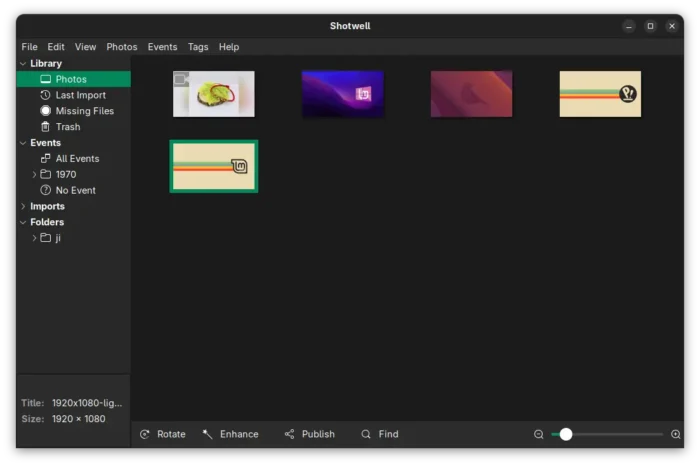
Others are mostly translation updates. See the NEWs file in source page for details.
Get Shotwell 3.12.15
Linux Mint 21/22 and Fedora Workstation (with 3rd party repository enabled) can search & install the official Flatpak package directly from Software Manager or GNOME Software.
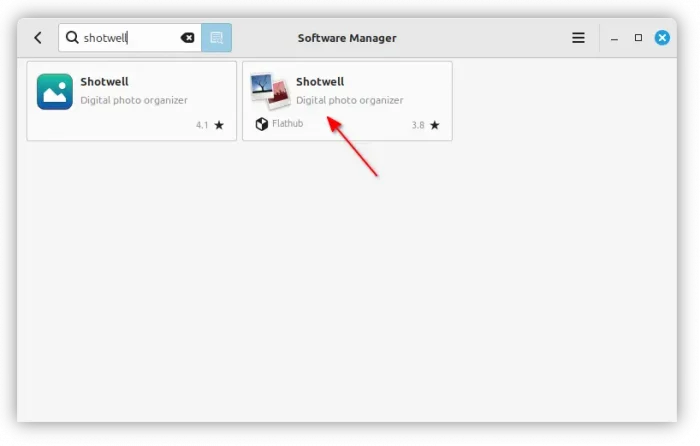
While other Linux may do the 3 steps below one by one to get the package:
- Enable flatpak support. For Debian/Ubuntu, simply run command:
sudo apt install flatpak
- Next, run command to install Shotwell flatpak package:
flatpak install https://dl.flathub.org/repo/appstream/org.gnome.Shotwell.flatpakref
- And, to update the package, use command:
flatpak update org.gnome.Shotwell
For Ubuntu, Shotwell is pre-installed if you have Ubuntu Desktop installed in “Extended selection” mode, though it’s a bit outdated.
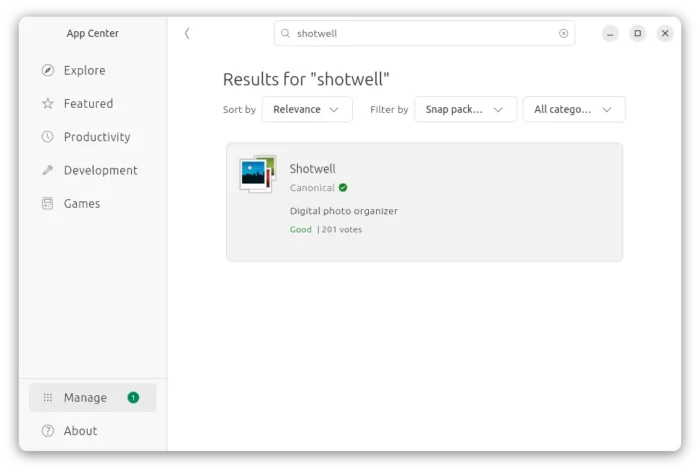
There’s also a snap package available in App Center (Ubuntu Software) maintained by Canonical (the company behind Ubuntu), though not updated at the moment of writing.
If you don’t like Snap or Flatpak which run in sandbox environment, I’ve built the new release package (.deb) into this unofficial PPA for Ubuntu 22.04, Ubuntu 24.04, and 25.10.
Simply, open terminal (Ctrl+Alt+T) and run 3 commands below one by one to add PPA and install shotwell .deb package:
sudo add-apt-repository ppa:ubuntuhandbook1/shotwell
sudo apt update
sudo apt install shotwell
Uninstall:
To uninstall the PPA as well as native .deb package, use commands:
sudo add-apt-repository --remove ppa:ubuntuhandbook1/shotwell
sudo apt update
sudo apt remove shotwell shotwell-common
To uninstall the Flatpak package, use command:
flatpak uninstall org.gnome.Shotwell
And uninstall Snap package by using either App Center or Ubuntu Software.
Source: UbuntuHandbook