OnlyOffice Desktop Editor 9.3 added Multi-Page View, Markdown Export

OnlyOffice, the free open-source office suite for Linux, Windows, and macOS, released new 9.3 version few days ago for its offline use desktop editors app.
The new version introduced long-awaited multipage view feature, allowing to view multiple page documents side-by-side.
Simply enable the feature by either going to View -> Multiple Pages, or clicking the Multipage Pages icon on bottom status bar. Then, zoom or re-size the app window, it will show single or multiple pages side-by-sde automatically according to the canvas size.
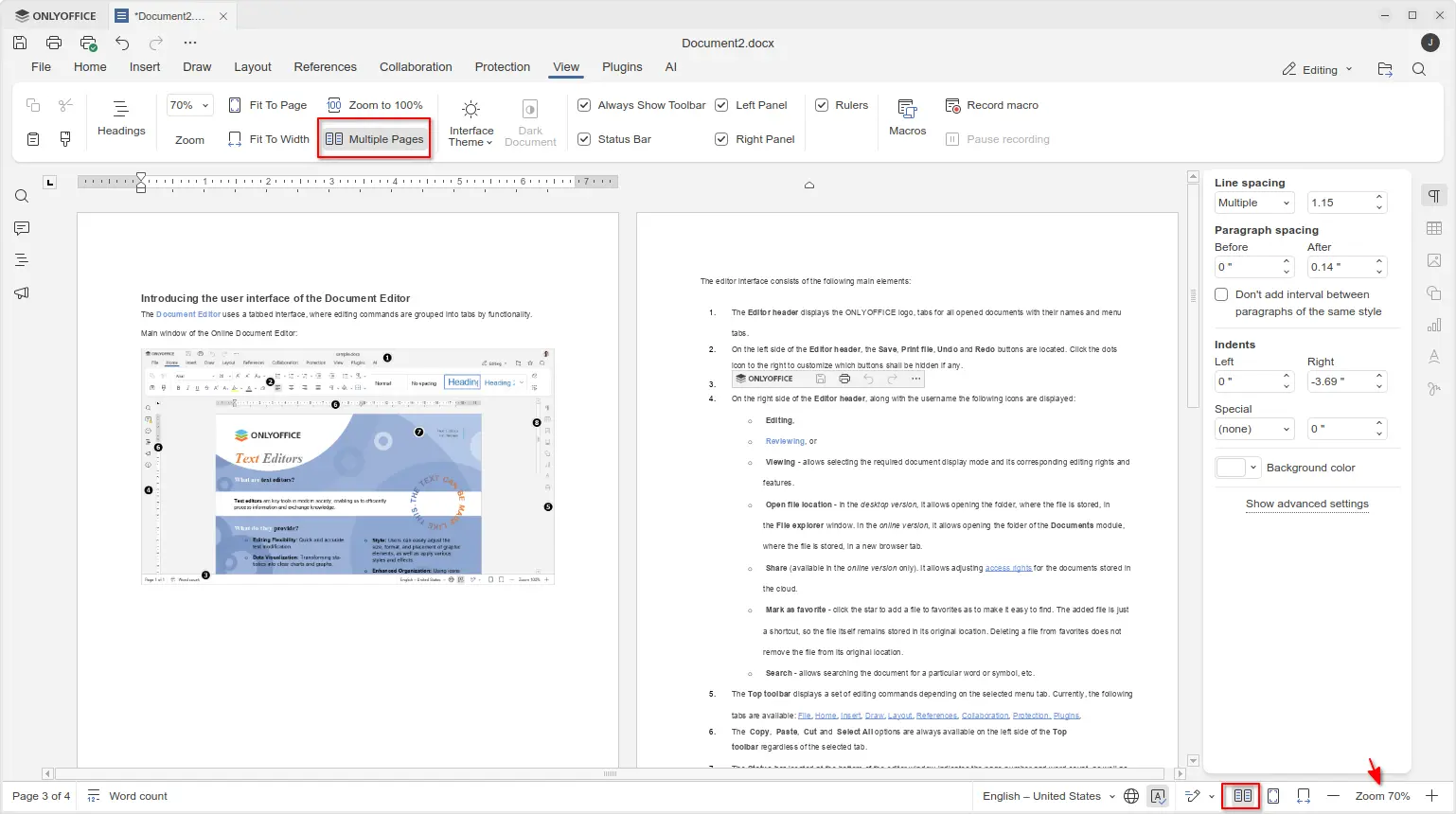
OnlyOffice Documents Multi-Page View
OnlyOffice Desktop Editors support adding signatures in PDF forms since version 6.2. With this version, the feature has been updated with more options.
A signature created by OnlyOffice now supports more signing methods, including hand drawing via a mouse or touch device, inserting text with custom font & size, and using image file from either local machine or remote URL.
And, when uploading image, an “Remove white background” option is available to make your image transparent.
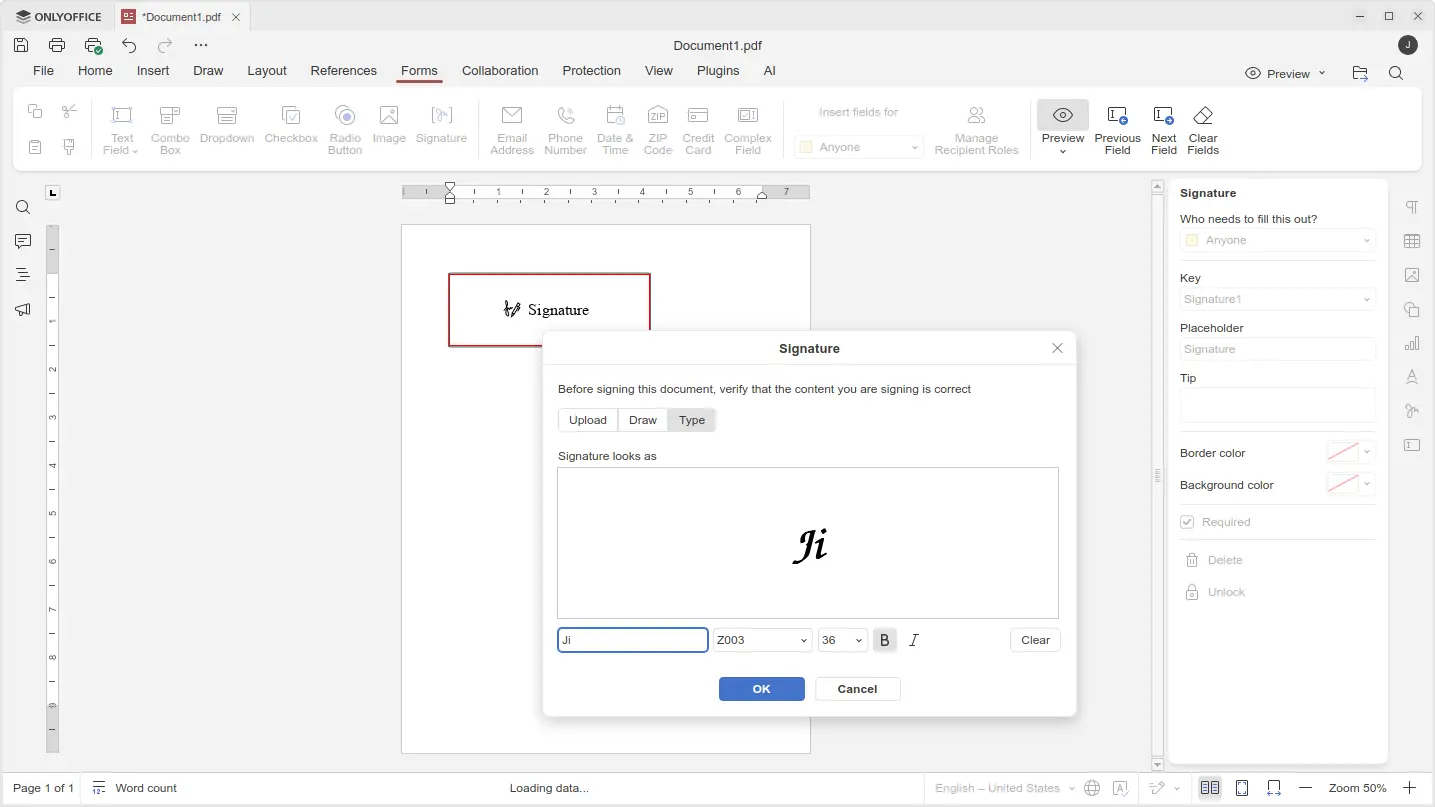
signature now supports signing via hand-writing, custom text, and image methods
Also for the PDF app, it now supports editing password protected PDF files. Simply click open a such PDF file, then switch to editing mode, it will pop-up a small dialog asking for typing the password to unlock, and allow to edit afterward.
Other PDF updates include ability to edit built-in fonts, edit macro recordings, and manage links, as well as version history support.
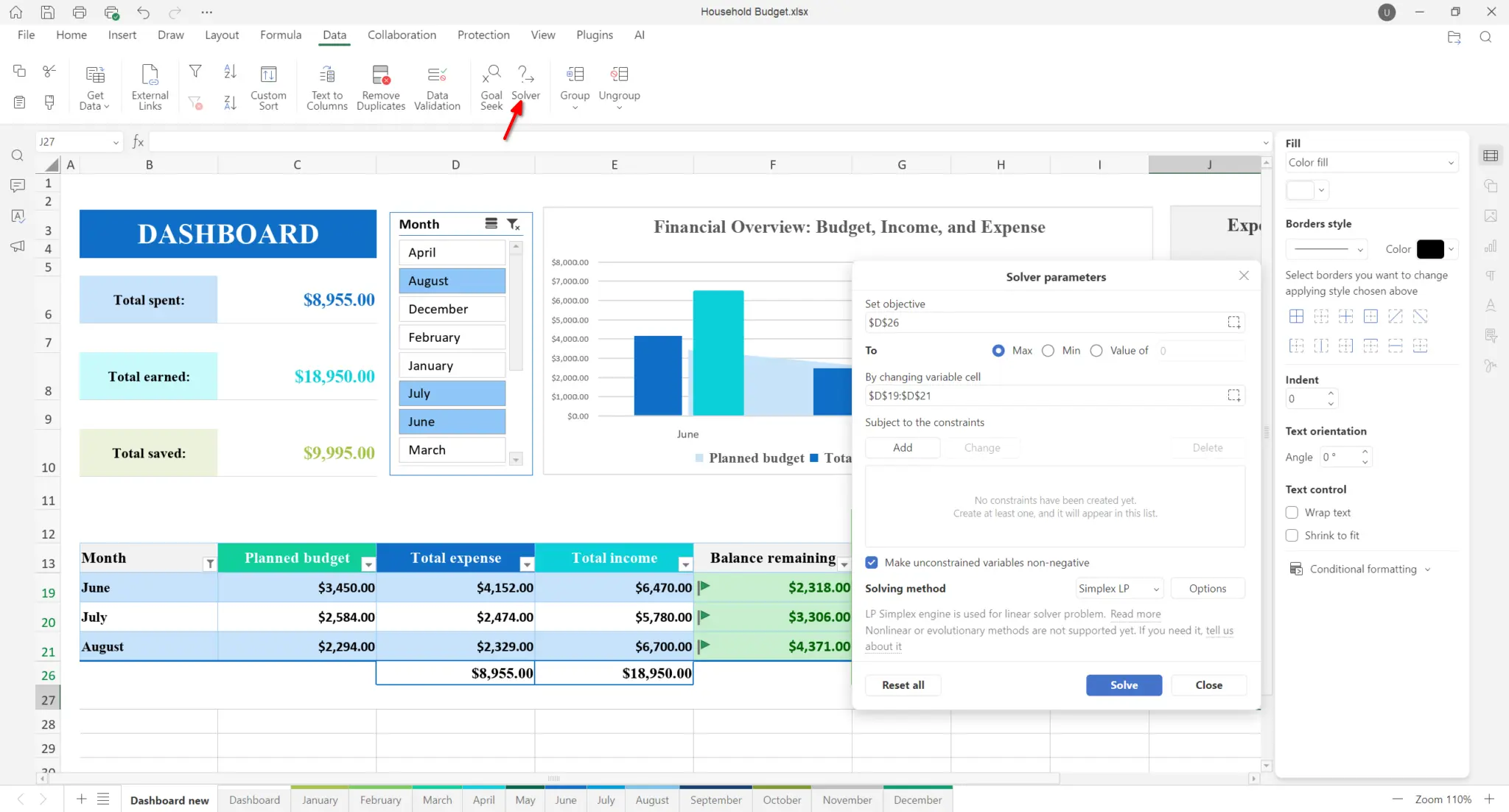
For Spreadsheet, it introduced new Solver tool to find an optimal (maximum or minimum) value for a formula. And, it added new Format button, dynamic array support, as well as expanded formula library.
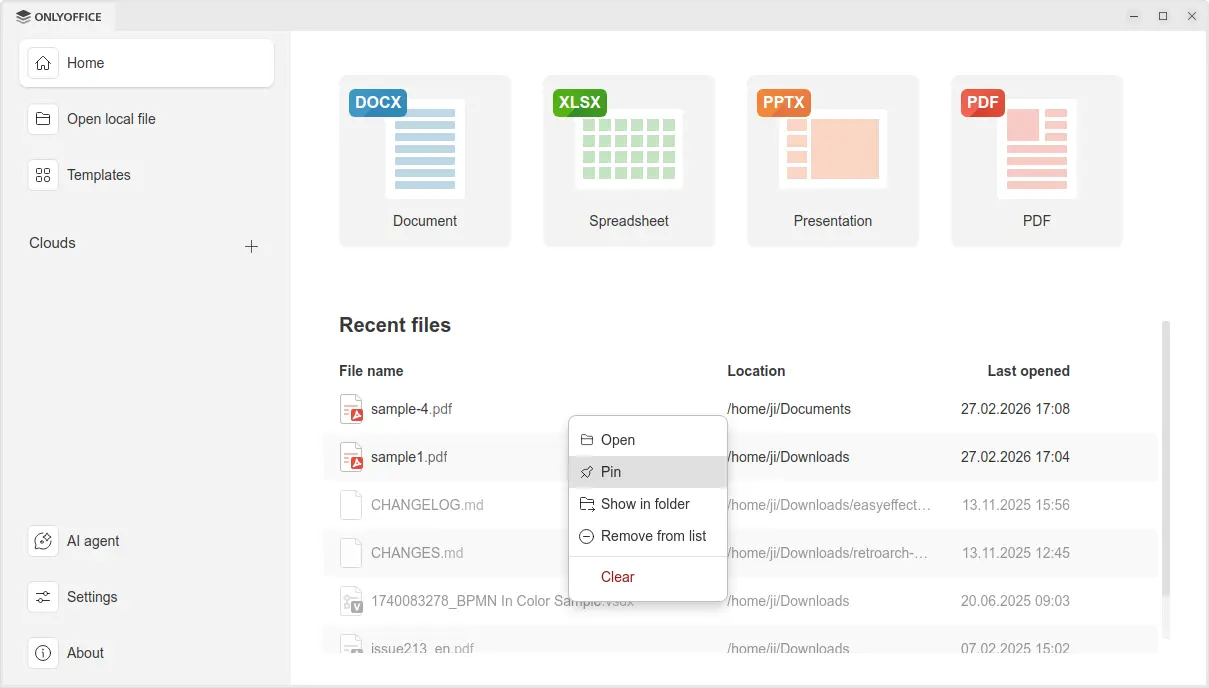
For important or favorite files, the new version now provides “Pin” action to the recent files’ context menu. As well, user can pin local folders in the “Recent folders” list.
Other changes in OnlyOffice Desktop Editor 9.3 include:
- Animated GIF support in slideshow.
- Box and Dropbox clouds services support.
- Save as .md format.
- Open TSV files (Tab-Separated Values).
- Open file in its own window support for macOS.
- Add hyperlinks to images, shapes and groups in docs and sheets.
- More print Visio diagrams options.
Get OnlyOffice Desktop Editors 9.3
The Desktop Editors has an official download page through the link below:
Linux user may choose install the native .deb for Debian/Ubuntu or .rpm for RHEL/Fedora based distributions.
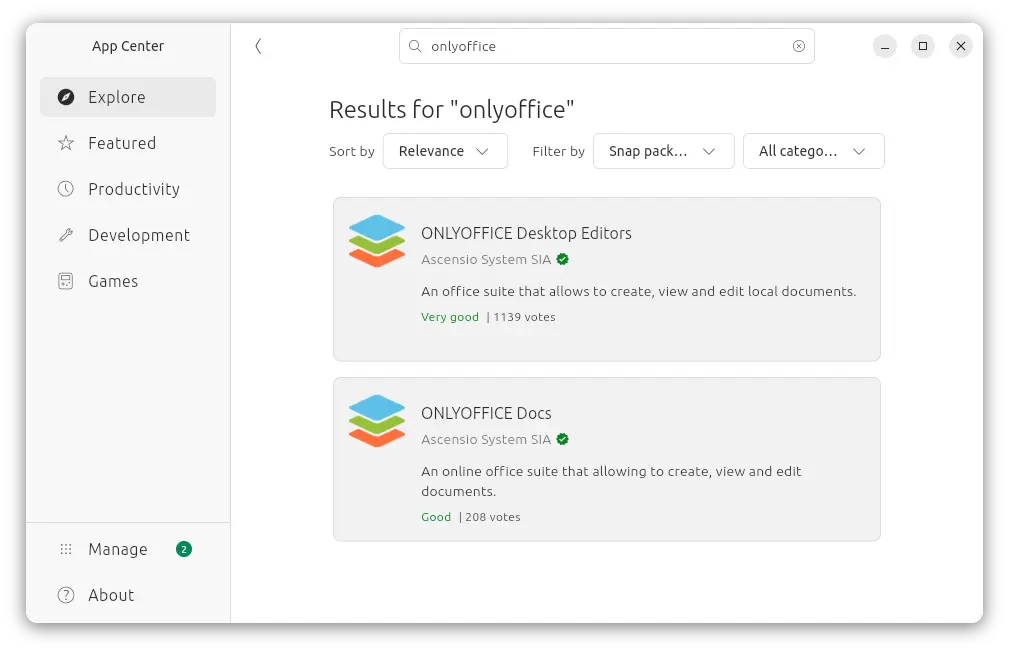
For choice, Ubuntu may also select install the Snap package in App Center (or Software Manager) which runs in sandbox environment. And, there’s a Flatpak package that works in most Linux in sandbox.
And, a portable AppImage is available in the link above. Without installation, just add executable permission than run it to launch the office suite.
Source: UbuntuHandbook