Libinput 1.31.0 added Adjustable Disable While Typing Timeout
Libinput, the input device management library for most modern Linux distributions, released new 1.31.0 version few days ago.
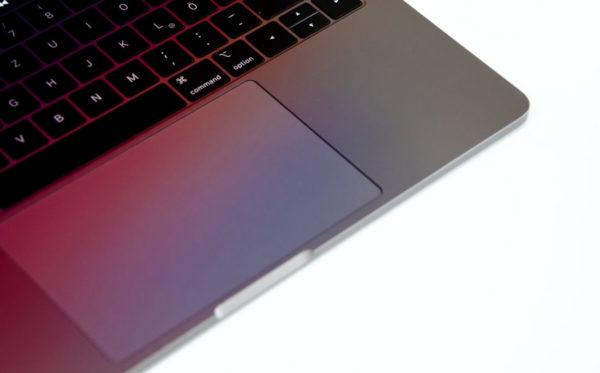
The new version of this input handling library added support configuring the timeouts of disable-while-typing and disable-while-trackpointing, allowing to set how long the touchpad or trackpoint should be should be inactive after key presses.
The feature of “disable touchpad while typing” is usually enabled by default in recent Ubuntu, Fedora etc distributions. The default “long” time-out after a key press + release is 500 ms, which is however bit short that can still causes mis-clicks while typing in some cases.
The new 1.31.0 version added two C API calls (listed below), making the first step for the adjustable timeout.
libinput_device_config_dwt_set_timeoutlibinput_device_config_dwtp_set_timeout
Currently, the timeout can be set from 100 ms to 5000 ms (5 seconds), and, it’s intended for developer use. Meaning, it still needs some time for the feature being available to end-users.
Since version 1.28.0, libinput supports 3-finger (or 4-finger) dragging feature, allowing to move app window by dragging on touchpad. The feature is disabled by default because it would override the 3-finger swipe gestures that are enabled by default in many desktop environments.
With new 1.31.0, a new “fast swipe” feature is introduced. So that when you have 3-finger dragging feature enabled, 3-finger move quickly on touchpad still can trigger swipe gestures to do switch desktop, open overview etc actions.
The feature also works when you have libinput with 4-finger dragging enabled.
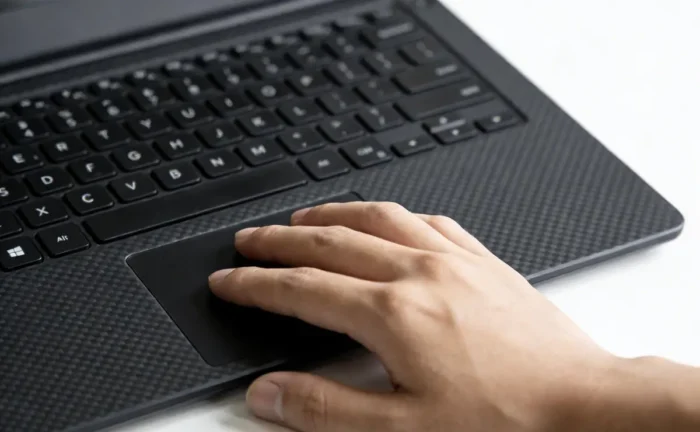
3 finger drag won’t override swipe anymore (AI generated image)
The version also added new API to get a tablet tool’s (marketing) name. And, for touchpad with INPUT_PROP_PRESSUREPAD property set (available in libinput 1.30.1 + Kernel 6.18 or higher), it will now assume it to be a pressure pad.
Other changes in libinput 1.31.0 include:
- Support SW_KEYPAD_SLIDE, which has same functionality to SW_TABLET_MODE
- Add quirk support for Goodix touchpad.
- Generic Synaptics quirk found in HP ones.
- Lenovo touchpad quirk in a generic way.
- Add quirk for Gigabyte Aorus 15BKF keyboard.
- Add quirk for the RazerBlade182025 keyboard.
- Make the touchpad-pressure thresholds interactive for libinput tools.
Get libinput 1.31.0
For more about the new release, as well as the source tarball, go to libinput project page via the link below:
For Ubuntu users who want to try out the new libinput library, keep an eye on this unofficial PPA. I’m going to update it in next few hours, but for testing only!
To add the PPA and update libinput, use commands (Ctrl+Alt+T):
sudo add-apt-repository ppa:ubuntuhandbook1/libinput
sudo apt update
sudo apt install libinput-bin libinput-tools libinput10
Then log out and back in to apply change.
If anything goes wrong, purge the PPA to go back the original libinput library:
sudo apt install ppa-purge
sudo ppa-purge ppa:ubuntuhandbook1/libinput
Source: UbuntuHandbook