Easy Effects 8.1.0 Released with Crusher Plugin & Many Improvements

Easy Effects, the popular audio equalizer and effects application for Linux desktop, released new 8.1.0 version few days ago.
The new version of this free open-source software added new plugin for input/output effects, fixed some bugs, and introduced some other features.
Version 8.0.0 switched the UI frameworks from GTK4 to Qt6 and QML, which however introduced many issues, and some of them even prevent the application from building or working properly in certain Linux Distributions.
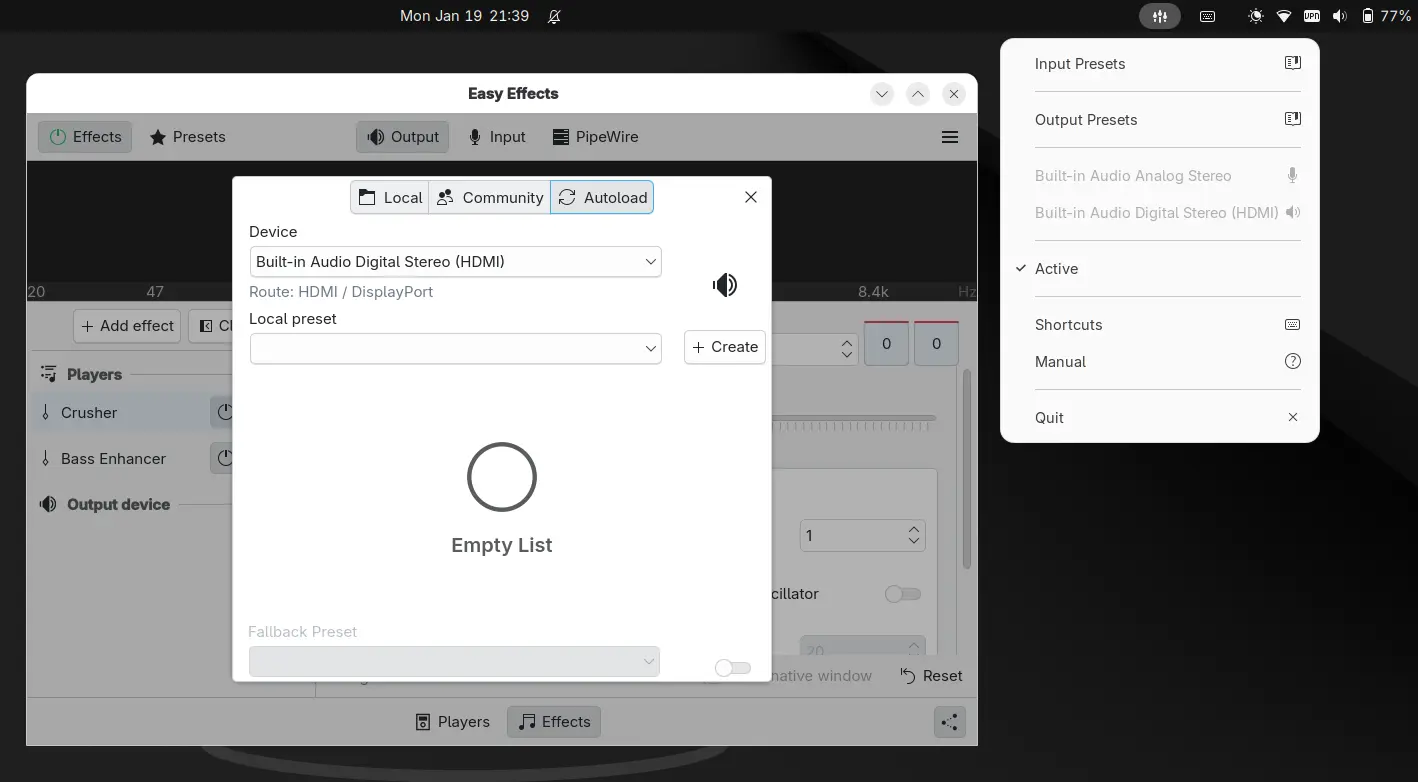
By the past minor releases, the developer team has addressed and fixed more than a hundred of reported issues. The system tray indicator now features new symbolic icons instead of using Breeze icons that are missing in most non-KDE desktop environments.
Some of the UI elements (such as the presets and about dialog) have been ported to use the Kirigami Dialogs, which in my opinion look better than before. The Flatpak package has been updated with system tray handling and XDG Color Scheme support, so it can follow system color schemes automatically.
There are as well many other UI/UX improvements. The plugins effects sidebar width now is adjustable. The spectrum graph now supports custom colors and other style settings. And, users are now able to set a fps cap to the spectrum and level meters, and select a custom color theme in preferences.
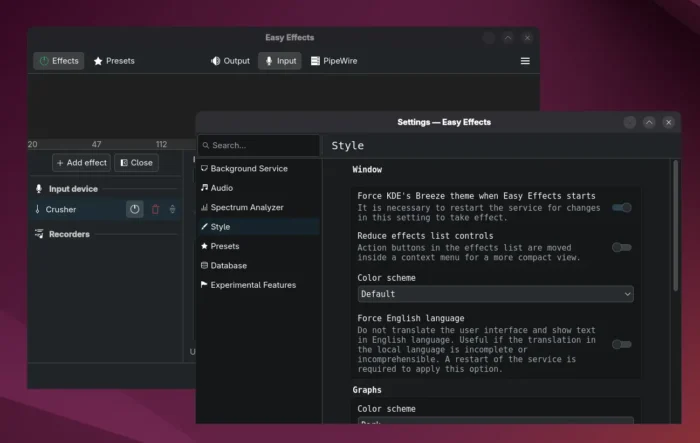
The Flatpak package support XDG Color Scheme to follow system color scheme (dark or light)
In the new 8.1.0 version, the new Crusher plugin by Calf Studio Gear is added for input and output processing pipelines, with options to configure shape mode, bit reduction, and sample rate.
A bitcrusher reduces the resolution or bandwidth of digital audio data. Audio reduced in bit depth sounds more harsh and “digital”. In the bitcrusher from Calf Studio Gear used in EasyEffects reduction can be done in a linear or logarithmic way. According to the plugin authors the logarithmic way results in a much smoother sound in low volume signals.
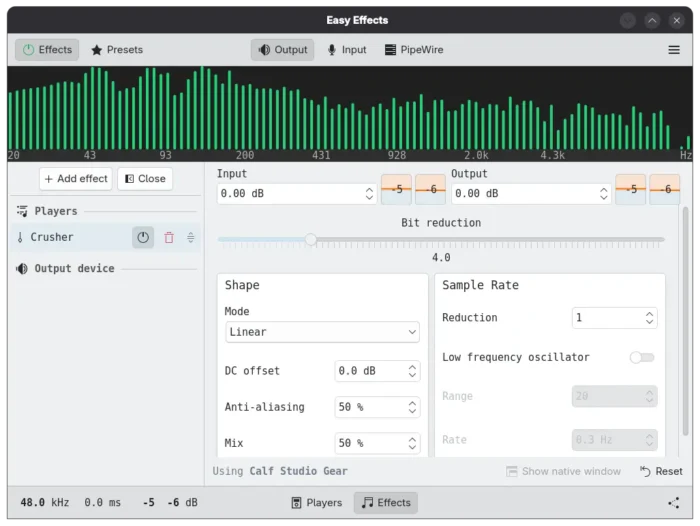
In bottom right of the output tab, a new button is added to send the output to the input of Easy Effects virtual source device, which is useful, for example, send the audio being played in the desktop to the people talking to them in a conference room.
Other changes include new option in the Crystalizer plugin to set a fixed Pipewire quantum, use media name option in exclude list, and ability to force app to use English language. For more details, see the CHANGELOG.
How to Install Easy Effects 8.1.0
Besides using your Linux Distribution build, the app provides official installer through Flatpak which runs in sandbox environment.
Linux Mint and Fedora (with third-party repository enabled) may directly search & install the package from either Software Manager or GNOME Software.
While Debian/Ubuntu and other Linux need to run the commands below one by one:
- First, open terminal (Ctrl+Alt+T) and run command to install the Flatpak daemon:
sudo apt install flatpak
For other Linux, follow the official setup guide to enable Flatpak support.
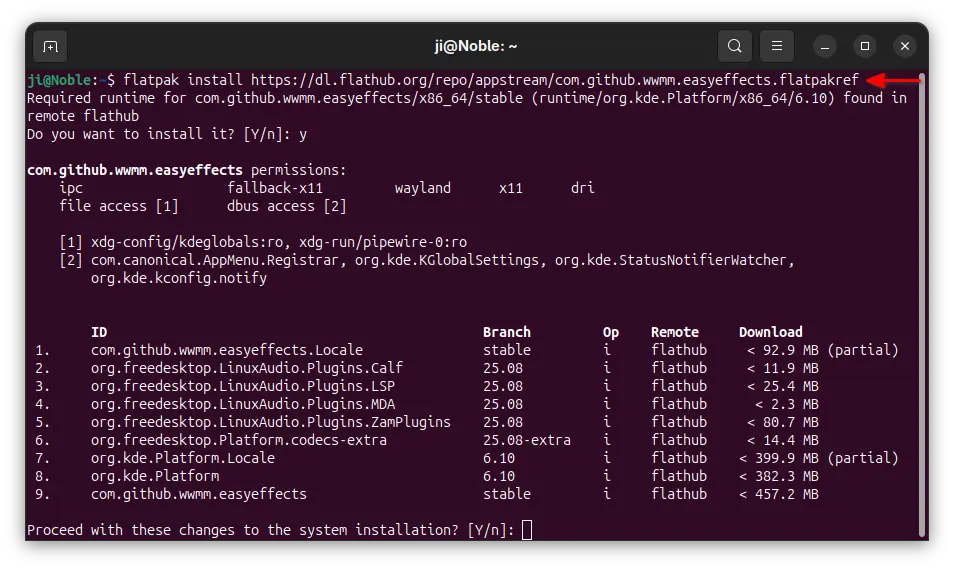
- Next, run the command below to install the flatpak package, as well as the dependency runtimes.
flatpak install https://dl.flathub.org/repo/appstream/com.github.wwmm.easyeffects.flatpakref
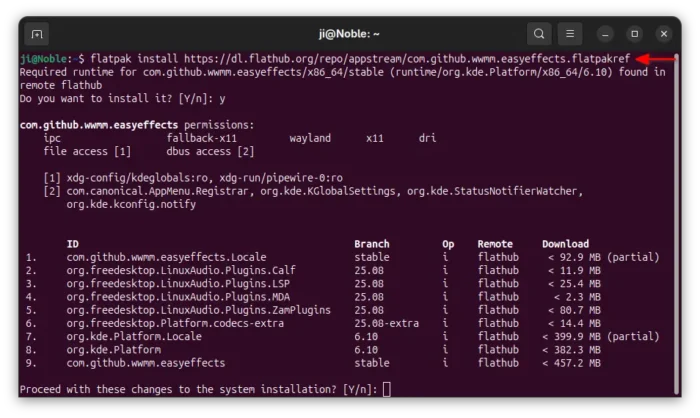
For future updates, run the command below to check & install:
flatpak update com.github.wwmm.easyeffects
And, replace update with run in the last command to start it from terminal, which is useful for debugging purpose.
Source: UbuntuHandbook